4kiptv
Best IPTV UK for 4K & 8K Streaming (2026): Ultra HD Guide & Setup
As 4K Smart TVs become the standard in British living rooms and 8K displays enter mainstream homes, traditional satellite and cable broadcasts are struggling to keep up. Legacy television providers frequently compress video signals to save satellite bandwidth, leaving viewers with pixelated sports and washed-out colors.
IPTV UK Cloud bridges this gap by leveraging high-bitrate content delivery networks (CDNs) designed specifically for uncompressed, Ultra HD streaming. Whether you are chasing 60fps Premier League streams, blockbuster 4K HDR movies, or pristine 8K test broadcasts, this guide covers everything required to achieve smooth, buffer-free playback.
1. 4K vs. 8K IPTV: Understanding the Technical Requirements
Streaming in 4K (3840×2160) or 8K (7680×4320) requires significantly more bandwidth than standard 1080p HD. To deliver raw, high-bitrate video feeds without freezing or audio desync, your local network and the provider's infrastructure must meet strict performance criteria.
1080p Full HD Stream  --> ~8-12 Mbps Required   --> Standard Server Pipe
4K Ultra HD Stream    --> ~25-40 Mbps Required  --> Dedicated CDN / AntiFreeze
8K Ultra HD Stream    --> ~50-80+ Mbps Required --> High-Bitrate Fiber Node
Key Infrastructure Elements for Ultra HD:
High-Bitrate CDN Encoding: Ensures color depth (HDR10 / Dolby Vision) is preserved during sports and movie playback.
60fps Native Streams: Essential for high-speed sports like football, Formula 1, and boxing, eliminating motion blur during fast action.
Anti-Freeze Server Architecture: Load-balanced server nodes prevent stuttering during high-demand live events.
Looking for a Complete IPTV Resource?
Explore our growing library of setup guides, helpful articles, and streaming tips designed for beginners and experienced users alike.
Visit Our Resource Centre →best-iptvuk.com
2. Recommended Internet Speeds for Ultra HD Playback
Bandwidth stability is crucial when rendering high-resolution video frames. A speed test revealing 50 Mbps does not guarantee 50 Mbps of local Wi-Fi stability—latency and packet loss matter just as much.
| Resolution / Format | Minimum Dedicated Speed | Recommended Connection Type |
| 1080p HD (60fps) | 10–15 Mbps | Wi-Fi 5 (5GHz) or Ethernet |
| 4K Ultra HD (HDR) | 25–40 Mbps | Wi-Fi 6 or Ethernet Cable |
| 8K Ultra HD (Raw) | 50–100+ Mbps | Direct Gigabit Ethernet Connection |
Pro Tip: For 4K and 8K streaming, bypass standard 2.4GHz Wi-Fi entirely. Connect your TV or streaming media box directly to your router via a Cat6 Ethernet cable to eliminate packet drops and wireless interference.
3. Hardware Requirements for 4K & 8K Decoding
Not all streaming hardware possesses the processing power to decode heavy 4K HEVC (H.265) or AV1 video codecs without overheating or dropping frames.
Recommended Hardware
NVIDIA Shield TV Pro: The gold standard for IPTV power users. Features AI 4K upscaling, Tegra X1+ processing, and gigabit Ethernet.
Amazon Fire TV Stick 4K Max / Fire TV Cube: Affordable, fast, hardware-supported HEVC/AV1 decoding, and Wi-Fi 6 connectivity.
Apple TV 4K: Exceptional hardware decoding paired with clean app environments like iPlayTV or TiviMate alternatives.
Latest Smart TVs (LG OLED webOS / Samsung Neo QLED): Native store apps handle 4K streams smoothly over wired Ethernet or 5GHz Wi-Fi.
4. Best IPTV Player Apps for Ultra HD Video
The player app you choose directly impacts video rendering quality, subtitle sync, and Electronic Programme Guide (EPG) loading speeds.
5. Quick 4-Step Setup Guide for Ultra HD IPTV
Follow this universal setup process to start streaming 4K and 8K content on your Amazon Firestick, Smart TV, or Android device in under ten minutes:
6. Cheap IPTV vs. Premium Ultra HD Services
| Feature | Budget / Cheap IPTV UK | Premium IPTV UK Cloud |
| Video Bitrate | Heavily compressed 720p / low 1080p | High-bitrate uncompressed 4K & 8K |
| Sports Frame Rate | 25fps or 30fps (choppy motion) | 60fps Fluid Motion (Premier League/F1) |
| Server Peak Performance | Buffering during big games | Load-balanced Anti-Freeze CDNs |
| VOD Library | Low resolution / outdated audio | 190,000+ VOD with 4K HDR & Surround Sound |
| Customer Support | Unresponsive / missing | Dedicated 24/7 technical assistance |
7. Always Test via an IPTV Free Trial First
Before committing to long-term plans, always request an IPTV UK free trial.
Frequently Asked Questions
Do I really need 8K resolution for IPTV?
While true 8K broadcasts are still in early rollout stages worldwide, 8K-compatible IPTV servers ensure your 4K and 1080p streams are delivered at the absolute highest bitrate possible, resulting in zero compression artifacts on large screen displays.
How do I stop buffering on 4K IPTV streams?
To eliminate buffering, connect your device via Ethernet cable, restart your router, ensure your broadband speed exceeds 30 Mbps, and adjust your IPTV app's video decoder settings to Hardware (HW) mode.
Can I use a single subscription on multiple 4K devices?
Yes, provided you hold a multi-connection subscription plan. Single-connection accounts will buffer or lock if accessed on multiple devices simultaneously.
For free trial : best-iptvuk.com
4kiptv
4kiptv
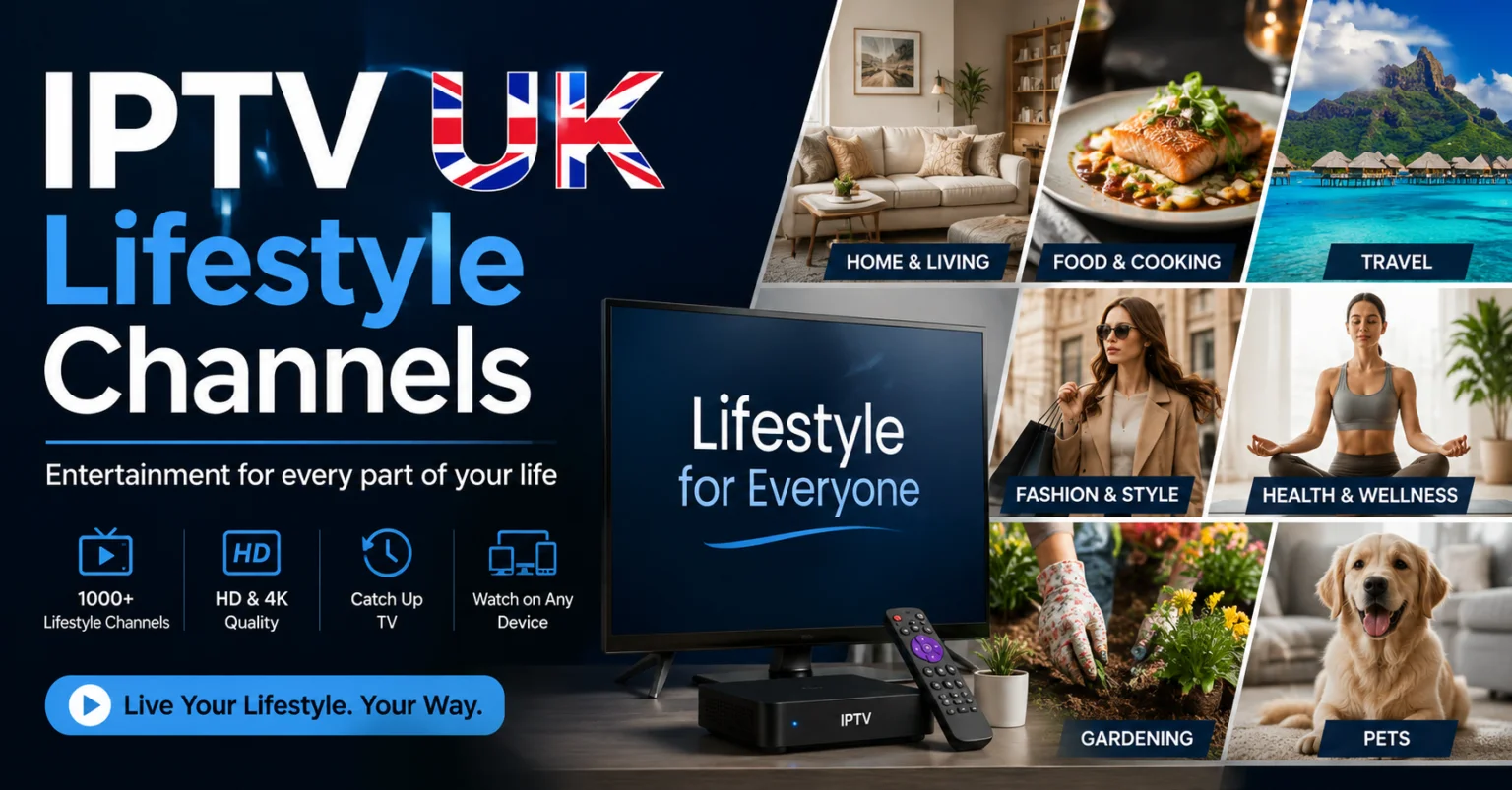
IPTV UK Lifestyle Channels: Your Complete Guide to Home, Travel & Entertainment
Television is no longer limited to news, movies, and sports. Lifestyle programming has become one of the fastest-growing entertainment categories, offering viewers inspiration, practical advice, and relaxing content for everyday life. Whether you enjoy home renovation shows, cooking competitions, travel adventures, gardening, fashion, or wellness programmes, IPTV makes it easier than ever to watch your favourite lifestyle channels whenever you want.
With a reliable IPTV UK service, you can access hundreds of lifestyle channels alongside movies, sports, documentaries, and children's entertainment. Modern IPTV platforms support HD and 4K streaming while working across multiple devices, allowing you to enjoy quality entertainment wherever you are.
What Is IPTV?
IPTV, or Internet Protocol Television, is a digital streaming technology that delivers television content using an internet connection instead of traditional satellite or cable networks.
Unlike conventional television services that rely on scheduled broadcasts, IPTV gives viewers the flexibility to watch live TV, catch-up programmes, and on-demand content from a wide variety of channels.
Many households are choosing IPTV because it combines convenience, flexibility, and extensive entertainment options into a single subscription.
Looking for an IPTV setup guide for Firestick?
If you want to install your IPTV service on an Amazon Fire TV Stick, check out our complete Firestick setup guide for step-by-step instructions.
Read the Firestick Guide →best-iptvuk.com
Why Lifestyle Channels Are So Popular
Lifestyle television appeals to viewers of all ages because it combines education with entertainment. Instead of simply watching fictional programmes, audiences can discover practical ideas they can apply in their own lives.
Popular lifestyle content includes:
- Home renovation projects
- Interior decorating ideas
- Travel adventures
- Celebrity cooking shows
- Healthy living programmes
- Gardening tips
- Fashion advice
- Beauty tutorials
- Reality TV
- Family entertainment
Whether you're planning your next holiday or searching for inspiration to redesign your home, lifestyle channels offer fresh ideas every day.
Benefits of Watching Lifestyle TV Through IPTV
Choosing IPTV provides several advantages over traditional television services.
More Channel Variety
Instead of being limited to a handful of channels, IPTV often includes hundreds of lifestyle and entertainment networks from different countries.
Better Picture Quality
Many IPTV providers offer:
- HD
- Full HD
- 4K Ultra HD
High-quality streaming creates a more enjoyable viewing experience, especially on larger televisions.
Watch on Multiple Devices
One subscription can often be used across different compatible devices, making it easy to continue watching while travelling or moving between rooms.
Faster Navigation
Modern IPTV applications include user-friendly interfaces with channel search, favourites, and electronic programme guides.
Need assistance with installation or technical support?
Our support team is here to help with setup questions, device compatibility, and general assistance.
Contact Us →best-iptvuk.com
Popular Lifestyle Categories
Home Improvement
Discover renovation ideas, decorating inspiration, DIY projects, and organisation tips from experts around the world.
Food & Cooking
Watch talented chefs prepare delicious meals, learn new recipes, explore international cuisine, and improve your own cooking skills.
Travel
Travel programmes allow viewers to explore beautiful destinations, local cultures, famous landmarks, and hidden attractions without leaving home.
Health & Wellness
Many lifestyle channels focus on healthy living, exercise routines, nutrition, mindfulness, and personal wellbeing.
Fashion & Beauty
Stay updated with the latest fashion trends, beauty advice, skincare routines, and style inspiration.
Devices That Support IPTV
One reason IPTV continues to grow in popularity is its excellent compatibility with modern streaming devices.
Popular supported devices include:
- Amazon Fire TV Stick
- Android TV
- Android TV Boxes
- Google TV
- Samsung Smart TVs
- LG Smart TVs
- Apple TV
- Android smartphones
- iPhone
- iPad
- Windows PCs
- Mac computers
This flexibility allows you to enjoy your favourite lifestyle programmes almost anywhere.
Choosing the Right IPTV Provider
Finding the right IPTV provider is important for a smooth viewing experience.
Look for services that offer:
- Stable streaming servers
- Large channel selection
- HD and 4K quality
- Fast channel loading
- Electronic Programme Guide (EPG)
- Responsive customer support
- Regular channel updates
- Multi-device compatibility
A dependable provider helps reduce buffering and ensures consistent performance.
Tips for Better Streaming
For the best experience:
- Use a reliable broadband connection.
- Connect using Ethernet when possible.
- Keep your IPTV app updated.
- Restart your streaming device occasionally.
- Clear cached data regularly.
These simple steps help improve streaming quality and reduce interruptions.
IPTV vs Traditional Television
Many households now prefer IPTV because it offers greater flexibility.
| IPTV | Traditional TV |
|---|---|
| Live TV & On-Demand | Mostly Scheduled Programmes |
| Multi-Device Support | Usually One Television |
| Quick Setup | Professional Installation Often Required |
| Flexible Subscription Plans | Long-Term Contracts |
| HD & 4K Support | Depends on Provider |
For viewers looking for convenience and value, IPTV offers an attractive alternative.
Frequently Asked Questions
Can I watch lifestyle channels on IPTV?
Yes. Many IPTV providers include dedicated lifestyle channels covering cooking, travel, fashion, home improvement, wellness, and reality television.
Which device is best for IPTV?
Amazon Fire TV Stick, Android TV Boxes, and Smart TVs are among the most popular choices due to their excellent performance and ease of use.
Does IPTV support 4K?
Many premium IPTV services provide HD, Full HD, and 4K streaming where available.
Can I watch on more than one device?
Many IPTV subscriptions support multiple devices, although the number of simultaneous streams depends on your chosen plan.
Want to Try Our Service Before Subscribing?
Experience the streaming quality and device compatibility by requesting a free trial before choosing a subscription.
Start Your Free Trial →best-iptvuk.com
Final Thoughts
Lifestyle television continues to inspire millions of viewers with creative ideas, exciting travel experiences, delicious recipes, and practical home improvement projects. IPTV makes accessing this content easier than ever by bringing together a wide range of lifestyle channels alongside sports, movies, documentaries, and family entertainment.
Choosing a reliable IPTV provider with stable streaming, broad device support, and high-quality picture ensures an enjoyable viewing experience. Whether you're watching on a Firestick, Smart TV, Android device, or computer, IPTV offers a flexible way to enjoy your favourite lifestyle programmes whenever you choose.
4kiptv
IPTV Setup Guide 2026: How to Find Your IPTV URL and Install IPTV on LG TV, Firestick & Zgemma H2S
Setting up IPTV for the first time doesn't have to be difficult. Whether you've just purchased an IPTV subscription or switched to a new streaming device, the process becomes simple once you know which steps to follow.
This guide explains everything you need to get started. You'll learn how to locate your IPTV playlist URL, install IPTV on an LG Smart TV, configure a Zgemma H2S receiver, and set up IPTV on an Amazon Firestick. We've also included practical troubleshooting tips to solve the most common setup problems.
By the end of this tutorial, you'll be ready to enjoy live television, sports, movies, and on-demand content on your preferred device.
What Is an IPTV URL?
An IPTV URL, commonly called an M3U playlist, is the link your IPTV player uses to load channels, electronic program guide (EPG) information, and video-on-demand content from your provider's server.
Most IPTV services provide login details in one of two formats:
M3U Playlist URL – A single web link containing your username and password.
Xtream Codes API – Three separate details:
Server URL
Username
Password
Many modern IPTV applications support both formats, although Xtream Codes generally offers quicker playlist loading and better EPG synchronization.
View IPTV Subscription Plans:best-iptvuk.com
How to Find Your IPTV Playlist URL
Follow these steps to access your IPTV credentials.
Step 1
Sign in to your IPTV provider's customer dashboard using the account details you received after purchasing your subscription.
Step 2
Open the section that contains your active subscription. Depending on the provider, this may be called:
My Account
My Services
Playlist
Devices
Active Subscription
Step 3
Locate your subscription and select the option to display your connection details.
Step 4
Copy either the complete M3U playlist link or your Xtream Codes credentials, depending on the IPTV player you plan to use.
Step 5
Save the information in a secure location such as:
Notes app
Password manager
Cloud document
Email draft
Keeping your credentials safe makes reinstalling IPTV much easier in the future.
Visit Best IPTV UK:best-iptuk.com
Helpful Tip
Always keep a backup of your IPTV credentials. If you replace your TV, reset your Firestick, or install IPTV on another device, you won't need to request the information again from your provider.
IPTV URL Problems and Solutions
Playlist Link Doesn't Work
Long IPTV URLs can easily become incomplete if they aren't copied correctly.
Before using the link:
Ensure it begins with http:// or https://
Confirm the entire URL was copied
Remove any spaces before or after the link
If the issue continues, request a fresh playlist from your IPTV provider.
Login Failed or Unauthorized Error
An authentication error usually means one of the following:
Incorrect username
Incorrect password
Subscription has expired
Playlist has been reset
Verify your login details inside your customer portal. If everything appears correct, contact your IPTV provider for updated credentials.
IPTV Works on One Device but Not Another
Some IPTV subscriptions limit the number of devices that can stream simultaneously.
If another device is already connected, additional devices may fail to load channels.
You can resolve this by:
Purchasing extra connections
Requesting separate playlists for each device
Disconnecting any devices that are currently streaming
IPTV on LG Smart TV: best-iptvuk.com
4kiptv
Best UK Channel Streaming Subscription Picks
The way people watch television in the UK has changed dramatically over the past few years. More viewers are moving away from traditional cable and satellite services in favor of internet-based streaming that offers greater flexibility, better value, and a wider choice of entertainment. If you're looking for the best UK channel streaming subscription, understanding what to look for can help you choose a service that fits your viewing habits and budget.
Whether you enjoy live sports, blockbuster movies, family entertainment, or international programming, a reliable streaming subscription can provide everything in one place without the restrictions of traditional TV packages.
What Is a UK Channel Streaming Subscription?
A UK channel streaming subscription allows you to watch live television and on-demand content over an internet connection rather than through satellite or cable networks.
Instead of relying on fixed TV packages, users can stream content on multiple devices, including:
Smart TVs
Amazon Fire TV Stick
Android TV Boxes
Windows PCs
Mac computers
Smartphones
Tablets
With a stable internet connection, you can enjoy your favorite entertainment almost anywhere.
Why More UK Viewers Are Choosing Streaming
Internet television has become increasingly popular because it provides greater convenience and flexibility.
Some of the biggest advantages include:
Lower monthly costs
Flexible subscription plans
Access to live TV and on-demand content
No long-term contracts
Easy installation
Multi-device compatibility
Unlike traditional television providers, many streaming services allow users to watch content wherever they are without being tied to one television.
Features to Look for in a Streaming Subscription
Not every streaming service offers the same experience. Before choosing a provider, consider these important features.
Wide Channel Selection
A quality subscription should include a large selection of UK entertainment, news, documentaries, movies, kids' channels, and international programming.
Sports Coverage
Sports fans should look for services that include coverage of major competitions, football, rugby, cricket, boxing, Formula 1, tennis, and other live sporting events.
On-Demand Library
A strong Video on Demand (VOD) section adds extra value by providing access to popular films, complete TV series, and recently released content.
High Streaming Quality
Look for services that support:
HD streaming
Full HD
4K Ultra HD (where available)
Higher picture quality creates a more enjoyable viewing experience, especially on larger televisions.
Reliable Performance
Stable servers, quick channel loading, and minimal buffering are essential for uninterrupted entertainment.
Compatible Devices
One advantage of modern streaming subscriptions is compatibility across multiple platforms.
Popular supported devices include:
Amazon Fire TV Stick
Android TV
Google TV
Smart TVs
Apple TV
Windows laptops
Mac computers
Android phones
iPhone and iPad
This flexibility allows users to watch their favorite content at home or while traveling.
Choosing the Right Subscription Plan
Different households have different viewing needs. Selecting the right plan depends on how often you stream.
Monthly Plans
Ideal for new users who want to test the service before making a longer commitment.
Quarterly Plans
Offer a balance between flexibility and savings.
Six-Month Plans
Suitable for regular viewers looking for better overall value.
Annual Plans
Often provide the lowest monthly cost for users who stream throughout the year.
Streaming vs Traditional Television
Many households are comparing internet streaming with conventional television services.
| Feature | Streaming Subscription | Traditional TV |
|---|---|---|
| Internet-Based | Yes | No |
| Multi-Device Viewing | Yes | Limited |
| On-Demand Content | Yes | Limited |
| Flexible Plans | Yes | Often Contract-Based |
| Easy Setup | Yes | Installation Required |
| International Channels | Extensive | Limited |
For many viewers, streaming offers greater convenience and more control over what they watch.
Tips for Better Streaming Performance
A quality subscription performs even better when combined with a good home setup.
To improve streaming quality:
Use a fast broadband connection.
Connect through Ethernet when possible.
Keep your streaming device updated.
Restart your router regularly.
Close unnecessary background applications.
Clear cache from streaming apps periodically.
These simple steps can improve stability and reduce buffering.
Is a Streaming Subscription Worth It?
For many households, the answer is yes.
A modern streaming subscription combines live television, sports, movies, TV series, and on-demand entertainment into one convenient platform. It also eliminates many of the extra costs associated with traditional television services, such as installation fees, equipment rental, and long-term contracts.
Whether you're replacing cable TV completely or simply looking for more entertainment options, streaming offers a practical and flexible solution.
Frequently Asked Questions
What internet speed is recommended?
For HD streaming, a connection of at least 15 Mbps is recommended. For 4K streaming, faster speeds provide the best experience.
Can I watch on multiple devices?
Many providers allow multiple device connections, although this depends on the subscription plan.
Do I need special equipment?
No. Most users simply install a compatible streaming application on their existing device.
Is streaming suitable for sports fans?
Yes. Many subscriptions include extensive sports coverage, making them a popular choice for football, cricket, rugby, boxing, Formula 1, and other live events.
Can I watch while traveling?
Yes. As long as you have a compatible device and a reliable internet connection, you can enjoy streaming from different locations.
Final Thoughts
Choosing the best UK channel streaming subscription comes down to finding the right balance between content, performance, device compatibility, and value for money.
A high-quality service should offer a broad selection of live channels, an extensive on-demand library, smooth streaming, and flexible subscription options. By selecting a provider that prioritizes reliability and user experience, you can enjoy premium entertainment without the limitations of traditional television.
Take time to compare features, test compatibility with your devices, and choose a subscription that matches your viewing habits for the best long-term experience.
4kiptv
IPTV Setup Using IPTV Smarters Pro
Setting up IPTV doesn't have to be complicated. If you've chosen IPTV Smarters Pro as your streaming application, you're using one of the most popular IPTV players available today. Its clean interface, broad device compatibility, and simple setup process make it an excellent choice for beginners and experienced users alike.
This guide walks you through everything you need to know about installing IPTV Smarters Pro, adding your IPTV subscription, supported devices, troubleshooting common issues, and optimizing your streaming experience.
What Is IPTV Smarters Pro?
IPTV Smarters Pro is an IPTV player that allows users to access live TV channels, movies, TV series, and other streaming content provided by their IPTV service. It does not include channels or subscriptions itself. Instead, it works by connecting to an IPTV subscription using login credentials or a playlist supplied by your provider.
Its straightforward interface and powerful features have made it one of the most widely used IPTV applications.
Why Choose IPTV Smarters Pro?
Many IPTV users prefer IPTV Smarters Pro because it combines ease of use with advanced functionality.
Some of its key advantages include:
Simple and modern interface
Fast channel loading
Live TV streaming
Video on Demand (VOD) support
Electronic Programme Guide (EPG)
Multiple playlist support
Parental controls
External media player compatibility
HD, Full HD, and 4K playback support
These features help create a smooth and enjoyable streaming experience.
Devices Supported by IPTV Smarters Pro
One of the biggest strengths of IPTV Smarters Pro is its compatibility with a wide variety of devices.
You can install it on:
Amazon Fire TV Stick
Fire TV Cube
Android TV
Google TV
Android smartphones
Samsung Smart TVs
LG Smart TVs
Apple TV
iPhone
iPad
Windows PCs
Mac computers
This flexibility allows you to stream your favourite content almost anywhere.
How to Install IPTV Smarters Pro on Firestick
Firestick remains one of the most popular streaming devices because it's affordable and easy to use.
Step 1
Turn on your Firestick and connect it to the internet.
Step 2
Install IPTV Smarters Pro using the appropriate installation method for your device.
Step 3
Open the application after installation.
Step 4
Accept the terms and conditions if prompted.
Step 5
Choose your preferred login method.
Step 6
Enter the IPTV account information provided by your subscription service.
Step 7
Wait for the application to load your channels, movies, and TV series.
Once the setup is complete, you can begin streaming immediately.
Installing IPTV Smarters Pro on Android Devices
Android users can complete the setup in just a few minutes.
Install IPTV Smarters Pro on your device.
Launch the application.
Accept the user agreement.
Select your preferred login method.
Enter your IPTV account details.
Allow the app to load your content.
Start watching.
Setting Up IPTV Smarters Pro on Smart TVs
Many Smart TVs support IPTV Smarters Pro, making installation quick and straightforward.
After installing the app:
Open IPTV Smarters Pro.
Select your preferred login method.
Enter your IPTV credentials.
Allow the playlist to load.
Browse live TV and on-demand content.
The user interface is optimized for television remotes, making navigation simple.
Using IPTV Smarters Pro on iPhone and iPad
Apple users can also enjoy IPTV Smarters Pro on supported iOS devices.
Simply install the application, sign in using your IPTV account information, and allow the app to synchronize your subscription before streaming.
Adding Your IPTV Subscription
Most IPTV providers offer one of the following login methods:
Xtream Codes
M3U Playlist
Username and Password
Server URL
After entering the correct information, IPTV Smarters Pro automatically imports:
Live TV channels
Movies
TV series
Electronic Programme Guide
Video on Demand library
The loading process usually takes only a few moments.
What Can You Watch?
Depending on your IPTV subscription, you may have access to:
Live television
Sports channels
Movies
TV series
Children's entertainment
News channels
Documentary channels
Music channels
International programming
Catch-up TV where available
The available content depends entirely on your chosen IPTV service.
Tips for Better Streaming
To get the best performance from IPTV Smarters Pro:
Use a reliable broadband connection.
Keep the application updated.
Restart your streaming device occasionally.
Clear the application cache if performance slows down.
Close unnecessary background applications.
Use a wired Ethernet connection whenever possible.
These simple steps can help reduce buffering and improve playback quality.
Common Setup Problems
Login Failed
Double-check your username, password, and server information before trying again.
Channels Not Appearing
Refresh your playlist or restart the application after logging in.
Buffering
Test your internet connection and restart your router if necessary.
App Crashing
Update IPTV Smarters Pro to the latest version and clear the application cache.
Most setup issues can be resolved within a few minutes.
IPTV Smarters Pro vs Traditional Television
| IPTV Smarters Pro | Traditional TV |
|---|---|
| Internet-based streaming | Cable or satellite connection |
| Watch on multiple devices | Mainly television only |
| Video on Demand | Limited |
| Flexible viewing | Fixed schedules |
| Easy online setup | Professional installation often required |
For many households, IPTV offers greater convenience and flexibility.
Frequently Asked Questions
Is IPTV Smarters Pro free?
The application is generally available to download at no cost, but you need an active IPTV subscription to access streaming content.
Can I use IPTV Smarters Pro on Firestick?
Yes. Firestick is one of the most popular devices for IPTV Smarters Pro because of its excellent performance and straightforward setup.
Does IPTV Smarters Pro support 4K?
Yes. If your device, IPTV subscription, and internet connection support 4K streaming, compatible content can be viewed in Ultra HD.
Can I use the app on multiple devices?
Many IPTV subscriptions support multiple devices, although the number of simultaneous connections depends on your subscription plan.
Is IPTV Smarters Pro suitable for beginners?
Absolutely. Its intuitive interface makes it easy for first-time users to install and begin streaming.
Final Thoughts
IPTV Smarters Pro is one of the easiest ways to enjoy IPTV across a wide range of devices. Its simple interface, reliable performance, and support for modern streaming features make it an excellent choice for watching live television, movies, sports, and on-demand entertainment.
With a compatible IPTV subscription and a stable internet connection, you can complete the setup in just a few minutes and enjoy a flexible streaming experience from almost anywhere.
4kiptv
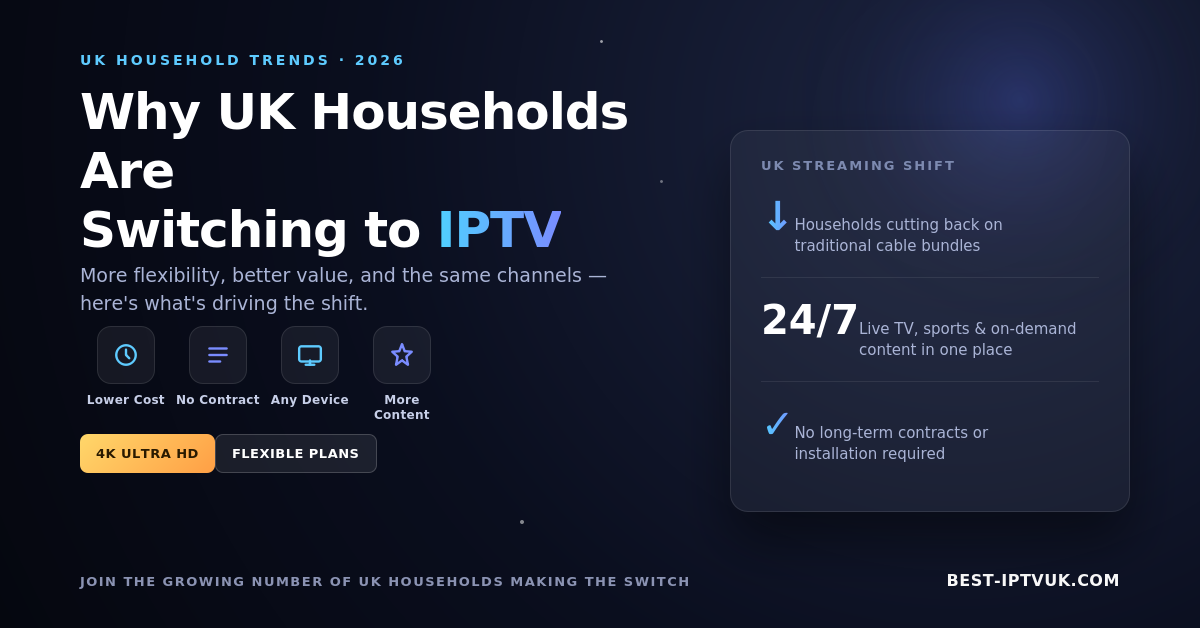
Why More UK Households Are Switching to IPTV in 2026
The way people watch television has changed dramatically over the past few years. More UK households are moving away from expensive cable and satellite services in favour of IPTV because it offers greater flexibility, more content, and excellent value.
Whether you're interested in live sports, blockbuster movies, TV series, documentaries, or international channels, IPTV makes it easy to enjoy everything from one subscription on multiple devices.
If you're searching for a reliable IPTV provider, explore our Home Page:
https://best-iptvuk.com/
What Is IPTV?
IPTV (Internet Protocol Television) is a technology that delivers television over the internet instead of traditional satellite or cable networks.
Instead of waiting for scheduled broadcasts, IPTV allows you to stream live TV and on-demand content whenever you want using your internet connection.
With a quality IPTV subscription, you can enjoy:
Live UK TV channels
International entertainment
Live football and sports
Movies and TV series
Kids' channels
News and documentaries
Video-on-Demand (VOD)
Why IPTV Is Growing in Popularity
Traditional TV packages continue to become more expensive while offering fewer viewing options.
IPTV gives users greater freedom by allowing them to watch content on multiple devices without long-term contracts.
Some of the biggest advantages include:
Thousands of live channels
Massive movie and TV series libraries
HD, Full HD and 4K streaming
Affordable subscription plans
Watch from almost anywhere with an internet connection
Simple installation
Features of a Premium IPTV Service
When comparing IPTV providers, don't focus only on the number of channels.
A quality IPTV service should offer:
Reliable Streaming
A dependable provider delivers smooth playback with minimal buffering, even during busy viewing hours.
Extensive Content Library
Choose a provider that offers:
UK entertainment
International channels
Sports
Movies
TV shows
Kids' programming
Documentaries
Multiple Device Support
Premium IPTV services work across:
Firestick
Android TV
Smart TVs
Apple TV
Android phones
iPhone & iPad
Windows PC
Mac
Easy Installation
Modern IPTV apps are designed for beginners and can usually be installed within a few minutes.
If you're new to IPTV, visit our Blog for setup guides and helpful tutorials:
Why a Free Trial Is Worth Trying
Before purchasing a subscription, it's always a good idea to test the service.
A free trial lets you evaluate:
Streaming quality
Channel availability
Device compatibility
Loading speed
User experience
You can request your trial here:
Choosing the Right IPTV Subscription
Not every viewer has the same needs.
Some people only watch football on weekends, while others stream movies every day.
That's why flexible subscription plans are important.
Whether you're looking for a short-term plan or a long-term subscription, choosing a provider with transparent pricing and reliable support will give you the best experience.
Browse our available IPTV packages here:
Tips for the Best Streaming Experience
To enjoy the highest quality streaming:
Use a stable internet connection.
Connect via Ethernet whenever possible.
Keep your IPTV application updated.
Restart your streaming device occasionally.
Use compatible IPTV players.
Ensure your device supports HD or 4K playback.
These simple steps can greatly improve streaming performance.
Frequently Asked Questions
Is IPTV compatible with Smart TVs?
Yes. Most IPTV services work with Samsung, LG, Android TV, Google TV, and many other Smart TVs.
Can I watch IPTV on Firestick?
Absolutely. Firestick remains one of the most popular devices for IPTV because of its ease of use and excellent performance.
Does IPTV include sports?
Many IPTV subscriptions include live football, cricket, rugby, Formula 1, UFC, boxing, tennis, and many other sports.
Can I watch on multiple devices?
Most providers support multiple devices, although simultaneous streams depend on your subscription plan.
Why Choose Best IPTV UK?
At Best IPTV UK, our goal is to provide a reliable and user-friendly streaming experience with responsive customer support and flexible subscription options.
Whether you're new to IPTV or an experienced user, we're here to help you get started quickly.
You can also learn more about our team:
https://best-iptvuk.com/about-us
Final Thoughts
IPTV has become one of the most convenient ways to enjoy television in 2026. With access to thousands of live channels, premium sports, movies, TV series, and on-demand entertainment, it's easy to see why more people are making the switch.
Choosing a trusted provider ensures reliable streaming, simple setup, and ongoing support, giving you an enjoyable viewing experience from day one.
Ready to start streaming?
Visit https://best-iptvuk.com
Explore our subscription plans: https://best-iptvuk.com
Try our free IPTV trial: best-iptvuk.com/trial
Simple, Transparent Pricing
Choose the plan that works best for you. All plans include our 30-Day Money-Back Guarantee.
Limited Time Flash Sale!
Prices will return to normal after the timer ends.
Monthly
Perfect for trying out our service
-
28,000+ Live TV Channels
-
Full HD & 4K Quality
-
7-Day Catch Up
-
VOD Library (Movies & Series)
-
Use on 1 Device
-
24/7 Support via WhatsApp
3 Months
Great value for short term
-
28,000+ Live TV Channels
-
Full HD & 4K Quality
-
7-Day Catch Up
-
VOD Library (Movies & Series)
-
Use on 2 Devices Simultaneously
-
24/7 Support via WhatsApp
-
Save over 20% vs Monthly
Annual
Best value for loyal customers
12 Months + 2 Months FREE
-
28,000+ Live TV Channels
-
Full HD & 4K Quality
-
7-Day Catch Up & Recording
-
Premium VOD Library (Updated Daily)
-
Use on 3 Devices Simultaneously
-
VIP 24/7 Support
-
Save over 60% vs Monthly
-
Free Setup Assistance
Quarterly
Popular choice for commitment
-
28,000+ Live TV Channels
-
Full HD & 4K Quality
-
7-Day Catch Up & Recording
-
Extensive VOD Library
-
Use on 2 Devices Simultaneously
-
Priority 24/7 Support
-
Early access to new features
Secure Payment Options
We accept various secure payment methods for your convenience.
Ready for a Longer Test Drive?
Experience the full power of lightsteelblue-mallard-181895.hostingersite.com IPTV with our exclusive 24-hour free trial. Access all 28,000+ channels, VOD, and premium features with no obligation. It's the perfect way to see why we're the UK's favourite IPTV provider!
Contact Us
Have questions or need assistance? We're here to help!
Get in Touch
Email Us
contact@best-iptvuk.com
Available 24/7
Call Us
+447404860675
Available 24/7
Live Chat
Available on our website
Response time: Under 5 minutes
Our Hours
Customer Support: 24/7
Sales Department: Mon-Fri, 9am-6pm GMT
Technical Support: 24/7
