Iptv
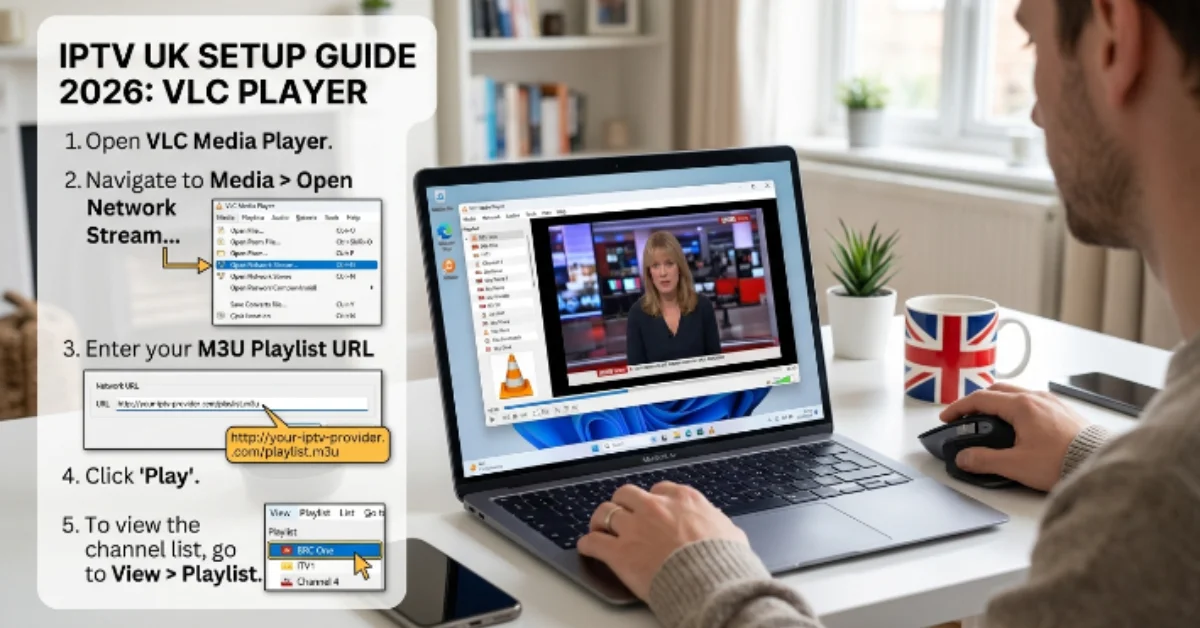
How to Add IPTV Channels to VLC Media Player (IPTV UK Beginner Guide)
If you are exploring IPTV UK solutions and want a simple, direct way to stream live TV on your computer or mobile device, VLC Media Player is one of the easiest tools to get started with. Developed by VideoLAN, VLC is completely free, open-source, and available across almost every major operating system.
This beginner-friendly guide walks you through everything step-by-step, from understanding the core mechanics of IPTV technology to adding your playlist in VLC, optimizing playback, and troubleshooting common streaming glitches.
What is IPTV and How Does It Work?
IPTV stands for Internet Protocol Television. Instead of receiving television signals through traditional satellite dishes, coaxial cable lines, or over-the-air antennas, IPTV transmits television programming directly over your standard internet connection using internet protocol suites.
When you select a stream on an IPTV service, the video data is broken down into small data packets, routed across high-speed broadband, and rendered in real time on your streaming player or computer. This method allows for on-demand flexibility, vastly expanded channel lineups, and access to ultra-high-definition video feeds.
Why Use VLC Media Player for IPTV Streaming?
While dedicated IPTV client applications like IPTV Smarters Pro or TiviMate exist, VLC Media Player remains one of the top choices for beginners and power users alike due to several distinct advantages:
Universal Compatibility: VLC runs seamlessly on Windows, macOS, Linux, Android, and iOS.
Zero Cost & No Ads: VLC is completely free with no hidden paywalls, banner advertisements, or subscription charges.
Vast Codec Library: It natively supports almost every audio and video compression format, preventing video decoding failures.
Lightweight Performance: VLC uses minimal system resources, making it ideal for older laptops and lower-spec desktop computers.
Instant Testing Tool: It serves as the ultimate diagnostic tool to quickly test whether an IPTV M3U URL or stream feed is active before configuring complex Smart TV apps.
Need Help Setting Up Your IPTV Player?
Our easy-to-follow guides walk you through the installation process so you can start streaming quickly.
Read the Setup Guide →best-iptvuk.com
Step-by-Step Guide: How to Add IPTV Channels to VLC
Setting up live TV inside VLC Media Player takes less than two minutes. Follow these detailed steps to stream your M3U playlist:
Step 1: Download and Install VLC
If you do not already have VLC installed, visit the official VideoLAN website, download the latest stable installer for your operating system, and follow the standard installation prompts.
Step 2: Obtain Your IPTV M3U Link
After signing up for a service or activating a trial, your IPTV provider will supply you with a dedicated M3U URL.
Step 3: Open Network Stream in VLC
Launch the VLC Media Player application on your computer.Ctrl + N on Windows / Cmd + N on Mac).
Need Help Activating Your IPTV App?
Follow our detailed activation guides to configure your IPTV player quickly and correctly.
Read the Activation Guide →best-iptvuk.com
Step 4: Paste Your M3U Playlist URL
In the Network tab window that opens, make sure the network protocol field is selected. Carefully copy your full M3U playlist URL from your email or provider account dashboard, paste it into the Please enter a network URL field, and double-check for any accidental spaces.
Step 5: Start Streaming Live TV
Click the Play button at the bottom of the window. VLC will take a few seconds to parse the playlist data, fetch the channel indices, and automatically begin playing the first live channel in the list.
How to Toggle and Navigate the Channel Playlist in VLC
When you first load an M3U link, VLC will only display the video feed of one active channel. To view and switch between all available channels in your package:
Click on the View menu in the top navigation bar.
Select Playlist (or press
Ctrl + Lon Windows /Cmd + Lon Mac).You will see a complete text list of every live channel, organized by category or region as defined by your provider.
Double-click on any channel name in the list to switch to that stream instantly.
Use the search bar at the top of the Playlist window to quickly locate specific sports channels, local UK networks, or PPV event feeds.
Advanced VLC Settings for Smoother IPTV Playback
If you experience periodic buffering, audio delays, or stream looping while watching IPTV on VLC, tweaking a few built-in player parameters will optimize performance:
1. Increase Network Caching
By default, VLC buffers a small amount of network data before playing a stream. Increasing this buffer prevents stuttering during brief internet speed drops:
Go to Tools > Preferences (or
Ctrl + P).At the bottom left under Show settings, select All.
Navigate to Input / Codecs in the left sidebar.
Scroll down to the Advanced section on the right and locate Network caching (ms).
Change the default value (usually 300 ms) to 1000 ms or 2000 ms for a larger safety buffer.
Click Save and restart VLC.
2. Disable Loop Playback
Sometimes, if an IPTV channel stream temporarily loses connection, VLC will automatically skip to the next channel in your playlist. To prevent this jumping behavior:
Locate the Loop / Repeat button at the bottom playback control bar near the Play/Pause controls.
Click it until the loop icon is toggled off (grayed out) so VLC stays locked on your current channel even if a temporary drop occurs.
3. Enable Hardware-Accelerated Decoding
Ensure your system’s graphics processor handles video decoding to keep CPU utilization low during 4K or 60fps streams:
Go to Tools > Preferences > Input / Codecs.
Find the Hardware-accelerated decoding setting.
Change it from Disable to Automatic (or Direct3D11 Video Acceleration on Windows).
Save your changes.
The Value of Testing via an IPTV Free Trial
If you are new to internet-based television streaming, jumping straight into a long-term subscription can be risky. Server stability, channel switching speed, and true broadcast resolution vary significantly between different IPTV UK providers.
Taking advantage of an IPTV free trial (typically lasting 24 to 48 hours) allows you to test:
Peak Hour Stability: Verify if sports channels hold up during high-demand weekend matches without freezing.
Stream Quality: Check whether advertised Full HD and 4K streams deliver true high-bitrate output.
VLC Compatibility: Ensure your provider's M3U link parses properly without returning playlist syntax errors inside VLC.
Want to Try Our Service Before Subscribing?
Experience the streaming quality and device compatibility by requesting a free trial before choosing a subscription.
Start Your Free Trial →best-iptvuk.com
Comparing IPTV with Traditional Cable Television
Upgrading to an IPTV UK setup offers several practical benefits over traditional cable or satellite installations:
Hardware Independence: Cable TV requires proprietary set-top boxes and satellite dish installations, whereas IPTV runs on your existing laptop, PC, Smart TV, or Firestick.
Global Channel Access: Cable subscriptions lock you into fixed regional broadcast bundles, while IPTV provides access to UK channels alongside international sports and news networks.
Cost Efficiency: Premium cable packages with added sports and movie tiers can easily exceed £80 to £120 per month, whereas IPTV subscriptions offer flexible monthly or annual tiers at a fraction of that cost.
Mobility: Cable TV is tied to your living room wall outlet, whereas an IPTV playlist on VLC can travel with you anywhere in the world on a laptop or smartphone.
Troubleshooting Common VLC IPTV Errors
If your streams fail to open or run into issues while using VLC, consult these quick solutions:
Error: "VLC is unable to open the M3U URL": Double-check your URL for missing characters or extra spaces. Ensure your subscription or free trial account has not expired.
Video Plays for 5 Seconds Then Stops: This occurs when VLC hits a stream break and jumps. Disable the loop/repeat toggle in VLC's bottom toolbar, or increase network caching to 2000 ms.
Audio Works But Screen Is Black: Navigate to Tools > Preferences > Video and change the Output setting from Automatic to Direct3D11 or OpenGL, then restart the player.
Frequent Buffering: Ensure your device is connected to a 5 GHz Wi-Fi band or connected via an Ethernet cable. If your local internet provider throttles streaming traffic during peak hours, turning on a secure VPN will restore standard speeds.
Looking for Helpful FAQs?
Find answers to common IPTV questions, installation tips, and streaming advice in one place.
View FAQs →best-iptvuk.com
Final Thoughts
VLC Media Player is an ideal entry point for anyone wanting to explore live TV streaming without purchasing dedicated hardware or complex software. By obtaining an M3U link from a reputable provider, opening a network stream, and configuring a few basic caching settings, you can transform your Mac, PC, or mobile device into a versatile streaming center in just a few clicks.
Iptv
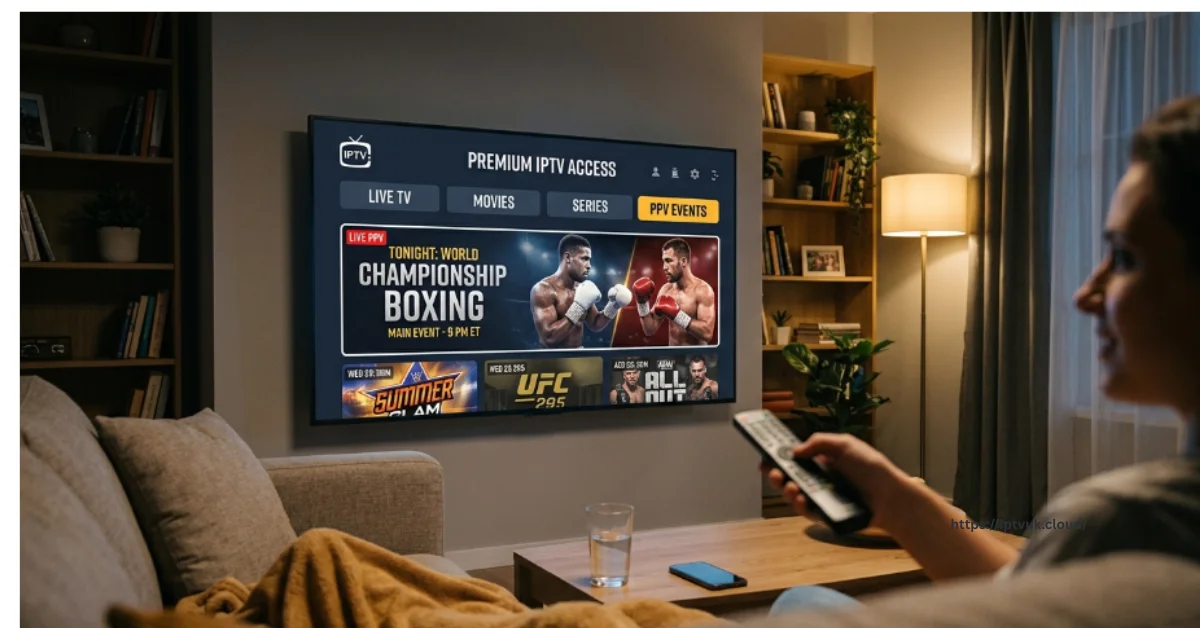
Best IPTV UK Services for PPV Events in 2026: Watch UFC, Boxing, and Live Sports in 4K
For sports enthusiasts across the United Kingdom, capturing major Pay-Per-View broadcasts without paying exorbitant individual event fees has become a primary goal. Whether it is an early-morning UFC title fight, a high-stakes boxing championship, WWE premium live events, or exclusive European football fixtures, traditional broadcast models are increasingly out of reach for many households. Modern Internet Protocol Television has radically changed how sports fans consume high-profile live events. By delivering high-bitrate live feeds directly over high-speed broadband, a top-tier IPTV subscription UK package provides reliable access to global sports networks, pristine picture quality, and smooth playback during peak traffic hours.
Why Modern Viewers Choose IPTV for Pay-Per-View Events
Traditional broadcasting in the UK requires viewers to stack multiple subscriptions, such as Sky Sports, TNT Sports, and individual Box Office passes, costing hundreds of pounds each year. Furthermore, purchasing single PPV events individually can quickly add up to significant extra expenses. A premium IPTV UK service solves these cost and access restrictions by consolidating top-tier global sports networks into one accessible stream package. You gain uninterrupted peak-hour performance through advanced server architectures designed to handle high viewer traffic during major championship fights without dropping frames. You also get global channel selection, allowing you to access UK sports networks alongside premier US and European sports feeds.
Key Features to Look for in a Sports-Focused IPTV Provider
Not every IPTV provider is optimized for high-demand live sports. When evaluating IPTV UK services for PPV coverage, you should prioritize several critical technical capabilities.
1. Broad Event Coverage
Ensure the provider's channel catalog includes dedicated pay-per-view event feeds for MMA and combat sports like UFC Main Cards and Fight Nights, professional boxing from top promotions, football and motorsports including Premier League 3 PM kickoffs and Formula 1 races, and wrestling or US sports leagues.
2. High-Capacity Infrastructure and Load Balancing
Server stability during peak traffic is another essential factor.
3. Electronic Programme Guide (EPG) Integration
An integrated Electronic Programme Guide is equally important because a well-maintained schedule interface makes it effortless to locate main fight cards, preliminary bouts, and event start times without manually scanning through thousands of channels.
How to Set Up IPTV for PPV Events on Amazon Firestick
The Amazon Firestick remains one of the premier streaming devices for live sports due to its processing speed, affordable price point, and broad app support.
The Importance of Testing via an IPTV Free Trial
Before committing to a long-term package, testing a provider's performance during an actual live event is highly recommended. Requesting a 24-hour IPTV free trial allows you to test server response by evaluating channel loading speeds and stream stability during prime-time hours. You can also verify audio and video synchronization to confirm that high-action sports feeds do not suffer from lag or dropped frame rates, while ensuring that the program guide displays correct event times and fight cards.
IPTV UK vs. Traditional Cable Packages
When comparing modern IPTV services with traditional cable and satellite packages, the differences are stark. Traditional cable packages involve high fixed monthly rates, extra per-event purchasing fees for PPV, rigid 18 to 24-month locked contracts, and expensive hardware requirements tied to proprietary set-top decoders. In contrast, premium IPTV services provide budget-friendly pay-as-you-go pricing, include major PPV events within standard subscription tiers, operate on your existing hardware like Firesticks, Smart TVs, or Mac computers, and offer complete contract flexibility with single-month to annual options.
Looking for HD & 4K Streaming?
Enjoy crystal-clear picture quality with HD, Full HD, and 4K support on compatible devices.
Discover More →best-iptvuk.com
Optimizing Your Connection for Smooth 4K PPV Streaming
To avoid buffering during critical moments of a championship fight, following several network optimization steps will make a substantial difference:
1. Use 5 GHz Wi-Fi or Direct Ethernet
Always use a 5 GHz Wi-Fi frequency or a direct Ethernet connection. Standard 2.4 GHz Wi-Fi bands are frequently crowded by neighboring router signals, Bluetooth accessories, and household electronics, leading to signal dropouts.
2. Verify Your Internet Bandwidth
Verify that your home broadband connection delivers at least 20 to 25 Mbps for Full HD sports and 50 Mbps or higher for uncompressed 4K playback.
3. Enable Hardware Acceleration
Navigate to the player settings inside your chosen IPTV app and enable hardware acceleration. Changing the video decoder setting from software to hardware forces your streaming device's dedicated graphics chip to process the video stream, which eliminates dropped frames and prevents heating issues during long broadcast events.
Popular IPTV Apps That Enhance Your Viewing Experience
Choosing the right application directly impacts your channel switching speed, interface navigation, and playback stability across different operating systems. Apps like TiviMate and IPTV Smarters Pro offer clean category layouts, multi-screen viewing modes, and fast channel changing, making them ideal for living room setups. On desktop platforms like macOS or Windows, apps like VLC Media Player and GSE Smart IPTV provide robust playback engines that can decode high-bitrate live feeds with minimal CPU resource usage.
Troubleshooting Common Stream Issues
If you run into technical hiccups while streaming live television, simple troubleshooting steps usually resolve common issues:
Frequent Buffering: High-demand events can cause local network congestion or ISP throttling; using a fast, secure Virtual Private Network (VPN) can help maintain full speed during peak weekend sports broadcasts.
Playlist Loading Errors: Carefully check your server URL, username, and password for typos or extra spaces if a playlist fails to load.
Black Screen with Audio: Changing your app's internal video decoder from software to hardware acceleration or switching to a modern player usually fixes video codec mismatches immediately.
Looking for Premium IPTV Features?
Explore powerful streaming features, high-quality playback, and an easy-to-use platform designed for modern entertainment.
Learn More →best-iptvuk.com
The Verdict on IPTV UK for PPV Events
The demand for IPTV UK services keeps increasing because viewers want flexible, comprehensive entertainment without expensive, restrictive contracts.
Iptv
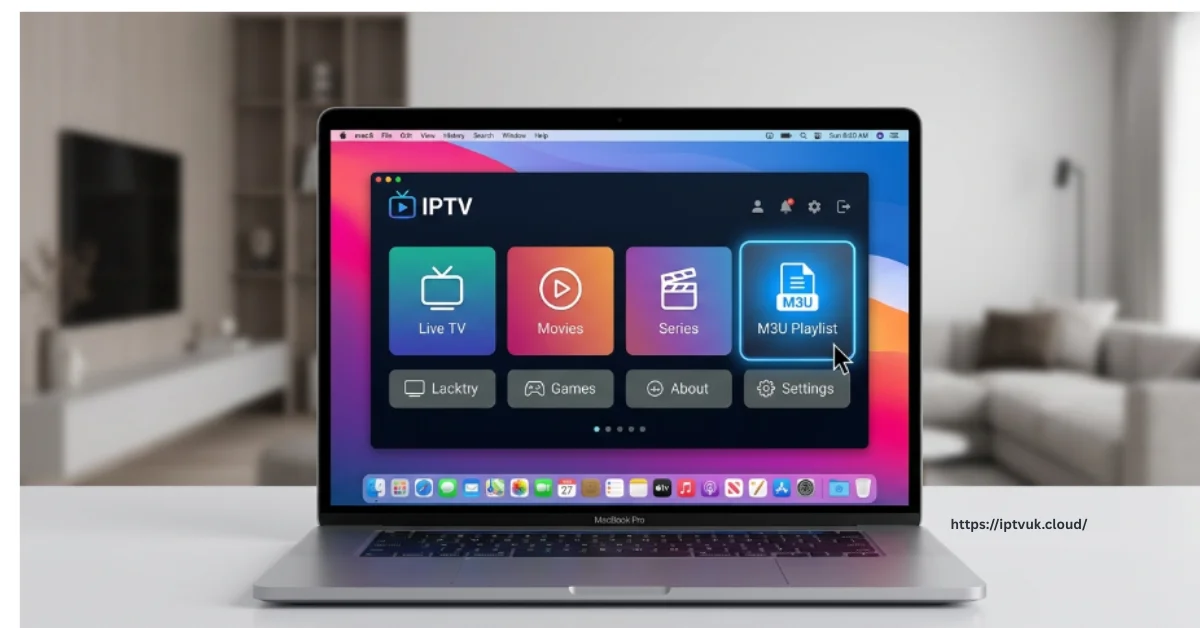
The Complete Guide to IPTV UK for Mac Users: Stream Live TV and 4K Content on macOS
Streaming live entertainment across the United Kingdom has undergone a massive transformation over the last few years. The days when households were forced to rely on bulky set-top boxes, permanent satellite dishes, and restrictive multi-year contracts are rapidly coming to an end. Today, television viewers demand maximum flexibility, pristine picture quality, and total control over what, when, and where they watch.
For Apple enthusiasts, modern Internet Protocol Television (IPTV) has emerged as the ultimate solution for streaming on macOS. Whether you own a compact MacBook Air, a high-performance MacBook Pro, or a desktop iMac, a quality IPTV UK subscription allows you to turn your Mac screen into a full-fledged entertainment hub.
What Is IPTV and How Does It Work on macOS?
IPTV stands for Internet Protocol Television. Unlike traditional broadcasting methods that rely on satellite signals or physical cable lines running into your home, IPTV transmits television channels, live sports broadcasts, and video-on-demand content directly through your internet connection.
When you tune into a channel on standard broadcast TV, all available channels are broadcast to your home at once, and your television receiver simply tunes into the specific frequency you pick. With IPTV, the setup is far more efficient and interactive. Content is stored on central high-speed media servers. When you click on a live channel, sports broadcast, or film within an IPTV app on your Mac, a dedicated data stream is sent directly to your device via your network.
The Technology Behind Mac Streaming
Mac users can connect to IPTV services using three main software methods:
Xtream Codes API Integration: A streamlined login method that uses a server URL, a username, and a password to fetch live TV channels, electronic program guides, and movie libraries automatically.
M3U Playlists: A web link or playlist file containing the direct streaming paths to thousands of live channels, which can be loaded into media players like VLC.
Web Players: Browser-based portals that allow you to stream directly through Safari, Google Chrome, or Mozilla Firefox without installing additional applications.
Looking for Simple IPTV Setup?
Our step-by-step tutorials help beginners install IPTV quickly without complicated technical knowledge.
Read the Setup Guide →best-iptvuk.com
Why Mac Users Are Switching Away from Traditional Cable
The shift toward IPTV in the United Kingdom is driven by clear economic and practical advantages. Traditional UK satellite and cable TV packages routinely cost between £60 and £120 per month once you add premium sports channels, movie add-ons, and multi-room viewing passes. Additionally, traditional broadcast providers almost always require long-term locked contracts that restrict your viewing experience primarily to a single television box in your living room.
Mac users value mobility, high performance, and simple software integration. IPTV UK services fit perfectly into the Apple ecosystem for several distinct reasons:
Complete Mobility: You can stream live UK television anywhere you have an internet connection—whether you are working at your desk, relaxing in bed, or traveling away from home.
Retina Display Optimization: Modern MacBooks and iMacs feature high-resolution Retina displays with high color accuracy. IPTV services offering full High Definition and 4K streams take full advantage of Apple screen hardware.
No Contracts or Hidden Fees: Most IPTV UK providers offer flexible pay-as-you-go subscription plans ranging from single-month passes to annual options, giving you full control over your spending.
Consolidated Entertainment: Instead of jumping between multiple separate streaming app subscriptions, premium IPTV consolidates live TV, sports, international channels, and on-demand box sets into one central interface.
The Best IPTV Applications for macOS
Choosing the right application is essential for achieving smooth playback, fast channel switching, and clear program guides on a Mac. Here is a breakdown of the top software options available for macOS users:
1. IPTV Smarters Pro for Mac
IPTV Smarters Pro remains one of the most popular and user-friendly applications for Apple devices. It features a clean, tabbed layout that automatically organizes your content into Live TV, Movies, Series, and Catch-up sections.
Key Strengths:
Native macOS support with a clean, Netflix-style user interface.
Easy setup using simple Xtream Codes API login credentials.
Integrated Electronic Programme Guide (EPG) with full schedule information.
Multi-screen support, allowing you to watch multiple sports matches at once.
2. VLC Media Player
VLC is a legendary, lightweight, open-source media player that runs effortlessly on both Intel-based and Apple Silicon Macs. While it lacks the sleek poster art of dedicated IPTV apps, it is extremely stable and handles almost any video format without crashing.
Key Strengths:
Completely free and lightweight with minimal CPU resource usage.
Quick M3U playlist loading via the simple Open Network menu option.
Excellent built-in video decoders that handle high-bitrate live feeds smoothly.
3. GSE Smart IPTV
GSE Smart IPTV is widely used by Apple fans because of its broad file format compatibility and customizability. It works seamlessly across macOS, iOS, and iPadOS, making it ideal if you like your settings synced across your Mac, iPhone, and iPad.
Key Strengths:
Deep EPG timeline customization and channel grouping options.
Supports dynamic playlist updating and multiple server accounts.
Excellent parental controls and channel favorite options.
4. Kodi for Mac
For advanced users who want a complete, customizable home media center interface on their Mac, Kodi is a top choice. By enabling the built-in PVR IPTV Simple Client addon, Kodi transforms into a powerful live TV portal with full metadata support.
Looking for the Latest Streaming Tips?
Discover useful advice to improve performance, optimize your setup, and enjoy smoother streaming every day.
View Helpful Tips →best-iptvuk.com
Step-by-Step Guide to Setting Up IPTV on macOS
Getting your IPTV service running on a MacBook or iMac takes only a few minutes. Follow this clear, step-by-step procedure to get started:
Step 1: Select a Reliable IPTV UK Provider
Start by choosing an IPTV provider that offers anti-freeze server technology, dedicated UK servers, 4K resolution options, and fast customer support. Ensure they support both Xtream Codes API and M3U playlist connections.
Step 2: Request a Free Trial
Before purchasing a long-term plan, take advantage of a 24-hour IPTV free trial. This lets you test server stability, channel loading speeds, and overall picture quality during peak evening viewing hours.
Step 3: Install Your Preferred macOS IPTV Player
Download and install an IPTV application designed for macOS, such as IPTV Smarters Pro or VLC Media Player, from the app developer's official website.
Step 4: Input Your Login Credentials
Launch your IPTV player and choose your login method. If you are using IPTV Smarters, enter the Xtream Codes details provided by your service—your assigned username, password, and server URL. If you are using VLC, navigate to File, select Open Network, and paste your M3U playlist URL.
Step 5: Sync Channels and Start Watching
Allow the application a few moments to import the live channel categories, Electronic Programme Guide schedules, and on-demand catalogs. Once loaded, click on any channel to begin streaming live TV instantly.
Channel Selection and Content Access
A quality IPTV UK package delivers an extensive lineup of television content directly to your Mac. Popular categories include:
UK Live Sports: Full coverage of Premier League football, EFL matches, Sky Sports networks, TNT Sports, and international racing events like Formula 1.
Pay-Per-View Events: Front-row digital seats for high-profile UFC fight nights, international boxing championship bouts, and specialized sports events.
UK Entertainment and Dramas: Live streams and catch-up access for major UK terrestrial networks including BBC, ITV, Channel 4, Sky Atlantic, and major British drama hubs.
On-Demand Movies and Box Sets: Continuously updated archives containing thousands of recent cinema releases, classic films, and full series box sets.
News and Documentaries: 24/7 global news channels alongside dedicated documentary networks covering history, science, and nature.
Technical Tips for Buffering-Free 4K Playback on Mac
While IPTV delivers unmatched convenience, streaming quality depends heavily on your local network configuration and software settings. Follow these practical tips to ensure smooth, buffer-free viewing on your Mac:
1. Ensure Adequate Internet Bandwidth
To stream standard definition and High Definition content without interruptions, a minimum download speed of 15 to 20 Mbps is recommended. However, if you plan to enjoy uncompressed 4K IPTV streams on a high-resolution Retina display, ensure your connection delivers at least 25 to 50 Mbps.
2. Connect to a 5 GHz Wi-Fi Network or Ethernet
Standard 2.4 GHz Wi-Fi bands are frequently crowded by neighboring router signals, Bluetooth accessories, and household electronics. For maximum stability, always connect your Mac to the 5 GHz Wi-Fi band on your router or use a USB-C Ethernet adapter for a direct wired connection.
3. Enable Hardware Acceleration
In your IPTV player app settings, navigate to the video playback options and verify that Hardware Acceleration is turned on. This forces your Mac's dedicated graphics processing hardware (GPU) to decode the incoming video stream, which prevents dropped frames, reduces heat generation, and stops audio synchronization issues.
4. Clear Temporary App Cache
Over time, IPTV player apps store large amounts of temporary EPG schedule data and image files. If your player starts loading channels slowly, clear the app's cache through its settings menu or restart the application to clear temporary memory.
Troubleshooting Common macOS IPTV Issues
If you run into technical hiccups while streaming live television on your Mac, use these quick solutions to fix common problems:
Frequent Buffering: Test your connection speed using an online speed test. If your speeds are adequate, try restarting your home broadband router or switching your app's stream format settings from HLS to TS.
Playlist Fails to Load: Carefully verify your M3U link or Xtream Codes server URL. Even a single misplaced letter or extra space can prevent your player from establishing a connection with the server.
Black Screen with Audio Only: This usually happens when an outdated app cannot decode modern video formats. Switching your video player decoder setting to Hardware Acceleration or switching to an app like VLC usually resolves video codec mismatches.
Out-of-Sync Audio: If the sound does not match the video, pause the stream for a few seconds and press play to force the stream buffer to resynchronize, or adjust the audio delay settings within VLC.
Ready to Enjoy Better Home Entertainment?
Discover an easier way to access live television, movies, sports, and on-demand content from one convenient platform.
Learn More →best-iptvuk.com
Frequently Asked Questions
Can I stream IPTV on both Intel and Apple Silicon Macs?
Yes. Modern IPTV applications like IPTV Smarters and VLC run smoothly across all macOS hardware, including older Intel-based MacBooks as well as newer Apple Silicon models powered by M1, M2, and M3 chips.
Is an Amazon Firestick required if I already have a Mac?
No. While many people use Firesticks for their main living room TV, a Mac functions as a fully independent IPTV device using native software. You can stream live television directly on your MacBook or iMac without buying any extra streaming stick hardware.
Can I use my IPTV subscription on my iPhone or iPad too?
Yes. Most IPTV UK subscriptions allow you to use your account credentials across multiple Apple devices. You can stream live matches on your MacBook while working at home and log into the same account on your iPhone or iPad when you are out and about.
Can I record live television on my Mac?
Yes. Applications like VLC Media Player and Kodi allow you to record live streams directly to your Mac's internal storage drive, making it easy to save live broadcasts for later viewing.
Final Thoughts: Modernizing Entertainment on macOS
IPTV UK services offer a major upgrade over traditional broadcast television for Mac users. By pairing high-performance Apple hardware with internet-delivered television, you gain instant access to thousands of live channels, premier sports coverage, and massive on-demand movie libraries at a fraction of the cost of traditional cable packages.
With simple software installation, customizable interfaces, and full support for HD and 4K playback, streaming live TV on your MacBook or iMac has never been more straightforward or enjoyable.
Iptv
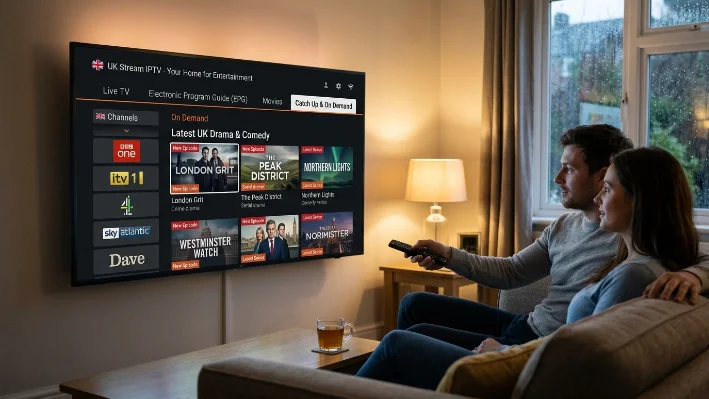
IPTV UK for Latest TV Shows: Stream New Releases in 4k
Watching the latest TV shows has changed massively over the last few years, and IPTV UK is now one of the most popular ways to stream entertainment across the country. Whether you enjoy British crime thrillers, reality TV, binge-worthy box sets, live sports, or international dramas, a quality IPTV subscription UK gives you instant access without relying on expensive, restrictive cable packages.
Many users are switching to the best IPTV UK services because they offer flexible streaming, thousands of channels, extensive on-demand (VOD) libraries, and multi-device support across Amazon Firestick, Smart TVs, Android, and iPhones. If you want smooth streaming, crystal-clear 4K picture quality, and access to new TV shows as soon as they air, IPTV is becoming the ultimate go-to solution.
What Is IPTV and Why Is It So Popular in the UK?
IPTV stands for Internet Protocol Television. Instead of using traditional satellite dishes or cable infrastructure, IPTV delivers television broadcasts and on-demand content through your high-speed internet connection.
This modern setup allows UK viewers to stream live TV, catch-up programming, and full TV series directly to any connected screen. Unlike rigid broadcast schedules, IPTV gives you complete freedom: watch at home on a Smart TV, stream on your phone during your commute, or catch up on missed episodes while traveling.
Why IPTV UK Is Perfect for Watching the Latest TV Shows
Traditional TV broadcast schedules no longer fit how modern audiences watch content. Viewers want instant access to newly released episodes, complete box sets, and global releases without waiting weeks for terrestrial network repeats.
A high-quality IPTV streaming service solves this problem by providing:
Instant Access to 2026 Premieres: Catch fresh hit dramas like Half Man (BBC), Rivals Season 2 (Disney+), and The Night Manager Season 2 as they release.
4K IPTV Support: Enjoy stunning ultra-high-definition resolution on supported channels and video-on-demand series.
Catch-Up & On-Demand Libraries: Replay missed broadcasts or binge entire past seasons anytime.
Anti-Freeze Tech: High-speed server infrastructure designed to minimize buffering and stream drops during peak evening viewing hours.
Multi-Device Compatibility: Switch seamlessly between your living room Firestick and your tablet or mobile phone.
Looking for IPTV Smarters Setup Instructions?
Our IPTV Smarters guide walks you through installation and configuration so you can get started quickly.
Read the IPTV Smarters Guide →best-iptvuk.com
Key Features for TV Show & Drama Enthusiasts
1. Massive On-Demand (VOD) & Box Set Libraries
Instead of paying for 4 to 5 separate streaming apps, premium IPTV providers consolidate massive entertainment catalogs into one portal. You can explore:
UK Dramas & Crime Thrillers: Gritty police procedurals, period pieces, and award-winning miniseries.
Reality & Entertainment: Hit UK reality shows, talent competitions, and late-night talk shows.
International Content: Top US HBO Max, Netflix, and Apple TV+ originals alongside acclaimed European and Asian series.
Kids & Family Content: Dedicated 24/7 children's entertainment networks and educational archives.
2. High-Definition & 4K IPTV Streaming
Picture quality makes all the difference when watching cinematic series. Modern IPTV UK providers feature dedicated 1080p Full HD and 4K streaming links, ensuring sharp visuals, rich contrast, and high frame rates for live events and movie releases.
Best Devices for IPTV Streaming
Modern IPTV services work across virtually every digital device, making streaming effortless for households:
Streaming Sticks: Amazon Firestick, Fire TV Cube, Roku, and Chromecast with Google TV.
Smart TVs: Android TV, Google TV, Samsung (Tizen OS), and LG (webOS).
Mobile & Tablets: Android smartphones/tablets, Apple iPhones, and iPads.
Computers: Windows PCs, Macbooks, and Linux systems.
IPTV Firestick Setup for Streaming TV Shows
The Amazon Firestick is the most popular streaming device in the UK due to its low cost, portability, and easy app installation. Setting up IPTV on a Firestick takes just a few minutes.
Best IPTV UK Subscription Plans
Choosing the right IPTV plan depends on your budget and viewing preferences. Flexible options ensure you only pay for what you need:
| Subscription Plan | Best For | Key Advantage |
| 1 Month Plan | Short-term testing or temporary travel | Maximum flexibility, zero long-term commitment |
| 3 Month Plan | Seasonal viewers | Great balance of savings and short-term convenience |
| 6 Month Plan | Families & regular daily viewers | Moderate bulk discount for consistent streaming |
| 12 Month Plan | Long-term household entertainment | Lowest effective monthly price with full 4K access |
| Lifetime Plan | Heavy users seeking permanent access | One-off investment eliminating recurring monthly bills |
IPTV UK vs Traditional Cable TV
When compared directly, traditional cable or satellite TV in the UK falls short on value, mobility, and content volume.
| Feature | IPTV UK Subscription | Traditional UK Cable / Satellite |
| Average Monthly Cost | Low (£10–£15/mo equivalent) | High (£60–£120/mo) |
| Contract Requirements | None (Pay-as-you-go available) | 18 to 24-month locked contracts |
| On-Demand VOD Library | 10,000+ Movies & Series included | Paid add-ons or limited catch-up |
| Device Flexibility | Phones, Tablets, Firestick, Smart TVs | Restricted primarily to home set-top boxes |
| 4K Quality Access | Included in standard plans | Expensive monthly tier upgrades |
Tips for Buffering-Free TV Show Streaming
To get the smoothest playback when watching high-definition series and live TV broadcasts:
Use 5 GHz Wi-Fi or Ethernet: Connect your Firestick or Smart TV to the 5 GHz Wi-Fi band or use a wired USB Ethernet adapter to avoid wireless interference.
Set Hardware Decoding: Inside your player settings (e.g., IPTV Smarters or TiviMate), switch the Video Decoder setting from Software to Hardware (HW) for smoother video processing.
Clear App Cache Regularly: If channels load slowly, go to your device settings, find your IPTV application, and clear the temporary app cache.
Use a Fast Internet Connection: A minimum download speed of 15–20 Mbps is recommended for stable HD streaming, while 50+ Mbps ensures flawless 4K playback.
Want Faster and Smoother Streaming?
Discover simple tips to improve streaming quality, reduce buffering, and enjoy a better IPTV experience on every device.
Read Streaming Tips →best-iptvuk.com
Frequently Asked Questions
What is the best IPTV UK app for watching TV shows?
IPTV Smarters Pro and TiviMate are widely considered top options. They offer clean, Netflix-style user interfaces, automatic VOD metadata (cast details, episode descriptions), and organized episode lists.
Can I watch live UK channels alongside on-demand series?
Yes. A standard IPTV subscription includes thousands of live UK channels (BBC, ITV, Sky, Channel 4) alongside full VOD box set archives.
Do IPTV providers offer free trials?
Yes, reputable IPTV providers offer a 24-hour IPTV free trial so you can test channel loading speeds, VOD stream quality, and device compatibility before committing to a package.
Will IPTV work on my Amazon Firestick?
Absolutley. Amazon Firestick is one of the most compatible and widely used devices for IPTV streaming in the UK due to its easy setup via Downloader.
Want to Watch IPTV on Multiple Devices?
Discover how compatible devices make it easier to enjoy live TV and on-demand entertainment wherever you are.
Learn More →best-iptvuk.com
Iptv
IPTV UK for Tablets and Mobile Devices: Stream Anywhere
IPTV UK has changed the way people watch live TV, sports, movies, and entertainment across the UK. Instead of being tied to traditional cable or satellite services, users can now stream their favourite channels directly on tablets and mobile devices from anywhere with an internet connection. Whether you are travelling, commuting, relaxing at home, or watching football on the go, a reliable IPTV subscription UK service gives you instant access to premium entertainment without expensive contracts.
Modern IPTV streaming services are designed for flexibility. You can watch live sports channels UK, blockbuster films, documentaries, kids’ content, and international channels on Android tablets, iPhones, iPads, and other smart devices. Many users now prefer IPTV providers because they offer better value, wider channel selections, and support for HD and 4K IPTV streaming.
If you are looking for the best IPTV UK solution for mobile viewing, this guide explains everything you need to know including setup, apps, pricing, compatibility, IPTV free trial options, and the best way to stream smoothly on tablets and smartphones.
What Is IPTV and How Does It Work?
IPTV stands for Internet Protocol Television. Instead of using satellite signals or cable lines, IPTV delivers television channels through the internet. This allows users to stream live TV and on-demand content on multiple devices including tablets, smartphones, Smart TVs, and Firestick devices.
Unlike traditional broadcasting, IPTV gives users more flexibility and control over what they watch. Most IPTV providers include:
Live TV streaming UK channels: Complete access to terrestrial, regional, and premium entertainment networks.
Sports channels UK: Live coverage of domestic football leagues, international motorsport, and pay-per-view fights.
Movies and TV series: Expansive on-demand catalogs updated continuously with new releases.
Catch-up TV: Missed-program features allowing you to replay live broadcasts at your convenience.
International entertainment: Worldwide feeds and foreign-language channels for diverse households.
4K IPTV support: Ultra-high-definition streaming for compatible mobile displays and TV screens.
Why IPTV UK Works Perfectly on Tablets and Mobile Devices
Tablets and smartphones have become one of the most popular ways to watch IPTV UK content. People want entertainment wherever they go, and mobile IPTV streaming makes that possible.
Portable Entertainment
You can watch live football, movies, or TV shows anywhere without sitting in front of a television. This is especially useful for sports fans who do not want to miss Premier League or EFL matches while away from their main living room setup.
Easy Installation
Most IPTV apps install within minutes directly from official application stores. Android and iOS devices support several user-friendly IPTV players that work smoothly with an IPTV subscription UK service.
Affordable Streaming
Many users switch from cable to cheap IPTV UK services because monthly costs are significantly lower while channel selections are much larger and more diverse.
High-Quality Streaming
Modern IPTV providers support Full HD and 4K IPTV streams, making high-resolution mobile screens ideal for watching premium content with excellent picture clarity.
Best Devices for IPTV Streaming
One of the biggest advantages of IPTV UK services is universal device compatibility. Users can stream content across multiple platforms without technical friction:
Android tablets and mobile smartphones
Apple iPads and iPhones
Amazon Firestick and Fire TV devices
Smart TVs running Android TV, Google TV, Samsung Tizen, or LG webOS
Windows laptops and Mac computers
Need Assistance with Installation or Technical Support?
Our support team is ready to help with setup, device compatibility, and any technical questions you may have.
Contact Us:best-iptvuk.com
Best IPTV Apps for Mobile Devices
Choosing the right IPTV app is important for smooth streaming performance. A good IPTV app improves playback speed, channel navigation, and streaming stability.
IPTV Smarters Pro
IPTV Smarters is one of the most popular apps for IPTV UK users. It supports live TV, catch-up, video-on-demand, and multiple playlist setups. Many users search for the IPTV Smarters downloader code because it simplifies installation on Firestick and Android devices.
TiviMate
TiviMate is highly rated among Android IPTV users because of its ultra-clean interface, quick channel switching, and advanced Electronic Programme Guide (EPG) controls.
XCIPTV
XCIPTV works well on both smartphones and tablets, offering a simple layout, built-in player engines, and reliable playback speed.
GSE Smart IPTV
GSE Smart IPTV remains a top choice for iOS users who want reliable IPTV streaming on iPhones and iPads with complete M3U and Xtream Codes API support.
How to Set Up IPTV UK on Tablets and Mobile Phones
Setting up IPTV on mobile devices is simple and can be completed in just a few straightforward steps.
Best IPTV UK Channels for Mobile Streaming
One reason IPTV subscription UK services continue to grow is the massive selection of channels available on mobile devices. Popular content categories include:
Premier League football: Live access to every matchday kickoff across top sports networks.
EFL coverage: Complete league broadcasting for Championship, League 1, and League 2 supporters tracking promotion battles.
UFC and boxing: Live fight night coverage, undercards, and pay-per-view events.
Sky Sports & BT Sports networks: Full access to dedicated sports channels for cricket, rugby, golf, and Formula 1.
Movies & VOD libraries: Regularly updated film archives and box sets.
Kids and news channels: 24/7 children's programming alongside national and global news broadcasts.
Sports fans especially look for the best IPTV for EFL because traditional broadcasters often charge expensive subscription fees for lower-league match access.
IPTV UK Pricing Options for Mobile Viewers
Traditional cable packages in the UK are becoming increasingly expensive, often costing anywhere from £60 to over £100 per month with very limited mobile streaming options. In contrast, internet-delivered television provides far greater value across a range of flexible pricing plans.
1 Month IPTV UK Subscription
Suitable for short-term testing or temporary viewing during travel or specific sports tournaments without long-term commitments.
3 Month IPTV UK Subscription
A popular quarterly plan that offers a great balance between cost savings and short-term flexibility.
12 Months IPTV UK Subscription
The most cost-effective option for regular daily viewers, offering the lowest effective per-month rate for full access across all your devices.
Lifetime IPTV UK Subscription
A long-term solution for dedicated users looking to eliminate recurring monthly entertainment bills completely through a single payment.
Need Help Choosing the Right IPTV Plan?
Compare our subscription options and find the perfect plan based on your viewing preferences, budget, and favourite content.
View Our IPTV Plans →best-iptvuk.com
IPTV vs Cable TV for Mobile Users
Mobile streaming is where IPTV clearly outperforms traditional cable television. Cable TV requires physical set-top boxes, limits viewing primarily to the home living room, involves costly technician installations, and locks users into long 18-to-24-month contracts with high monthly fees.
Conversely, an IPTV UK subscription relies purely on your internet connection with no extra hardware required. It offers complete multi-device mobility on tablets and phones, provides a vast channel selection with international options, and features flexible contract lengths at a fraction of the cost.
For users who travel regularly or prefer flexible entertainment options, IPTV streaming services are clearly the modern choice.
Tips for Smooth IPTV Streaming on Mobile Devices
Streaming quality depends on both your IPTV provider and your local connection. Follow these tips for the best experience:
Use stable Wi-Fi whenever possible: High-bitrate 1080p and 4K streams run best over 5 GHz Wi-Fi bands or fast 5G mobile connections.
Enable Hardware Acceleration: Inside your IPTV player settings (such as IPTV Smarters or TiviMate), set the video decoder to Hardware (HW) for smoother 60fps playback.
Close background applications: Free up your mobile device’s RAM by closing heavy background apps before launching your stream.
Keep your apps updated: Ensure your player software is updated to the latest version to maintain playback compatibility and security.
Clear app cache if buffering occurs: Clearing the app's temporary cache files resolves minor playback lag and re-syncs live stream feeds quickly.
IPTV Reseller Opportunities
The growing popularity of IPTV UK services has also created business opportunities for digital entrepreneurs. Many people now use an IPTV reseller panel to manage subscriptions and distribute IPTV packages to customers under their own brand.
An IPTV reseller panel provides administrative dashboards to generate trial lines, activate subscription packages, and manage client connections. This business model continues to expand rapidly as consumer demand for flexible, internet-delivered entertainment increases across the UK and Europe.
Why More UK Users Are Switching to IPTV
Consumers now expect entertainment to be flexible, mobile, and affordable. IPTV delivers exactly that. Instead of paying high cable bills for restricted set-top boxes, users can access thousands of live channels and on-demand content directly from mobile devices anywhere they go.
Whether someone watches sports daily or occasionally streams movies while commuting, IPTV providers offer a convenient and modern viewing experience tailored to the digital age.
Frequently Asked Questions
What is the best IPTV UK app for tablets?
IPTV Smarters Pro, TiviMate, and XCIPTV are widely considered the best IPTV apps for Android tablets and smartphones due to their speed, stable playback, and clean user interfaces.
Can I use IPTV UK on iPhone and iPad?
Yes. IPTV streaming services fully support iOS devices through compatible apps like GSE Smart IPTV, IPTV Smarters Lite, or IBO Player available on the Apple App Store.
Is there a free IPTV trial UK available?
Yes. Reputable IPTV providers offer an IPTV free trial so users can test channel quality, loading speeds, and server stability on their mobile devices before purchasing a full subscription.
Can I watch sports channels UK on mobile devices?
Yes. IPTV UK subscriptions include Premier League, EFL, boxing, UFC, Formula 1, and international sports channels accessible anywhere with an active internet connection.
Does my IPTV subscription work on Firestick as well as mobile?
Yes. Most subscriptions allow you to log into multiple devices using your credentials, meaning you can stream on your Firestick at home and switch to your tablet when traveling.
Iptv
What Is IPTV and Why Are Netflix Fans Interested?
IPTV stands for Internet Protocol Television, which means television delivered through internet networks rather than cable or satellite.
Netflix lovers often choose IPTV because it adds:
Live UK channels: Instant access to national broadcasts, regional news, and specialized networks without switching inputs.
Sports coverage: Extensive access to live Premier League football, boxing, motorsport, and pay-per-view events.
Movie libraries: Broad video-on-demand collections to complement existing streaming catalogs.
International entertainment: Multi-language channels and global news networks that mainstream platforms lack.
4K IPTV support: High-definition and ultra-high-definition feeds for sharp visual clarity.
Multi-device viewing: Simultaneous access across televisions, tablets, and smartphones.
IPTV UK Overview: How It Fits Modern Streaming
Streaming habits in the UK continue to evolve rapidly.
Live TV streaming UK: Continuous feeds of entertainment, news, and reality programming.
Entertainment channels: Premium drama, lifestyle, and comedy stations.
Sports channels UK: Comprehensive sports coverage tailored to British fans.
Movie content: On-demand releases, classic cinema, and niche film collections.
Catch-up viewing: Missed-program recovery features to watch shows on your own timeline.
Cross-device access: Unified logins across home and mobile platforms.
Users comparing providers can explore available plans through their primary IPTV UK platform to match their specific viewing demands.
Looking for More IPTV Tips and Tutorials?
Explore our collection of IPTV guides covering installation, troubleshooting, compatible devices, and streaming tips.
Visit Our Blog →best-iptvuk.com
Why Netflix Lovers Choose IPTV Provider UK Services
While Netflix delivers strong on-demand content, IPTV introduces a different, more dynamic viewing experience. On-demand services excel at binge-worthy drama series and self-paced movie nights, but they completely lack live event broadcast capabilities.
When major live sporting events air, or when national news unfolds in real time, standard on-demand platforms leave a gap. IPTV UK fills that space seamlessly by marrying live broadcast infrastructure with the on-demand flexibility that digital natives expect.
Furthermore, device flexibility remains uniformly high across both systems. Netflix users appreciate being able to transition from their living room TV to a tablet in bed without losing track of their content. Modern IPTV systems match this experience, allowing playlists and user profiles to sync across smart hardware using lightweight, responsive applications. Combining both options gives viewers the ultimate setup: on-demand depth paired with real-time breadth.
IPTV Free Trial: Test Before You Commit
Trying a service before purchasing helps reduce uncertainty and ensures that your home network can handle high-bitrate streams.
Many users search for:
iptv free trial
free iptv trial uk
iptv uk free trial
You can explore an available IPTV free trial to evaluate streaming quality, channel performance, and hardware compatibility.
During testing, check:
Loading speed: How fast channel switches occur when navigating the guide.
Picture quality: Consistency of the feed during high-traffic hours.
4K support: Compatibility with high-resolution displays without frame drops.
Channel availability: Verification that your preferred live stations and sports links are fully active.
App stability: Smooth performance without unexpected force-closes or menu lag.
Device experience: Ease of use on your preferred streaming remote or touch interface.
Want to Try Our Service Before Subscribing?
Experience the streaming quality and device compatibility by requesting a free trial before choosing a subscription.
Start Your Free Trial →best-iptvuk.com
Device Compatibility: IPTV Firestick, Smart TVs, Android, and iOS
Modern IPTV services are engineered to work across a wide variety of hardware platforms.
Amazon Firestick
IPTV Firestick remains one of the most popular combinations because setup is simple and performance is strong. The streaming media player provides ample processing power for decoding high-definition feeds at an affordable price point. Users often search for an IPTV Smarters Downloader Code when installing compatible applications onto their Amazon devices.
Smart TVs
Many Smart TVs running Android TV, Google TV, or proprietary operating systems support IPTV app installations directly from their respective application stores.
Android Devices
Android smartphones and tablets provide flexible viewing anywhere with an active internet connection. Dedicated mobile apps feature touch-optimized electronic program guides that make browsing simple while commuting or traveling.
Apple Devices
Full iOS and tvOS support allows easy streaming across Apple iPhones, iPads, and Apple TV hardware. Specialized applications take full advantage of Apple's hardware decoding to deliver fluid playback and clean graphical interfaces.
For full setup guidance, users can visit the installation guide provided by their chosen platform.
Channels and Entertainment Categories Available
Netflix users usually value content variety and deep catalog choices. A complete IPTV setup expands those horizons significantly by offering structured categories that mirror traditional broadcast television alongside massive digital archives.
A complete IPTV experience may include:
Movie channels: Dedicated round-the-clock film feeds categorized by genre, era, and franchise.
UK entertainment: Flagship British networks airing regional series, morning shows, and evening soap operas.
Sports channels UK: Dedicated sports networks carrying live coverage of football leagues, rugby, cricket, and golf tournaments.
News: 24/7 national and global news networks providing real-time coverage.
Kids content: Safe, child-friendly networks featuring animated series and educational programming.
International programming: Foreign-language networks catering to ex-pat communities and multi-lingual households.
4K IPTV channels: Ultra-high-definition channels dedicated to nature documentaries, major sports matches, and cinematic broadcasts.
Sports viewers looking beyond movies often search for the best IPTV for EFL coverage and live match access to follow their favorite lower-league clubs that rarely feature on mainstream television.
Pricing Options: Cheap IPTV UK vs Traditional TV
When evaluating value, flexible pricing tiers make IPTV a compelling alternative to rigid satellite or cable contracts.
1-Month Plan
Ideal for testing flexibility, short-term stays, or users who want to evaluate a provider over a full month without long-term financial commitment.
3-Months Plan
Delivers short-term value for users who want to cover a specific sporting season or holiday period at a reduced monthly rate.
6-Months Plan
Designed for regular viewers who desire a balanced mix of upfront savings and manageable renewal intervals.
12-Months Plan
Offers long-term savings, significantly reducing the effective monthly cost compared to standard month-to-month streaming packages.
Lifetime Plan
Provides maximum value for viewers looking to eliminate recurring monthly entertainment costs entirely through a single one-off payment option.
Cheap IPTV UK plans appeal to viewers who want flexible entertainment choices without being locked into multi-year contracts or forced equipment rentals.
Need Help Choosing the Right IPTV Plan?
Compare our subscription options and find the perfect plan based on your viewing preferences, budget, and favourite content.
View Our IPTV Plans →best-iptvuk.com
IPTV vs Cable TV: Which Makes More Sense?
Traditional cable still works for many homes, but modern IPTV offers clear advantages for digital-first viewers:
No hardware dependency: Forget heavy set-top boxes, complex wiring, or unsightly satellite dishes mounted to your exterior walls.
Everything runs off your existing streaming devices. Internet-based delivery: Content is streamed over your high-speed home broadband connection, allowing for instant activation without waiting for a technician.
Multiple devices: Access your entire subscription on your living room television, mobile phone, or laptop computer seamlessly.
More viewing flexibility: Switch between live broadcasts, sports events, and on-demand movies at will, without changing inputs or input sources.
Potential cost savings: Pay significantly less per month compared to traditional bundled cable packages that charge extra for HD access and sports channels.
Viewers who mainly watch Netflix often prefer IPTV because it naturally matches modern streaming habits and eliminates the rigid structure of legacy broadcast television.
How to Set Up IPTV in the UK
Getting started with an IPTV UK service is a straightforward process that takes only a few minutes from start to finish.
Choose your subscription: Select a plan length and channel package that fits your personal viewing habits and household budget.
Install a supported IPTV app: Download a verified playback client—such as IPTV Smarters, TiviMate, or GSE Smart IPTV—onto your chosen media player.
Enter account details: Input your M3U playlist link, Xtream Codes credentials, or account login provided by your service operator.
Connect to stable internet: Ensure your device is linked to a reliable Wi-Fi network or connected via an Ethernet cable for smooth 4K playback.
Organise favourites and channels: Customize your channel list, pin your most-watched sports networks, and configure the Electronic Programme Guide (EPG).
Start streaming: Sit back and enjoy live television, sports, and movies alongside your existing streaming subscriptions.
If questions come up during setup, users can visit the contact page or learn more through the about page on their provider's platform.
Frequently Asked Questions
What is the best IPTV UK option for Netflix lovers?
The best IPTV UK option depends on channel variety, streaming quality, device compatibility, and transparent pricing.
Can I test IPTV before buying?
Yes. An IPTV free trial helps evaluate server stability, picture quality, channel selection, and overall performance on your home network before committing to a paid plan.
Does IPTV work on Firestick?
Yes. IPTV Firestick setups remain one of the most common and reliable viewing methods across the UK due to simple installation processes and strong hardware performance.
Which IPTV app should I use?
Choose an IPTV app compatible with your device and installation method. Popular and reliable choices include IPTV Smarters Pro, TiviMate, GSE Smart IPTV, and XCIPTV.
What is an IPTV reseller panel?
An IPTV reseller panel is a management dashboard typically used by distributors to generate subscription lines, manage customer accounts, and issue trial codes for service access.
For additional updates, guides, and streaming insights, feel free to visit the IPTV UK blog.
Iptv
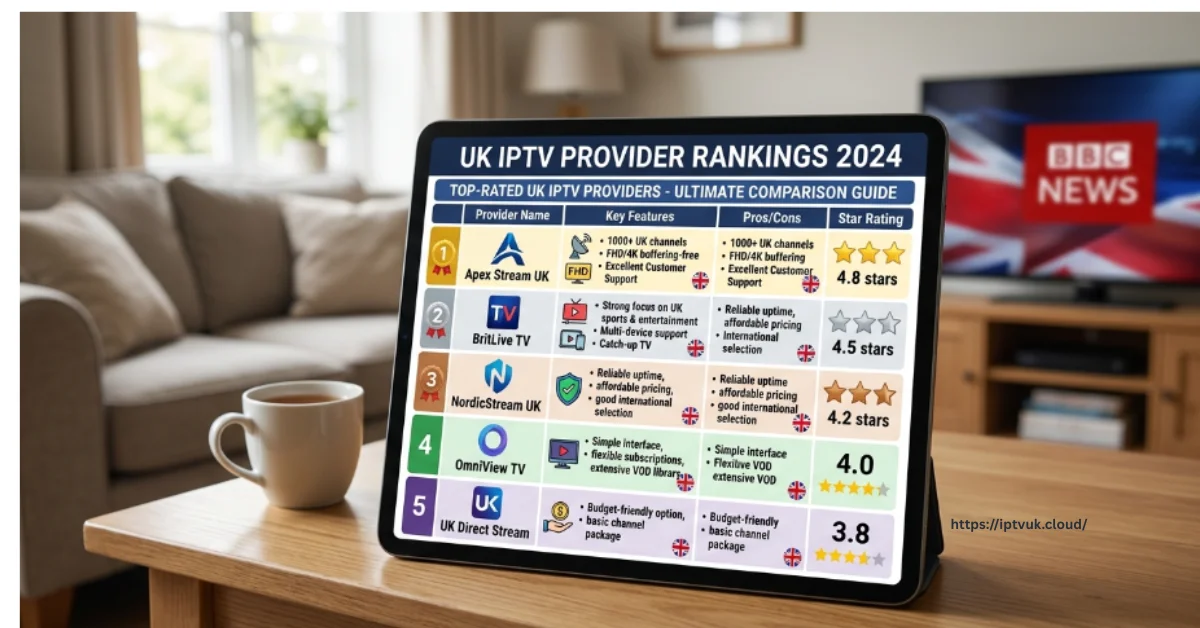
IPTV UK Providers Ranked for 2026: The Ultimate Guide to Live Streaming Services
Finding the right internet-delivered television service in 2026 is no longer just about gaining access to thousands of obscure live TV channels. Modern British viewers demand high-uptime server stability, uncompressed 4K sports feeds, responsive customer support, and seamless cross-platform performance across everything from Amazon Firesticks to living room Smart TVs.
With scores of streaming services entering the digital market, selecting a premium provider can feel overwhelming. This guide breaks down how high-performance services operate, compares subscription pricing, outlines installation steps, and examines how modern streaming measures up against traditional UK cable contracts.
Why IPTV Has Become the Standard Choice for UK Viewers
The rapid adoption of internet protocol television across England, Scotland, Wales, and Northern Ireland is driven by clear technological advantages over legacy satellite dishes and subterranean coaxial cables.
Core Advantages for UK Households:
All-in-One Content Hub: Consolidate domestic terrestrial channels, premium movie networks, global sports feeds, and updated VOD libraries within a single application interface.
Cost Efficiency: Significantly lower monthly or annual subscription costs compared to bloated, multi-tiered satellite contracts.
4K Ultra HD & 60fps Playback: Low-latency feeds deliver fluid motion clarity during high-speed Premier League, EFL, and motor racing broadcasts.
True Mobility: Stream seamlessly on smart TVs at home, or on laptops, tablets, and smartphones while traveling.
1. Essential Features of Top-Ranked IPTV Services
When evaluating a provider in 2026, raw channel counts matter far less than server architecture and streaming reliability. High-ranking providers share several key infrastructure characteristics:
Distributed Anti-Freeze CDN Servers: Multi-region server networks that dynamically distribute bandwidth load during high-traffic sports events, preventing unexpected frame drops or buffering.
Xtream Codes API Integration: Encrypted account authentication that maintains fast login speeds and continuous synchronization with Electronic Programme Guides (EPG).
Comprehensive Sports Network Coverage: Instant access to Premier League fixtures, EFL Championship games, UEFA Champions League nights, UFC, world championship boxing, and international cricket.
Hardware Acceleration Support: Native compatibility with hardware video decoders inside modern streaming sticks, ensuring smooth 60fps playback.
Looking for an IPTV Setup Guide for Firestick?
Install IPTV on your Amazon Firestick with our easy step-by-step guide. Learn how to configure your device and start streaming in just a few minutes.
Read the Firestick Guide →best-iptvuk.com
2. Test Performance with an IPTV UK Free Trial
Before purchasing a long-term plan, testing server responsiveness during peak viewing hours is highly recommended. Taking advantage of an IPTV free trial or free IPTV trial UK allows you to test real-world server performance with zero risk.
What to Check During Your Trial Window:
Peak Evening Server Stability: Stream live sports between 7:00 PM and 10:00 PM to verify feed stability during peak UK broadband usage hours.
Channel Zapping Speed: Check how fast channels switch when navigating through live categories.
EPG Accuracy: Ensure that program listings, match schedules, and channel information sync correctly with local time zones.
Video Resolution Clarity: Verify that sports feeds render true Full HD (1080p @ 60fps) or 4K Ultra HD resolution without visual artifacts.
Want to Try Our Service Before Subscribing?
Experience the streaming quality and device compatibility by requesting a free trial before choosing a subscription.
Start Your Free Trial →best-iptvuk.com
3. Step-by-Step Firestick Installation Workflow
The Amazon Firestick remains the primary hardware choice for UK streaming enthusiasts due to its affordability, portability, and native support for 4K video decoding.
4. IPTV vs. Traditional UK Cable Television
When comparing modern internet streaming services against conventional cable or satellite TV subscriptions, the differences in flexibility and overall value are clear:
Hardware Independence: Cable requires single set-top boxes wired into specific rooms, whereas internet streaming works on Firesticks, Smart TVs, mobile phones, and tablets.
Contract Flexibility: Satellite operators routinely mandate binding 18-to-24-month contracts, while streaming providers offer flexible monthly, quarterly, or annual plans.
Installation Speed: Cable setups often require technician visits and satellite dish mountings, while internet streaming can be configured in under 10 minutes.
Global Access: Internet-delivered television goes wherever your mobile internet or Wi-Fi connection goes, whereas cable is tied strictly to your home address.
5. Subscription Plan Options & Finding the Right Value
Selecting the ideal subscription length depends on your individual viewing preferences and budget:
1 Month Plan: Perfect for testing service consistency or tuning in during a specific sports tournament month.
3 Month Plan: A flexible short-term option ideal for seasonal viewing.
6 Month Plan: A balanced package offering substantial savings over monthly renewals.
12 Month Plan: The most popular option for dedicated daily viewers, delivering the lowest overall per-month cost.
Lifetime Plan: A long-term investment for users seeking permanent entertainment access without recurring monthly bills.
Need Help Choosing the Right IPTV Plan?
Compare our subscription options and find the perfect plan based on your viewing preferences, budget, and favourite content.
View Our IPTV Plans →best-iptvuk.com
For users seeking a cheap IPTV UK option, annual packages deliver the best overall savings while maintaining high server performance.
6. Commercial Opportunities with IPTV Reseller Panels
The rapid growth of the digital streaming market has created lucrative commercial opportunities for digital entrepreneurs. An IPTV reseller panel allows business owners to purchase subscription credits, generate test trials, activate user accounts, and manage a client base under their own independent brand.
Reseller dashboards feature complete administrative tools, allowing managers to monitor active connections, track sub-reseller performance, and deliver localized support in an expanding digital entertainment industry.
Frequently Asked Questions
What is the best IPTV UK service in 2026?
The best service depends on your specific viewing habits. Live sports enthusiasts should prioritize providers with anti-freeze servers and 60fps feeds, while film lovers benefit most from large VOD catalogs and fast EPG sync.
What broadband speed is needed for stable 4K IPTV streaming?
For standard HD streaming, a download speed of 15 Mbps is sufficient. For uncompressed 4K Ultra HD sports feeds, ensure your broadband connection reaches at least 35 to 50 Mbps over a wired Ethernet connection or a 5 GHz Wi-Fi band.
Is the Amazon Firestick compatible with IPTV apps?
Yes. The Firestick is one of the most widely used streaming devices in the world, running player apps like IPTV Smarters Pro, TiviMate, and XCIPTV with ease.
What is an IPTV Smarters Downloader Code?
It is a short numeric code entered into the Downloader app on Firestick or Android TV devices to fetch and install the official IPTV Smarters application file directly from secure servers.
Need Assistance with Installation or Technical Support?
Our support team is ready to help with setup, device compatibility, and any technical questions you may have.
Contact Us →best-iptvuk.com
Iptv
Top Features to Look for in a Reliable IPTV UK Service
As British households continue to re-evaluate their monthly entertainment expenses, internet-delivered streaming solutions have moved from a tech-savvy alternative straight into the mainstream. Instead of paying rigid, multi-room contracts for satellite dishes or cable installations, millions across the United Kingdom are turning to internet protocol television.
By streaming live broadcasts, pay-per-view events, and video-on-demand libraries directly over broadband connections, modern digital platforms offer an all-in-one entertainment setup.
New to IPTV?
Learn the basics of IPTV, how it works, and which devices are compatible before you begin streaming.
Learn More About IPTV:best-iptvuk.com
Why IPTV Demand Keeps Growing Across the UK
The shift away from traditional broadcast television across England, Scotland, Wales, and Northern Ireland is driven by clear structural advantages:
Escalating Cable & Satellite Costs: Conventional television packages with added sports and movie tiers frequently exceed £80 to £120 per month.
High-Speed Fiber Infrastructure: The widespread availability of full-fiber broadband across the UK provides the steady download speeds necessary for uncompressed live video streams.
Centralized Content Access: Rather than juggling six different paid apps, users can access domestic live television, global sports networks, and on-demand media within a single interface.
No Contracts or Hardware Rentals: Flexible monthly or yearly options eliminate multi-year binding agreements and engineer visit fees.
1. Anti-Freeze Server Infrastructure & High Uptime
Server performance remains the absolute cornerstone of any reliable streaming service. A service carrying thousands of channels is useless if video feeds drop during critical moments, such as peak evening viewing hours or a major Premier League derby.
Top-tier providers utilize multi-region Content Delivery Networks (CDNs) paired with load-balancing load managers. This structure automatically routes your data connection through optimal servers, keeping stream playback buffer-free even during high-traffic global broadcasts. When evaluating a provider, prioritize verified uptime performance and server stability over raw channel totals.
2. High-Bitrate HD, Full HD, and 4K Ultra HD Feeds
Visual quality directly dictates your viewing experience, particularly on large living room displays.
Broadband Speed Guidelines for Optimal Playback:
Standard Definition (SD): Requires a minimum stable connection of 5 Mbps.
High Definition (720p/1080p @ 30fps): Requires a stable connection of 10 to 15 Mbps.
Full HD (1080p @ 60fps Sports): Requires a stable connection of 15 to 20 Mbps with hardware acceleration enabled.
4K Ultra HD / HDR: Requires a dedicated broadband speed of 25 to 50 Mbps over a wired Ethernet cable or 5 GHz Wi-Fi band.
Ready to Start Streaming?
3. Comprehensive UK Channel & Regional Programming
A true British-focused entertainment setup must go beyond basic national feeds to deliver complete domestic regional coverage.
Essential Domestic Categories to Verify:
Terrestrial & Free-to-Air Networks: Complete access to regional BBC, ITV, Channel 4, and Channel 5 variations.
Premium Sports Networks: Uninterrupted broadcasts of Sky Sports, TNT Sports, Premier Sports, and dedicated racing channels.
Entertainment & Documentary Hubs: Dedicated feeds for sky Atlantic, Sky Cinema, Discovery, and national news networks.
Video-On-Demand (VOD) Library: Frequently updated movies, complete box sets, and British series with full multi-language subtitle support.
4. Cross-Platform Device Support & App Integration
Flexibility is a primary driver behind internet television adoption.
Supported Hardware & Software Ecosystems:
Amazon Firestick & Fire TV: Highly popular in the UK due to affordable 4K hardware decoding capabilities.
Smart TVs: Native app integration on Samsung Tizen, LG webOS, and Android/Google TV systems.
Mobile & Handheld Devices: Dedicated player apps for iOS smartphones, iPads, and Android mobile devices.
Third-Party IPTV Player Compatibility: Full support for industry-standard player applications like TiviMate, IPTV Smarters Pro, XCIPTV, and IBO Player using Xtream Codes API or M3U playlist configurations.
5. Intuitive User Interface, EPG, & Catch-Up Features
Navigating thousands of live channels requires clean organization. A confusing or unresponsive user interface quickly ruins the viewing experience.
Accurate Electronic Programme Guide (EPG): An integrated TV guide displaying current and upcoming programming schedules across all channels with correct local time zones.
Catch-Up TV Functionality: The ability to replay previously aired shows or live matches directly from the program guide within a 3 to 7-day window.
Favorites & Category Management: Quick-sorting tools that allow you to group primary sports, news, and entertainment feeds into customized lists.
6. Testing Performance with an IPTV UK Free Trial
Before committing to a long-term plan, testing real-world server performance during peak hours is a crucial step.
Step-by-Step Trial Setup Workflow:
7. Understanding Subscription Models & Pricing Balance
Finding the right balance between price and long-term service quality is vital. While extremely cheap plans can be tempting, overly low prices often reflect overcrowded servers and inadequate customer support.
Monthly Subscription Plans: Ideal for short-term testing or temporary viewing. Offers flexibility without long-term commitments.
3 to 6 Month Plans: A balanced middle-tier option that provides subscription discounts while maintaining flexibility.
12 Month Annual Plans: Delivers the lowest per-month cost for verified, reliable providers.
Multi-Connection Plans: Enables simultaneous streaming across multiple screens in the same household, preventing connection conflicts when family members watch different programs.
Need Help Choosing the Right IPTV Plan?
Compare our subscription options and find the perfect plan based on your viewing preferences, budget, and favourite content.
View Our IPTV Plans →best-iptvuk.com
8. Customer Support & Privacy Protections
Even high-performance infrastructure occasionally encounters network or configuration hurdles.
24/7 Technical Support: Access assistance via live chat, WhatsApp, or ticketing systems to resolve billing or playlist issues quickly.
VPN Compatibility: Top providers maintain network configurations that operate smoothly alongside Virtual Private Networks (VPNs), protecting user data privacy while streaming.
Frequently Asked Questions
What is the recommended internet speed for IPTV streaming in the UK?
For standard HD channels, a minimum speed of 10 to 15 Mbps is recommended.
How do I stop stream buffering on my Firestick?
To eliminate buffering, connect your device via an Ethernet cable rather than Wi-Fi, change your player's internal video decoder to Hardware (HW Acceleration), clear application cache, and restart your home router to refresh DNS settings.
Can I use my IPTV subscription on multiple devices at once?
Simultaneous streaming depends on your specific subscription plan.
Why is testing an IPTV free trial important before subscribing?
A trial allows you to verify server performance during peak hours, inspect EPG accuracy, test device compatibility, and confirm channel stability before making a financial commitment.
Iptv
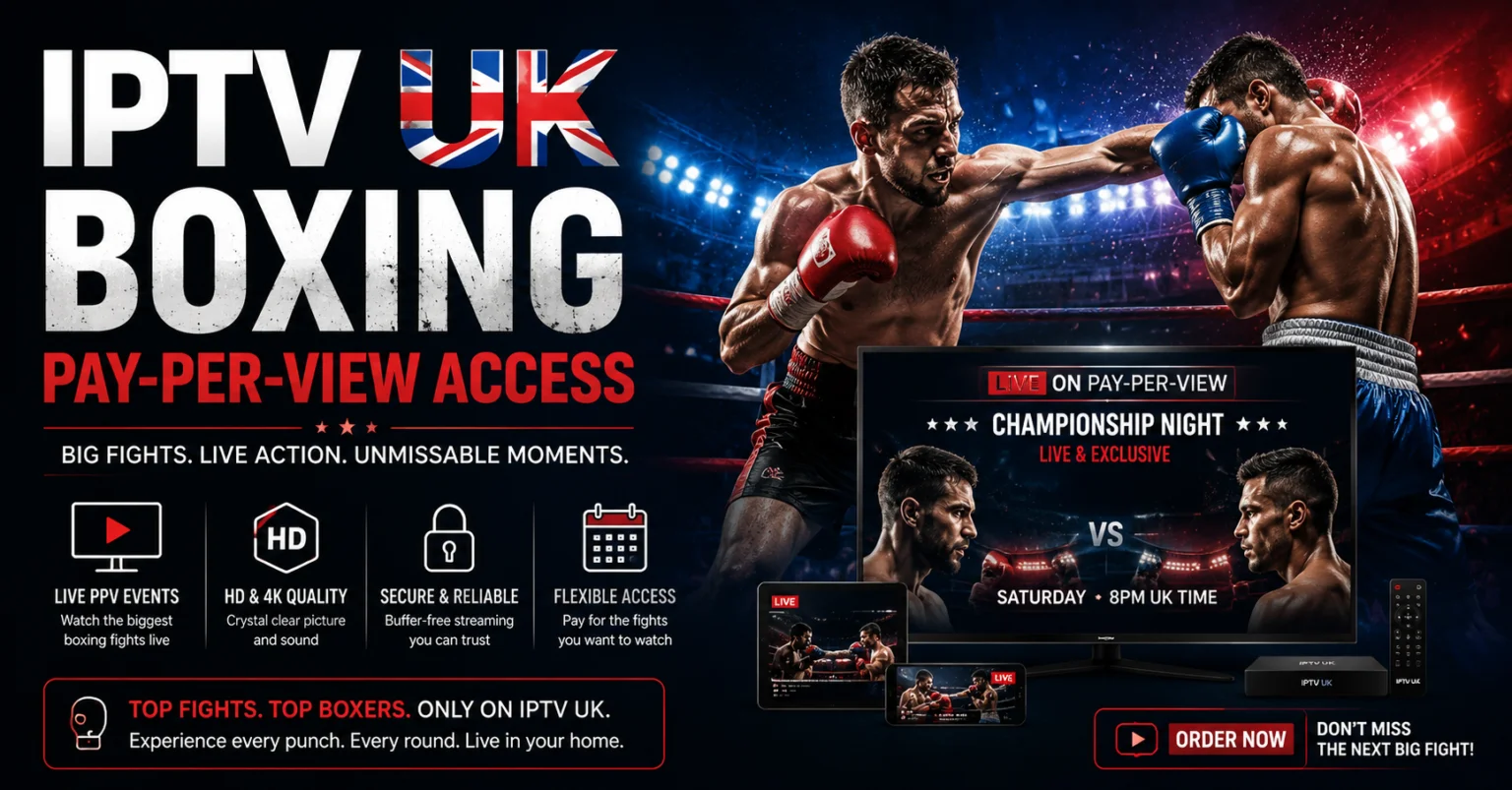
IPTV UK Boxing Pay-Per-View Access: Watch Major Fight Nights Live
Boxing fans across the United Kingdom are constantly seeking seamless, uninterrupted methods to stream major fight nights from start to finish. From heavyweight championship unification bouts and high-stakes domestic rematches to global crossover spectacles, internet-delivered television services have quickly established themselves as the leading choice for accessing live combat sports.
With an enterprise-grade IPTV subscription UK, fight fans can experience complete event coverage, crystal-clear Full HD and 4K IPTV feeds, and instant access to top-tier sports networks that regularly broadcast major pay-per-view events. Viewers consistently prefer modern internet streaming because it delivers complete hardware flexibility, simple setup workflows, and an unmatched selection of live entertainment beyond the boxing ring.
1. Understanding IPTV & How It Powers Live Fight Nights
Internet Protocol Television (IPTV) delivers live television channels, on-demand media, and interactive Electronic Programme Guides (EPG) directly over high-speed broadband connections rather than relying on legacy satellite dishes or subterranean coaxial cables. Instead of broadcasting every channel simultaneously through a physical network, cloud media servers stream high-bitrate video data packets straight to your preferred display device the moment you select a broadcast.
This data-driven architecture provides a massive leap forward for combat sports enthusiasts. Live pay-per-view events require immense server bandwidth, minimal latency, and consistent frame rates to capture fast-moving athletic action without sudden frame drops or visual artifacts. By leveraging advanced data distribution protocols, modern platforms make accessing live ring action fast, reliable, and accessible from virtually any location with a stable internet connection.
Looking for the Latest Streaming Tips?
Discover useful advice to improve performance, optimize your setup, and enjoy smoother streaming every day.
View Helpful Tips →best-iptvuk.com
2. Why Combat Sports Fans Are Switching to IPTV UK
Major international boxing cards frequently command global audiences, making secure server infrastructure and uncompressed stream feeds non-negotiable. Leading IPTV provider UK services ensure combat sports fans never miss a main-event ring walk or championship knockout round.
Primary Advantages for Live Boxing Viewers:
All-in-One Sports Network Aggregation: Access domestic and international sports channels broadcasting live fight cards from one organized application interface.
Uncompressed 4K & 60fps Feeds: High frame rates maintain crystal-clear motion clarity during fast jab exchanges, heavy knockdowns, and corner action.
Global Main Event Coverage: Stream early preliminary undercards and late-night main events originating from the UK, Las Vegas, Riyadh, or Tokyo without location barriers.
Multi-Device Screen Flexibility: Watch main card fights on your primary living room 4K Smart TV or stream on a mobile device while away from home.
Integrated Electronic Programme Guides: Track match schedules, ring walk times, and fight night programming across multiple time zones effortlessly.
Beyond boxing, subscribers enjoy full access to football, MMA, cricket, rugby, tennis, and motorsport, unifying all live sports into a single, cost-effective platform.
3. Comprehensive Overview of Modern Sports & Boxing Streaming Features
A top-tier streaming service provides far more than a basic channel list—it delivers a complete, high-performance sports hub engineered to handle peak traffic during massive pay-per-view broadcasts.
When evaluating a streaming platform for combat sports, look for essential performance capabilities:
Anti-Freeze Load Balancing: Server architecture that automatically distributes traffic across redundant Content Delivery Network (CDN) nodes during high-volume fight nights to prevent server overcrowding.
Xtream Codes API Integration: Encrypted login protocols that protect your user credentials while maintaining continuous synchronization with updated EPG listings and VOD catalogs.
Hardware Acceleration Support: Native compatibility with hardware video decoders inside popular streaming media players, guaranteeing fluid 60fps playback.
Catch-Up & Full Event Replays: Missed a late-night fight card due to time zone differences? Built-in catch-up functions allow you to replay the entire broadcast at your convenience.
Looking for Easy Device Installation?
Our tutorials cover Firestick, Android TV, Smart TVs, Apple TV, Windows, and many other compatible devices.
View Device Guides →best-iptvuk.com
4. Test Server Performance with an IPTV Free Trial
Before committing to a long-term package, testing a provider’s server stability during actual live sporting events is highly recommended. Taking advantage of an IPTV free trial or free IPTV trial UK allows you to test real-world network performance without financial risk.
What to Evaluate During Your Trial Period:
Peak-Hour Stream Stability: Test live channels during evening sports broadcasts to verify that feeds do not freeze or buffer under heavy traffic.
Channel Zapping Speed: Check how quickly live sports feeds load when switching between different channels and undercard broadcasts.
Resolution & Picture Clarity: Confirm that sports feeds render true Full HD (1080p @ 60fps) or 4K Ultra HD resolution on your primary TV display.
Application Interface & EPG Navigation: Evaluate how easily you can navigate fight schedules, set reminders, and organize your favorite sports channels.
Want to Try Our Service Before Subscribing?
Experience the streaming quality and device compatibility by requesting a free trial before choosing a subscription.
Start Your Free Trial →best-iptvuk.com
5. Hardware Compatibility & Setup Options for Fight Night
Modern streaming platforms eliminate the need for restrictive set-top box rentals by offering universal compatibility across a broad range of smart hardware and operating systems.
Amazon Firestick & Fire TV
The IPTV Firestick setup remains the gold standard for UK sports viewers. Amazon's hardware is affordable, highly portable, and built with powerful chips capable of decoding 4K 60fps video feeds effortlessly.
Smart TVs (Samsung Tizen, LG webOS, Android TV & Google TV)
Streaming directly through native Smart TV app stores (such as IBO Player Pro, Smart IPTV, or XCIPTV) provides a clean living room experience controlled entirely by your standard TV remote control.
Mobile & Tablet Streaming (Android & iOS)
For fans who need mobility during late-night international events, dedicated streaming apps for Android devices, iPhones, and iPads ensure you can watch every round over high-speed 5G or Wi-Fi networks.
6. Fast Installation via IPTV Smarters Downloader Code
Setting up your streaming app on an Amazon Firestick or Android TV device is fast and beginner-friendly. Using tools like Downloader allows you to retrieve verified applications in just a few clicks.
7. Popular Sports Content Available for UK Viewers
A comprehensive streaming package gives fight fans access to a wide array of global sports programming, transforming your television into an all-access sports pass:
Combat Sports: World championship boxing title fights, domestic British promoter cards, UFC Fight Nights, PPV main events, and international MMA promotions.
Football: Complete access to Premier League fixtures, EFL Championship promotion battles, UEFA Champions League nights, and international tournament matches.
High-Speed Motorsports: Formula 1 practice, qualifying, and race days, alongside MotoGP, IndyCar, and NASCAR events.
International Athletics & Team Sports: Worldwide coverage of Test cricket, T20 leagues, rugby union, Grand Slam tennis, and PGA Tour golf.
8. IPTV vs. Traditional Cable for Boxing Fans
When comparing modern internet streaming to traditional cable or satellite contracts, the differences in flexibility and content value become immediately obvious:
Device Mobility: Cable confines you to a single set-top box in one room, whereas internet streaming lets you watch on Smart TVs, tablets, smartphones, and laptops anywhere.
On-Demand Access: Internet platforms integrate massive Video-On-Demand (VOD) catalogs alongside live channels, whereas traditional cable charges extra fees for movie rentals and archived cards.
Setup Speed: Cable installations often require technician appointments and satellite dish mountings, while internet streaming can be fully configured in under 10 minutes.
Contract Terms: Satellite providers routinely demand binding 18-to-24-month contracts, while modern streaming services offer complete flexibility through monthly or annual choices.
9. Pricing & Subscription Plans: Finding the Best Value
Selecting the right subscription length depends entirely on your viewing habits and budget considerations.
1 Month Plan: Excellent for short-term testing or tuning in for a specific pay-per-view fight month.
3 Month Plan: A flexible quarterly option for seasonal sports coverage.
6 Month Plan: A balanced choice providing strong savings over short-term plans.
12 Month Plan: The most popular choice for dedicated sports fans, delivering maximum long-term value and uninterrupted coverage.
Lifetime Plan: A one-time investment for users seeking long-term convenience without recurring monthly bills.
For users seeking a cheap IPTV UK solution, annual packages consistently deliver the highest cost savings while securing uninterrupted access to every major fight night throughout the year.
10. How to Prepare Your Setup for Big Fight Nights
To ensure an optimal, buffer-free viewing experience when tuning into a major pay-per-view event, follow these quick optimization steps before ring walks begin:
Connect via Wired Ethernet: Whenever possible, connect your Firestick or Smart TV directly to your router using a Cat6 Ethernet cable instead of relying on Wi-Fi.
Clear Application Cache: Open your device's application settings and clear the player app's temporary cache files to free up hardware memory (RAM).
Set Decoder to Hardware Mode: Ensure your app's internal player is configured to Hardware (HW) decoding rather than Software (SW) mode.
Reboot Your Router: Briefly restart your home broadband router before the event starts to clear temporary DNS bottlenecks and optimize download speeds.
11. Business Opportunities with IPTV Reseller Panels
Beyond home entertainment consumption, the rapid expansion of global digital streaming has opened attractive commercial opportunities. An IPTV reseller panel allows entrepreneurs and digital business owners to manage customer accounts, generate test accounts, and distribute streaming subscriptions independently.
Reseller dashboards provide comprehensive administrative controls, enabling users to create accounts, monitor active connections, manage renewals, and deliver dedicated customer support within an expanding digital marketplace.
Frequently Asked Questions
What is IPTV UK?
IPTV UK refers to television services delivered via high-speed internet protocol networks, giving users instant access to live sports, pay-per-view broadcasts, entertainment channels, and on-demand media across multiple smart devices.
Can I test the service before purchasing a subscription?
Yes. Requesting an IPTV free trial allows you to test channel availability, video resolution, and stream stability on your own home network before committing to a paid plan.
What internet speed is required for live 4K fight streams?
For smooth Full HD (1080p @ 60fps) streaming, a stable download speed of 15–20 Mbps is recommended. For raw 4K IPTV broadcasts during major fight nights, ensure your broadband connection reaches at least 35–50 Mbps.
Is the Firestick compatible with IPTV streaming applications?
Yes. The Amazon Firestick is one of the most widely used streaming devices in the world due to its affordable price point, powerful 4K video decoding capabilities, and simple application installation process.
How do I get support if I need assistance during setup?
Reputable platforms provide dedicated customer service channels, online setup guides, and direct assistance to help users troubleshoot playback settings or configure new devices quickly.
Looking for IPTV Smarters Setup Instructions?
Our IPTV Smarters guide walks you through installation and configuration so you can get started quickly.
Read the IPTV Smarters Guide →best-iptvuk.com
Iptv
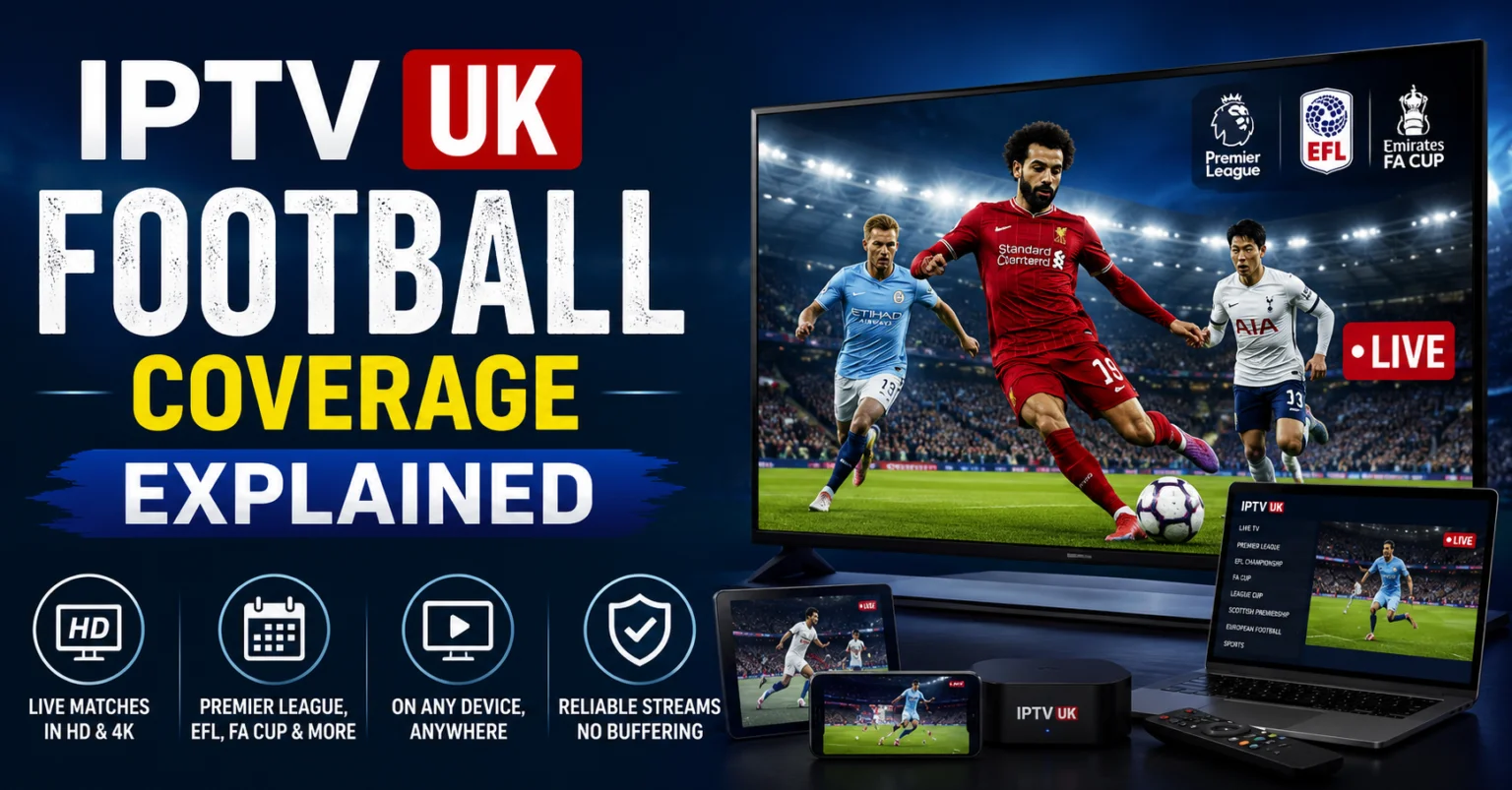
IPTV UK Football Coverage Explained: The Ultimate Live Match Streaming Guide (2026)
In the United Kingdom, football is far more than a weekend pastime—it is a cornerstone of culture, community, and daily conversation. However, as broadcasting rights become increasingly fragmented across multiple paid cable networks and streaming services, following your favorite club has never been more complicated or expensive.
To catch every kickoff—from Saturday afternoon Premier League clashes and mid-week UEFA Champions League nights to EFL Championship battles—UK supporters are turning to IPTV UK solutions. By delivering high-bitrate live football streams directly over broadband networks, internet-delivered television offers an all-in-one, multi-screen alternative to costly traditional broadcast contracts.
1. How IPTV Powers Live Football Streaming
Internet Protocol Television (IPTV) delivers live TV channels, interactive Electronic Programme Guides (EPG), and sports replays over standard internet protocol suites. Instead of relying on satellite dishes susceptible to bad weather or rigid cable infrastructure, video data packets stream directly from cloud backend servers to your connected devices.
Traditional Cable:   Satellite Dish ---> Single Regional Feed ---> Restricted Set-Top Box
Modern IPTV Network: Cloud CDN Server ---> Encrypted API Stream ---> Smart TV / Firestick / Mobile
For live sports fans, this data-driven setup provides three distinct advantages:
All-in-One Consolidation: Stream Premier League, EFL, domestic cups, and international feeds within a single application interface.
Multi-Device Mobility: Watch live matches at home on a 4K Smart TV, or stream on a phone or tablet while traveling.
Low-Latency 60fps Playback: High-frame-rate feeds deliver liquid-smooth ball movement and fast-action clarity without motion blur.
Looking for the Best IPTV Experience?
Enjoy high-quality streaming, extensive channel options, and a seamless viewing experience designed for modern entertainment.
Explore Best IPTV UK →best-iptvuk.com
2. Comprehensive Football League & Tournament Coverage
A top-tier IPTV subscription brings global football broadcasting together on one platform, covering every major competition:
| Competition | Coverage & Features Included |
| Premier League | Live match broadcasts, 4K HDR feeds, pre-match studio analysis, and full-match replays. |
| EFL Championship, League 1 & 2 | Extensive matchday coverage for local club supporters tracking promotion and relegation battles. |
| UEFA Champions League & Europa League | Every group stage and knockout fixture broadcast live with multi-channel options. |
| FA Cup & Carabao Cup | Full tournament coverage from early qualifying rounds through to the Wembley finals. |
| International Football | UEFA Nations League, World Cup qualifiers, international friendlies, and tournament feeds. |
3. Key Features Required for Buffer-Free Sports Streaming
Live sports demand robust technical infrastructure. When selecting an IPTV provider, football supporters should look for these performance-focused server features:
Xtream Codes API Authentication: Ensures fast, secure login handshakes that protect account credentials while keeping match schedules and EPG data continuously updated.
Anti-Freeze Server Load Balancing: Distributes viewer traffic dynamically across global Content Delivery Networks (CDNs) to prevent server overloads during high-volume derby matches.
Multi-Screen Capabilities: Split your display or use multi-connection options to monitor two kickoffs simultaneously on matchdays.
4. Hardware Compatibility & Firestick Setup Workflow
Modern streaming platforms run smoothly across Amazon Firesticks, Android TV boxes, Smart TVs (Samsung & LG), iOS, Android mobiles, and PCs.
The Amazon Firestick remains the most popular choice for UK supporters due to its low hardware cost and dedicated 4K video decoding.
Step-by-Step Firestick Installation Workflow:
5. Test Performance with an IPTV Free Trial
Before committing to an annual plan, testing server performance during actual matchday hours is crucial. Taking advantage of an IPTV free trial or free IPTV trial UK allows you to test:
Server Stability During Kickoffs: Test streams at 3:00 PM on Saturday or during evening midweek matches to evaluate bandwidth under peak traffic.
Channel Switching Speed: Verify how quickly live feeds load when switching between different games.
EPG Accuracy: Ensure kickoff times, team names, and channel listings sync correctly with your local time zone.
Frequently Asked Questions
What internet speed is needed for live 4K football streaming?
For standard 1080p HD feeds at 60fps, a minimum download speed of 15–20 Mbps is recommended. For uncompressed 4K Ultra HD match feeds, ensure your home broadband connection reaches at least 35–50 Mbps over a wired Ethernet cable or a 5 GHz Wi-Fi band.
How do I stop stream buffering during big matches?
To fix buffering:
Switch your streaming device from Wi-Fi to a direct Ethernet cable connection.
Change your player app's video decoder setting from Software (SW) to Hardware (HW).
Restart your router to clear temporary DNS caches.
Ensure no background applications or downloads are consuming local bandwidth.
Can I watch live matches on my phone while away from home?
Yes. Using mobile streaming apps like IPTV Smarters Lite or TiviMate, you can log in with your credentials and stream live games anywhere over a stable 4G/5G mobile data connection or Wi-Fi hotspot.
Need More Entertainment Options?
Explore a wide variety of live channels, movies, TV series, and premium content designed to suit every viewer.
Explore More →best-iptvuk.com
Iptv
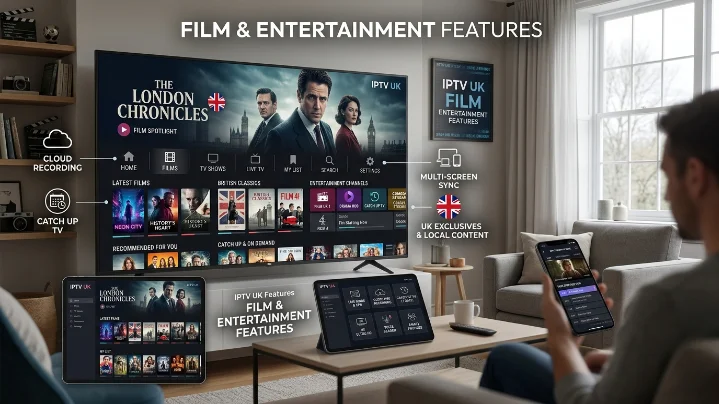
IPTV UK Film Entertainment Features: The Ultimate Movie Streaming Guide
The way film enthusiasts across the United Kingdom watch movies has undergone a massive transformation over the past decade. Fixed broadcast schedules and physical media rentals no longer dictate when audiences can enjoy their favorite films. Modern viewers expect instant, on-demand access to massive cinema catalogs, uncompressed 4K video quality, and seamless playback across every screen in their household.
This shift has established IPTV UK platforms as the premier choice for film lovers seeking complete control over their home theater experience. Whether you are passionate about classic British cinema, Hollywood blockbusters, indie festival gems, or international releases, modern internet-delivered TV services offer an unmatched cinematic ecosystem without the high costs of traditional satellite contracts.
1. What Makes IPTV the Future of Home Cinema?
Internet Protocol Television (IPTV) delivers live TV channels, electronic program guides (EPG), and massive Video-On-Demand (VOD) film libraries directly through high-speed broadband networks. Rather than tuning into a schedule managed by a broadcast network, internet streaming transfers control directly to the viewer.
Traditional Cinema Cable: Scheduled Broadcast ---> Compressed Feed ---> Single Set-Top Box
IPTV UK VOD Platform:   On-Demand Media Server ---> High-Bitrate Stream ---> Any Smart Device
Why Film Enthusiasts Prefer an IPTV Subscription:
Massive VOD Libraries: Instant access to thousands of film titles spanning every decade and genre without paying extra per-rental fees.
Pure Uncompressed Bitrates: Premium feeds offer true 1080p Full HD and 4K IPTV playback with HDR10 and Dolby Audio support.
Cross-Device Flexibility: Start watching a movie on your living room Smart TV and finish it seamlessly on an iPad or smartphone while traveling.
Integrated Subtitles & Multi-Audio: Switch effortlessly between multiple language tracks and high-quality subtitle options.
Ready to Upgrade Your TV Experience?
Take your home entertainment to the next level with flexible streaming across your favourite devices.
Get Started Today →best-iptvuk.com
2. Key Film Entertainment Features to Look For
Not all streaming platforms offer the same level of film curation or technical quality. When evaluating an IPTV provider, cinema fans should prioritize platforms that deliver enterprise-grade VOD functionality.
                                 ┌─ On-Demand VOD Catalog (10,000+ Titles)
                                 │
IPTV FILM FEATURES (2026) ───────┼─ Native 4K UHD & 60fps Playback
                                 │
                                 ├─ Intuitive Category & Genre Search
                                 │
                                 └─ Xtream Codes API & Multi-Device Sync
Essential On-Demand Capabilities:
Automated Library Updates: Top providers update their movie libraries weekly, adding the latest digital releases, award-season contenders, and restored classic collections.
Advanced Search & Filtering: Browse movies easily by genre, release year, director, cast, or regional origin using native player navigation.
Favorites & Watchlist Syncing: Save films to custom watchlists across apps like TiviMate, IPTV Smarters Pro, or IBO Player Pro.
Catch-Up TV Integration: Missed a live movie premiere on a linear broadcast channel? Integrated catch-up features let you rewind and replay broadcasts from the past 7 days.
3. Streaming Quality: Standard HD vs. Full HD vs. 4K IPTV
Image fidelity and audio depth make a world of difference when setting up a movie night at home. Choosing a provider that supports high-bitrate streaming ensures crisp visuals even on large-screen OLED TVs.
| Display Standard | Resolution | Target Bitrate | Recommended Internet Speed | Best Viewing Screen |
| Standard HD | 720p | 3 - 5 Mbps | 10 Mbps Download | Smartphones & Tablets |
| Full HD | 1080p | 8 - 12 Mbps | 25 Mbps Download | Standard Smart TVs & Laptops |
| 4K IPTV Ultra HD | 2160p (HDR) | 25 - 45 Mbps | 50+ Mbps Broadband | 55"+ 4K OLED / QLED Home Theaters |
4. Complete Hardware Compatibility & Setup Guide
Modern IPTV services eliminate the need for costly set-top box rentals by integrating directly with your existing smart hardware.
Compatible Viewing Devices:
Amazon Firestick & Fire TV: Highly popular in the UK due to low hardware cost, powerful 4K decoding, and easy sideloading capabilities.
Smart TVs (Samsung Tizen, LG webOS, Android TV): Native app integration allows you to stream movies directly from your TV remote with no extra cables.
Mobile & Tablets (iOS / Android): Perfect for streaming on-demand movies over high-speed 5G networks during commutes.
Looking for the Latest IPTV Guides?
Stay up to date with new tutorials, setup instructions, and troubleshooting articles designed for IPTV users.
Explore Our Latest Guides →best-iptvuk.com
Fast Firestick Installation Workflow:
5. IPTV UK vs. Traditional Cable for Film Lovers
| Feature / Criteria | Traditional UK Cable / Satellite | Premium IPTV Subscription |
| VOD Library Size | Limited pay-per-view rentals | Thousands of included movie titles |
| 4K HDR Availability | Extra monthly cost per channel | Included within primary package |
| Multi-Room Access | Requires extra physical set-top boxes | Multi-device connections supported |
| Contract Terms | Rigid 18 to 24-month commitments | Flexible 1-Mo, 12-Mo, or Lifetime options |
| Overall Value | High recurring monthly cost | Highly cost-effective monthly plans |
6. Evaluate Performance with an IPTV Free Trial
Before purchasing a long-term plan, testing the movie library and server speeds is highly recommended. Utilizing an IPTV free trial or free IPTV trial UK allows you to verify real-world viewing quality before making any financial commitment.
What to Test During Your Free Trial:
VOD Load Times: Ensure movie titles start playing instantly without long buffering pauses.
4K Stream Buffer Stability: Play high-bitrate 4K movie files during peak evening hours (8 PM – 11 PM) to test server strength.
Subtitle Accuracy: Test multi-language subtitle tracks to ensure proper synchronization with audio streams.
Search Functionality: Verify how quickly the app indexes and searches through large film catalogs.
Frequently Asked Questions
How much internet speed do I need for 4K movie streaming?
For standard 1080p HD movie streaming, a download speed of 15–20 Mbps is sufficient. For uninterrupted 4K Ultra HD movie playback with HDR audio, we recommend a stable fiber broadband connection of at least 50 Mbps.
Can I watch on-demand movies on my Firestick while traveling?
Yes. As long as your Amazon Firestick is connected to a stable Wi-Fi network or mobile hotspot, you can log in and stream your complete movie catalog from anywhere in the world.
What is the difference between M3U links and Xtream Codes API?
Xtream Codes API provides an encrypted, user-friendly authentication protocol (username and password) that automatically organizes film categories, posters, and movie metadata. Plain M3U links are basic text files that are less secure and harder to navigate.
Iptv
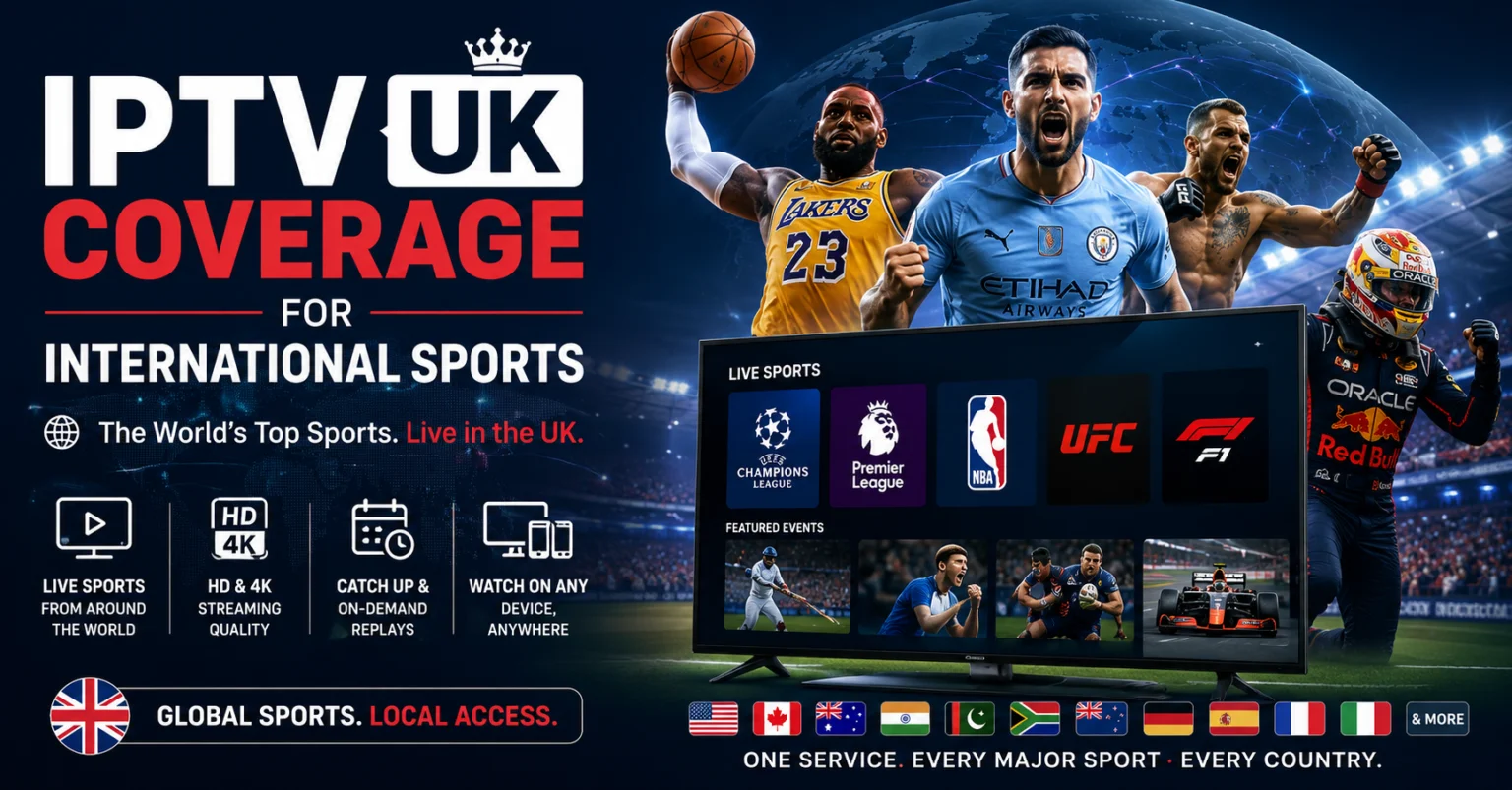
IPTV UK Coverage for International Sports: The Ultimate Viewing Guide
Sports fans in the United Kingdom have never had access to a broader, more diverse selection of global broadcasting choices than they do today. The rapid rise of internet-delivered TV services has fundamentally redefined how UK households tune into live sporting action across the globe.
Whether your weekends revolve around Premier League football, international cricket series, UFC Fight Nights, Formula 1 race weekends, or major American leagues like the NFL and NBA, modern streaming infrastructure has unlocked a truly global viewing experience. Instead of relying on rigid, high-cost cable contracts that lock channels behind fragmented tier packages, sports enthusiasts are turning to internet-first solutions for comprehensive global coverage and complete multi-device freedom.
1. Why Sports Fans Are Transitioning to Internet Streaming
Internet Protocol Television (IPTV) delivers live television broadcasts and on-demand content directly through your broadband connection, bypassing traditional satellite dish setups and coaxial cables.
For sports audiences, this transition feels like placing an international sports arena right inside your living room. Rather than juggling four or five separate subscriptions across different domestic broadcasters, users can consolidate global coverage through a single platform. This simplifies following international leagues, overseas tournaments, and away-game fixtures without changing providers.
Beyond channel consolidation, mobility is a major driver. Sports schedules rarely adapt to daily routines. Internet-delivered streaming ensures that whether you are traveling, commuting, or relaxing at home, live matches remain accessible across your favorite screens with minimal buffering.2. Infrastructure & Stability: What Powers Ultra HD Sports Feeds?
Live sports broadcasting is the ultimate test for any streaming provider. Unlike movies or pre-recorded shows, live athletic events demand high frame rates (60fps), minimal latency, and massive server bandwidth to handle millions of simultaneous viewers during major kickoffs.
Core Technical Pillars for Smooth Sports Playback:
High-Bitrate CDN Nodes: Content Delivery Networks strategically distributed across Europe and globally to minimize distance-based latency.
60fps Native Streams: Essential for high-speed motion in football, tennis, and motorsport, eliminating the motion blur common on lower-tier providers.
Anti-Freeze Server Load-Balancing: Backend technology that automatically redirects server traffic during peak viewing spikes to prevent freezing.
Need Help Troubleshooting IPTV?
From buffering issues to installation problems, our guides cover common solutions to help you get back to streaming quickly.
Read Troubleshooting Guide →best-iptvuk.com
3. Extensive International Sports Coverage Breakdown
The primary advantage of a globally minded platform is reaching far beyond domestic regional boundaries. Here is what modern global coverage encompasses across major sporting disciplines:
Football (Domestic & International)
Football remains the bedrock of UK sports culture. Viewers gain access to full coverage of the Premier League, UEFA Champions League, Serie A, La Liga, Bundesliga, and Ligue 1. For fans tracking domestic ladder movements, comprehensive access to EFL Championship, League One, and League Two fixtures ensures you never miss a matchday.
Cricket
From international Test series and the ICC World Cups to high-octane domestic T20 competitions like the Indian Premier League (IPL), The Big Bash, and The Ashes, global streams bring ball-by-ball coverage from ground feeds around the world.
Combat Sports (Boxing & UFC)
Fight fans require reliable access to late-night main cards and title fights. Integrated streams cover full UFC Fight Nights, PPV main events, and international boxing cards without requiring separate set-top box rentals.
Motorsports & US Major Leagues
Follow every Formula 1 practice, qualifying, and race session, alongside MotoGP, NASCAR, and IndyCar. American sports coverage includes live night games across the NFL, NBA, MLB, and NHL.
4. Hardware Optimization & Multi-Device Setup
Modern viewing is no longer tethered to a single couch in the living room. Leading streaming setups support smooth playback across a wide array of hardware.
| Device Category | Recommended Application | Best Performance Feature |
| Amazon Firestick / Fire TV | TiviMate / IPTV Smarters Pro | Low-cost 4K hardware video decoding |
| Android TV / Google TV | TiviMate IPTV Player | Multi-view (watch up to 4 matches at once) |
| Smart TVs (Samsung / LG) | IBO Player Pro / XCIPTV | Native app store integration with zero extra dongles |
| Mobile (iOS / Android) | Smarters Lite / VLC Player | On-the-go streaming over 5G networks |
Quick Firestick Setup Steps:
Install the Downloader app from the Amazon Appstore.
Enter your provider's verified app shortcode or URL.
Launch the player app and select Log in with Xtream Codes API.
Enter your credentials, load your channels, and switch video decoding to Hardware (HW) mode for fluid 60fps playback.
Looking for Simple IPTV Setup?
Our step-by-step tutorials help beginners install IPTV quickly without complicated technical knowledge.
Read the Setup Guide →best-iptvuk.com
5. IPTV UK vs. Traditional Cable TV for International Sports
| Feature / Criteria | Traditional Cable / Satellite | Modern IPTV UK Services |
| International Coverage | Restricted to licensed local channels | Global regional feeds & coverage |
| PPV & Sports Add-ons | Expensive monthly add-on packages | Included within primary package |
| Frame Rate / Quality | Often compressed 720p/1080i | 60fps Full HD & 4K Ultra HD Feeds |
| Hardware Flexibility | Bound to physical set-top boxes | Firestick, Smart TV, Mobile, Tablet, PC |
| Contract Requirements | 18–24 Month Binding Contracts | Flexible 1-Mo, 12-Mo, or Lifetime options |
6. How to Test Service Stability via a Free Trial
Before committing to a long-term plan, testing performance during actual live broadcasts is essential. A free IPTV trial UK allows you to verify real-world network performance under heavy traffic.
What to Evaluate During Your Trial:
Peak-Hour Stability: Test live streams on Saturday afternoon or matchday evenings to check for buffering.
EPG Integration: Ensure the Electronic Programme Guide accurately displays kick-off times and channel schedules.
Stream Switching Speed: Check how quickly channels load when zapping between different live events.
Device Response: Verify that your home router and streaming device handle 4K feeds smoothly.
Frequently Asked Questions
What internet speed is needed for live 4K sports streaming?
For standard Full HD (1080p @ 60fps) sports streams, a minimum speed of 15–20 Mbps is recommended. For raw 4K Ultra HD broadcasts, ensure your broadband connection provides at least 35–50 Mbps over a 5GHz Wi-Fi band or wired Ethernet cable.
How do I stop buffering during major football matches?
To eliminate buffering, connect your streaming device directly via an Ethernet cable, set your player app's video decoder to Hardware (HW) mode, restart your router to clear temporary DNS caches, and ensure your account has adequate connection allowances.
Can I watch international sports on multiple screens at home?
Yes, provided you hold a multi-connection plan. Single-connection plans permit only one active stream at a time; accessing a second device simultaneously on a single plan can cause stream freezing or temporary account lockouts.
Summary: Building the Ultimate Sports Viewing Environment
Transitioning to a modern, internet-delivered sports setup provides unprecedented channel variety, superior 4K video quality, and substantial savings over traditional cable TV packages. By verifying performance through a free trial, selecting hardware-accelerated apps like TiviMate or IPTV Smarters, and securing multi-room connection options, UK sports fans can enjoy an enterprise-grade stadium viewing experience right from home.
Ready to Enjoy Better Home Entertainment?
Discover an easier way to access live television, movies, sports, and on-demand content from one convenient platform.
Learn More →best-iptvuk.com
Iptv
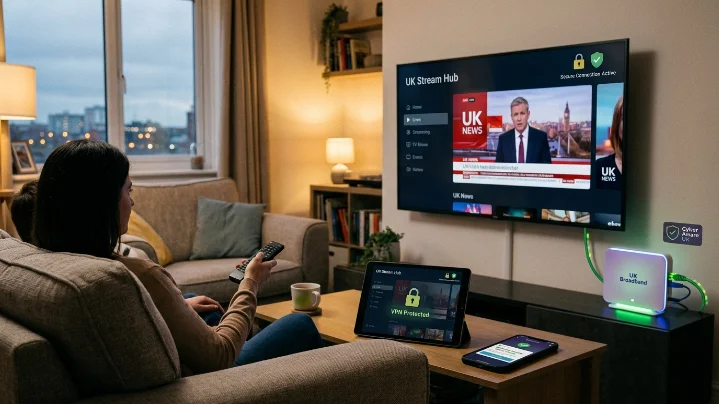
IPTV UK Streaming Security (2026): Safe, Reliable & Buffer-Free Setup
When selecting a digital TV provider, stream crispness and channel volume are only half the equation. Server stability, encrypted account authentication, and connection security play an equally critical role in delivering an uninterrupted viewing experience.
Whether streaming a high-demand Premier League kickoff on an Amazon Firestick, catching a cinema release on a Samsung Smart TV, or following live broadcasts on an iPhone, securing your connection ensures maximum uptime and protects your device from technical disruptions.
This guide breaks down modern IPTV UK streaming security, how enterprise-grade server infrastructure prevents freezing, and best practices for setting up your devices safely.
1. What Is IPTV UK Streaming Security?
Internet Protocol Television (IPTV) delivers live TV channels, interactive Electronic Programme Guides (EPG), and Video-on-Demand (VOD) catalogs over high-speed broadband networks using standard internet protocol suites.
Unlike legacy satellite dishes vulnerable to rain fade, IPTV relies on server-to-device data transmission. Streaming security refers to the technical measures engineered into the provider’s backend cloud to protect user credentials, prevent connection hijacking, and ensure high-bitrate video feeds render smoothly without buffering.
Looking for More IPTV Tips and Tutorials?
Explore our collection of IPTV guides covering installation, troubleshooting, compatible devices, and streaming tips.
Visit Our Blog →best-iptvuk.com
Core Security Pillars of a Top-Tier Platform:
Encrypted Authentication: Protects user Xtream Codes API credentials during login handshake protocols.
Load-Balanced CDNs: Distributes global viewer traffic across redundant server clusters during high-volume sports events.
Anti-Freeze Infrastructure: Dynamically balances video bitrates to prevent buffering under changing network conditions.
Secure App Sideloading: Ensures installation files (APKs) originate from verified, malware-free repositories.
2. Why Security Matters for UK Viewers
As British cord-cutters move away from expensive traditional cable, home streaming setups handle sensitive data across multiple connected family devices.
Investing time in a secure setup yields six direct benefits:
Zero Credential Exposure: Prevents account details or playlist URLs from being intercepted on public or shared networks.
Prevention of ISP Throttling: Reduces the risk of UK internet service providers detecting and slowing down heavy video streams during peak weekend matches.
Optimized App Performance: Using verified IPTV apps ensures zero hidden bloatware or background memory drain.
Stable 4K UHD Playback: Uninterrupted server pipes maintain consistent 60fps frame rates for live sports.
Multi-Device Syncing: Keeps simultaneous household connections isolated and stable across rooms.
3. How to Choose a Secure IPTV UK Provider
Not all streaming platforms maintain equal security standards. When evaluating options, prioritize technical infrastructure over inflated channel numbers.
| Feature / Criteria | Low-Quality / Unsecured IPTV | Secure iptvuk Cloud |
| Authentication Protocol | Plaintext M3U links | Encrypted Xtream Codes API |
| Server Architecture | Single-node servers (Buffering prone) | Global Anti-Freeze CDN Networks |
| ISP Throttling Defense | None (Prone to peak-hour slowdowns) | Encrypted Traffic Routing Support |
| Trial System | Paid / Restrictive | Free IPTV Trial UK Access |
| App Ecosystem | Obscure, unverified APKs | Official App Store & Clean Shortcodes |
4. Device-by-Device Security & Best Practices
Securing your viewing environment depends heavily on hardware-level maintenance.
Amazon Firestick (Fire TV 4K / Max / Cube)
The Firestick is the most popular streaming device in the UK, but requires proper management to prevent memory bottlenecks:
Keep Fire OS Updated: Navigate to Settings > My Fire TV > About and regularly install system updates.
Clear Application Caches: Periodically clear cache files inside app settings to free up hardware RAM.
Use Official Downloader Codes: Only download IPTV players using verified shortcodes to avoid tampered installation files.
Looking for IPTV on Smart TVs?
Learn how to install and enjoy IPTV on Samsung, LG, Android TV, and other Smart TVs with our simple setup guides.
Read the Smart TV Guide →best-iptvuk.com
Smart TVs (Samsung Tizen & LG webOS)
Stick to official TV app stores (such as IBO Player Pro or Smart IPTV) to guarantee native, hardware-accelerated video decoding.
Connect Smart TVs directly via an Ethernet cable rather than Wi-Fi to lower packet loss and latency.
Android TV & Google TV (NVIDIA Shield / Chromecast)
Enable Google Play Protect to automatically scan sideloaded applications.
Utilize advanced player apps like TiviMate that support hardware (HW) decoding and custom buffer size adjustments.
5. Step-by-Step Installation & Secure Setup Workflow
Follow this universal operational workflow to establish a safe, high-speed streaming connection on your Amazon Firestick or Android TV device:
6. Always Test Server Stability via a Free Trial
Before purchasing a long-term iptvsubscription, always request a free IPTV trial UK. A real-world test enables you to assess:
Peak-hour channel switching speed during live Premier League or EFL matches.
Server response times and EPG guide loading performance.
Compatibility with your router's default firewall settings.
Ready to Start Streaming?
Discover reliable streaming, a wide range of entertainment, and an easy setup process for all your favourite devices.
Visit Best IPTV UK →best-iptvuk.com
Frequently Asked Questions
Do I need a VPN for IPTV streaming in the UK?
While high-quality providers build proxy protection and load balancing into their server networks, using a reputable, encrypted VPN adds an additional layer of security. It prevents local ISP bandwidth throttling during peak sporting events and protects your streaming traffic on shared Wi-Fi networks.
What internet speed is required for safe, buffer-free 4K streaming?
For standard 1080p Full HD streams, a minimum connection speed of 15 Mbps is recommended. For raw 4K Ultra HD and 60fps live sports playback without buffering, ensure your local download speed exceeds 30–50 Mbps over a stable 5GHz Wi-Fi or wired Ethernet connection.
What happens if my account details are compromised?
If an account is accessed simultaneously from multiple unapproved locations without a multi-connection plan, the server's automated security system will trigger a protection lockout. Always keep your Xtream Codes credentials private and purchase a dedicated multi-connection plan for family or multi-room use.
Iptv
Best IPTV UK Entertainment Vision Guide (2026): Live TV, 4K Sports & Multi-Device Setup
Finding a dependable, high-performance TV service in the UK often feels like navigating a maze of inflated monthly bills, restrictive multi-year contracts, and fragmented sports packages. Traditional cable and satellite setups regularly charge extra for basic add-ons, forcing households to pay high fees just to access the channels they watch most.
IPTV UK Entertainment Vision represents the next generation of digital entertainment. By delivering live television, 4K sports, and expansive on-demand libraries over high-speed broadband networks, modern viewers gain absolute freedom over their home viewing experience.
Whether you are looking for a reliable iptvprovider, evaluating a multi-device iptvsubscription, or searching for the best setup for your Amazon Firestick, this comprehensive guide covers everything you need to know about the modern UK streaming landscape.
1. What Is IPTV and How Does It Work?
Internet Protocol Television (IPTV) is a technology that streams television broadcasts and video-on-demand (VOD) content using standard internet protocol (IP) networks, rather than legacy terrestrial aerials, satellite dishes, or coaxial cable systems.
Traditional Cable/Satellite: Satellite Orbit / Aerial ---> Physical Receiver ---> Fixed Channel Feed
IPTV Streaming Cloud:        Broadband Server Node  ---> High-Speed Router ---> Any Connected Device
When you sign up for an iptvsubscription, your provider delivers access credentials via an M3U Playlist URL or Xtream Codes API (comprising a Username, Password, and Server Portal URL). You simply input these details into an IPTV player application on your Firestick, Smart TV, or mobile device to load live channels and interactive Electronic Programme Guides (EPG).
Looking for the Latest IPTV Guides?
Stay up to date with new tutorials, setup instructions, and troubleshooting articles designed for IPTV users.
Explore Our Latest Guides →best-iptvuk.com
2. Why IPTV UK Entertainment Vision Is Transforming Home Viewing
The UK streaming market has accelerated rapidly toward internet-first viewing. British cord-cutters are moving away from traditional providers due to five primary advantages:
Massive Content Unification: Access live terrestrial UK networks, international channels, and on-demand movies under one interface.
Device Independence: Stream on Smart TVs, Amazon Firesticks, Android TV boxes, smartphones, tablets, or desktop PCs.
No Long-Term Contracts: Flexible 1-month, 3-month, or 12-month access options without multi-year commitments.
4K UHD & 60fps Sports: High-bitrate feeds designed specifically for large-screen 4K and 8K displays without heavy video compression.
Integrated EPG & Catch-Up: Complete electronic program schedules make finding live games or catching up on missed episodes effortless.
3. Subscription Plans & Pricing Comparison
Choosing the right iptvsubscription depends on your household's viewing habits, connection needs, and budget. Below is an overview comparing specialized streaming options against traditional UK pay-TV models:
| Feature / Criteria | Standard Cable / Satellite | Mid-Tier Budget IPTV | Premium iptvuk Cloud |
| Live Channels | 300–500 (Tiered) | 10,000+ | 30,000+ Global & UK |
| VOD Library | Rental-based Pay-Per-View | 20,000+ Titles | 190,000+ Movies & Series |
| Sports Streams | Expensive monthly add-ons | 720p / Low bitrate | 4K UHD @ 60fps Native |
| Connection Limits | Fixed physical box | Usually 1 device only | Multi-room (1 to 5+ Connections) |
| Contract Term | 18 to 24 Months | None | Flexible (1 Mo to 12 Mo / Lifetime) |
| Anti-Freeze CDN | N/A | Rare (Prone to lag) | Built-in Server Load-Balancing |
4. Hardware Compatibility & Player App Setup
One of the greatest strengths of modern streaming is hardware flexibility. You do not need expensive rental equipment to achieve a high-definition viewing experience.
Supported Devices
Amazon Fire TV: Firestick 4K / Max, Fire TV Cube, Fire TV Smart Television.
Android TV & Google TV: NVIDIA Shield TV Pro, Chromecast with Google TV, Formuler Z-Series.
Smart TVs: Samsung (Tizen OS), LG (webOS), Sony & Philips (Android/Google TV).
Mobile & Desktop: Apple iOS (iPhone/iPad), Android Mobile, Windows PC, macOS.
Top Player Applications
5. Step-by-Step Installation Guide (Amazon Firestick)
Setting up your streaming app on an Amazon Firestick takes under ten minutes when following this standard installation workflow:
6. IPTV UK Reseller Panel Business Opportunities
Beyond personal viewing, the cord-cutting boom has opened significant entrepreneurial opportunities through reseller programs. An IPTV Reseller Panel allows individuals and tech businesses to launch their own branded streaming service with minimal overhead.
How an IPTV Reseller Panel Works:
Credit System: Resellers purchase wholesale credits which are converted into customer subscriptions (e.g., 1 Credit = 1 Month
iptvsubscription).Management Dashboard: Gain full control to generate 24-hour trial passes, create official client accounts, manage renewals, and kill active lines if necessary.
Scalable Business: Manage hundreds of clients from a single browser-based dashboard without managing physical inventory or shipping logistics.
7. Legalities, Security, and Compliance in the UK
When evaluating any iptvprovider, it is crucial to understand the legal and technical landscape in the United Kingdom.
Content Licensing & Copyright
IPTV technology itself is completely legal.
Cybersecurity & Network Safety
Unregulated or low-quality providers often lack basic security standards, exposing users to technical and privacy risks:
Malware & Spyware: Sideloading unverified APKs from unknown sources can introduce malicious software to your home network.
ISP Throttling: UK internet service providers (ISPs) actively monitor network traffic during peak sporting events and may throttle bandwidth if high-volume streaming is detected.
Data Privacy: Always ensure your streaming setup utilizes secure protocols, reputable applications downloaded from verified sources, and encrypted connections.
8. Frequently Asked Questions
What internet speed is required for 4K IPTV streaming?
For smooth Full HD (1080p) streams, a minimum connection speed of 15 Mbps is recommended. For raw 4K Ultra HD and 60fps sports playback without buffering, ensure your local download speed exceeds 30–50 Mbps.
Can I test the service before purchasing a full subscription?
Yes, reputable services offer an IPTV UK free trial (typically lasting 12 to 24 hours). Testing a trial enables you to evaluate server stability, stream switching speeds, and channel selection on your home broadband setup before committing to a paid plan.
What happens if I use my subscription on multiple devices at once?
Your ability to stream on multiple screens simultaneously depends entirely on your account's connection limit. If you hold a single-connection plan and attempt to stream on two devices at once, the server will either block the second device or cause continuous buffering on both. Always select a multi-connection plan for family or multi-room use.
Why am I experiencing buffering during live sports events?
Buffering during high-demand games is usually caused by local Wi-Fi interference, ISP bandwidth throttling, or overloaded server nodes. To fix buffering: connect your streaming box via an Ethernet cable, restart your router, ensure your player app's video decoder is set to "Hardware (HW)", and use an encrypted connection.
Need Assistance with Installation or Technical Support?
Our support team is ready to help with setup, device compatibility, and any technical questions you may have.
Contact Us →best-iptvuk.com
Iptv
Best IPTV UK for 4K & 8K Streaming (2026): Ultra HD Guide & Setup
As 4K Smart TVs become the standard in British living rooms and 8K displays enter mainstream homes, traditional satellite and cable broadcasts are struggling to keep up. Legacy television providers frequently compress video signals to save satellite bandwidth, leaving viewers with pixelated sports and washed-out colors.
IPTV UK Cloud bridges this gap by leveraging high-bitrate content delivery networks (CDNs) designed specifically for uncompressed, Ultra HD streaming. Whether you are chasing 60fps Premier League streams, blockbuster 4K HDR movies, or pristine 8K test broadcasts, this guide covers everything required to achieve smooth, buffer-free playback.
1. 4K vs. 8K IPTV: Understanding the Technical Requirements
Streaming in 4K (3840×2160) or 8K (7680×4320) requires significantly more bandwidth than standard 1080p HD. To deliver raw, high-bitrate video feeds without freezing or audio desync, your local network and the provider's infrastructure must meet strict performance criteria.
1080p Full HD Stream  --> ~8-12 Mbps Required   --> Standard Server Pipe
4K Ultra HD Stream    --> ~25-40 Mbps Required  --> Dedicated CDN / AntiFreeze
8K Ultra HD Stream    --> ~50-80+ Mbps Required --> High-Bitrate Fiber Node
Key Infrastructure Elements for Ultra HD:
High-Bitrate CDN Encoding: Ensures color depth (HDR10 / Dolby Vision) is preserved during sports and movie playback.
60fps Native Streams: Essential for high-speed sports like football, Formula 1, and boxing, eliminating motion blur during fast action.
Anti-Freeze Server Architecture: Load-balanced server nodes prevent stuttering during high-demand live events.
Looking for a Complete IPTV Resource?
Explore our growing library of setup guides, helpful articles, and streaming tips designed for beginners and experienced users alike.
Visit Our Resource Centre →best-iptvuk.com
2. Recommended Internet Speeds for Ultra HD Playback
Bandwidth stability is crucial when rendering high-resolution video frames. A speed test revealing 50 Mbps does not guarantee 50 Mbps of local Wi-Fi stability—latency and packet loss matter just as much.
| Resolution / Format | Minimum Dedicated Speed | Recommended Connection Type |
| 1080p HD (60fps) | 10–15 Mbps | Wi-Fi 5 (5GHz) or Ethernet |
| 4K Ultra HD (HDR) | 25–40 Mbps | Wi-Fi 6 or Ethernet Cable |
| 8K Ultra HD (Raw) | 50–100+ Mbps | Direct Gigabit Ethernet Connection |
Pro Tip: For 4K and 8K streaming, bypass standard 2.4GHz Wi-Fi entirely. Connect your TV or streaming media box directly to your router via a Cat6 Ethernet cable to eliminate packet drops and wireless interference.
3. Hardware Requirements for 4K & 8K Decoding
Not all streaming hardware possesses the processing power to decode heavy 4K HEVC (H.265) or AV1 video codecs without overheating or dropping frames.
Recommended Hardware
NVIDIA Shield TV Pro: The gold standard for IPTV power users. Features AI 4K upscaling, Tegra X1+ processing, and gigabit Ethernet.
Amazon Fire TV Stick 4K Max / Fire TV Cube: Affordable, fast, hardware-supported HEVC/AV1 decoding, and Wi-Fi 6 connectivity.
Apple TV 4K: Exceptional hardware decoding paired with clean app environments like iPlayTV or TiviMate alternatives.
Latest Smart TVs (LG OLED webOS / Samsung Neo QLED): Native store apps handle 4K streams smoothly over wired Ethernet or 5GHz Wi-Fi.
4. Best IPTV Player Apps for Ultra HD Video
The player app you choose directly impacts video rendering quality, subtitle sync, and Electronic Programme Guide (EPG) loading speeds.
5. Quick 4-Step Setup Guide for Ultra HD IPTV
Follow this universal setup process to start streaming 4K and 8K content on your Amazon Firestick, Smart TV, or Android device in under ten minutes:
6. Cheap IPTV vs. Premium Ultra HD Services
| Feature | Budget / Cheap IPTV UK | Premium IPTV UK Cloud |
| Video Bitrate | Heavily compressed 720p / low 1080p | High-bitrate uncompressed 4K & 8K |
| Sports Frame Rate | 25fps or 30fps (choppy motion) | 60fps Fluid Motion (Premier League/F1) |
| Server Peak Performance | Buffering during big games | Load-balanced Anti-Freeze CDNs |
| VOD Library | Low resolution / outdated audio | 190,000+ VOD with 4K HDR & Surround Sound |
| Customer Support | Unresponsive / missing | Dedicated 24/7 technical assistance |
7. Always Test via an IPTV Free Trial First
Before committing to long-term plans, always request an IPTV UK free trial.
Frequently Asked Questions
Do I really need 8K resolution for IPTV?
While true 8K broadcasts are still in early rollout stages worldwide, 8K-compatible IPTV servers ensure your 4K and 1080p streams are delivered at the absolute highest bitrate possible, resulting in zero compression artifacts on large screen displays.
How do I stop buffering on 4K IPTV streams?
To eliminate buffering, connect your device via Ethernet cable, restart your router, ensure your broadband speed exceeds 30 Mbps, and adjust your IPTV app's video decoder settings to Hardware (HW) mode.
Can I use a single subscription on multiple 4K devices?
Yes, provided you hold a multi-connection subscription plan. Single-connection accounts will buffer or lock if accessed on multiple devices simultaneously.
For free trial : best-iptvuk.com
Iptv
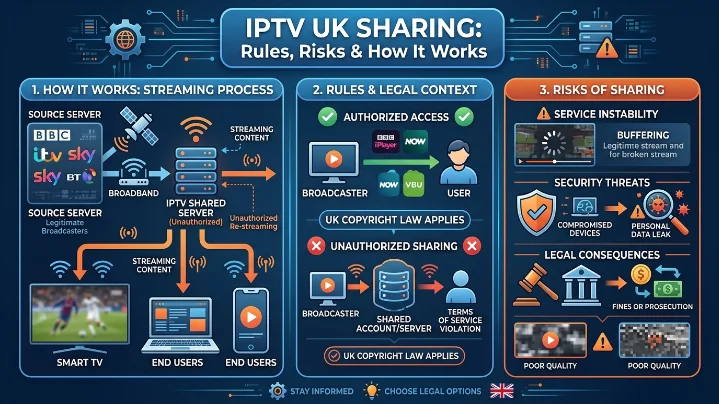
The Ultimate UK IPTV Guide (2026): Everything You Need to Know About Connections, Streaming, and Multi-Room Setup
The way British households consume television has undergone a monumental shift. Traditional satellite dishes and restrictive cable contracts—long criticized for steep prices, annual rate hikes, and fragmented sports packages—are rapidly being replaced by Internet Protocol Television (IPTV).
By delivering live channels, on-demand entertainment, and high-definition sports directly over your broadband connection, IPTV gives cord-cutters ultimate control over what, where, and how they watch.
However, navigating the IPTV landscape in 2026 can feel overwhelming. Questions around subscription sharing, simultaneous connection limits, device compatibility, and server stability trip up even tech-savvy users.
This comprehensive guide breaks down everything you need to know to build the ultimate, hassle-free home streaming setup.
1. What Is IPTV and How Does It Work?
Unlike traditional broadcasting that broadcasts every channel simultaneously via satellite or terrestrial signals (Freeview), IPTV streams the specific channel or video file you request directly through your internet router.
When you subscribe to an IPTV provider, you receive access credentials—typically an M3U playlist URL or Xtream Codes login (Username, Password, and Server URL). You then input these details into an IPTV player app on your streaming device to immediately unlock live streams, electronic program guides (EPG), and Video-on-Demand (VOD) catalogs.
2. IPTV Subscription Sharing: Rules, Connection Limits & Risks
One of the most attractive aspects of IPTV is multi-room flexibility. However, misunderstanding simultaneous connection limits is the single biggest cause of account bans, buffering, and technical frustration.
The Golden Rule: Connections vs. Apps
Installing your IPTV app on five separate devices does not mean you can stream on all five at once. Your access is governed by the number of active concurrent connections tied to your account.
| Plan Type | Active Streams Allowed | Best Suited For | Risk of Exceeding Limit |
| Single Connection | 1 Device | Solo viewers, single-TV homes | Stream freeze, account lockout, IP flag |
| Multi-Connection | 2 to 5 Devices | Families, multi-room setups, flatshares | Smooth concurrent playback across rooms |
| Reseller Panel | Unlimited Clients | Commercial operators & entrepreneurs | Requires active client management dashboard |
Warning on Sharing Outside Your Home: If you share a single-connection account with a friend living at a different address, the moment both of you tune into a match, the provider’s automated system will flag dual-IP access. This results in instant stream buffering or an automated account freeze. Always choose a dedicated multi-connection plan if streaming across different locations or rooms.
Want to Watch IPTV on Multiple Devices?
Discover how compatible devices make it easier to enjoy live TV and on-demand entertainment wherever you are.
Learn More →best-iptvuk.com
3. Streaming Sports, Live Channels, and VOD in 4K
For UK viewers, live sports are often the primary reason for cutting the cord. Juggling separate subscriptions for domestic leagues, European competitions, and international events quickly adds up.
What Premium IPTV Coverage Delivers:
Football Focus: Comprehensive 60fps high-bitrate coverage of the Premier League, UEFA Champions League, and full EFL league matches.
Motorsports & Combat: Every Formula 1 race weekend, live UFC Fight Nights, and major PPV Boxing main events.
Global Sports: International Cricket, Rugby Championships, NBA, and Grand Slam Tennis.
Unified VOD Catalog: Over 190,000+ movies and TV series organized with cover art, trailer previews, and episode metadata.
4. Hardware and App Compatibility
IPTV’s greatest strength is hardware independence. Rather than renting proprietary set-top boxes, you can run high-grade IPTV apps on hardware you likely already own.
Top Hardware Options
Amazon Fire TV (Firestick 4K / Max / Cube): The undisputed favorite for UK cord-cutters due to its low cost, hardware decoding, and easy sideloading capabilities.
Android TV / Google TV (NVIDIA Shield, Chromecast with Google TV): Offers ultra-fast navigation, native gigabit ethernet support, and unmatched 4K HDR passthrough.
Smart TVs (Samsung Tizen & LG webOS): Convenient for living rooms without additional dongles, using native store apps.
Mobile & Desktop (iOS, Android, Windows, macOS): Perfect for catching live matches while traveling or working.
Choosing the Right IPTV App
5. Step-by-Step Multi-Room Setup Guide
Setting up a multi-room IPTV configuration on an Amazon Firestick or Smart TV takes under ten minutes when following this streamlined workflow:
6. Cable TV vs. IPTV UK: Comparison Breakdown
| Criteria | Traditional UK Cable / Satellite | IPTV UK Cloud Services |
| Channel Count | 300–500 (Tier-restricted) | 30,000+ Global & Regional Channels |
| VOD Library | Limited on-demand rentals | 190,000+ Movies & TV Box Sets |
| Sports Access | Multi-package extra fees (£80+/mo) | All-inclusive 4K UHD Sports Streams |
| Contract Requirements | 18–24 Month Binding Contracts | Flexible Month-to-Month or Lifetime |
| Hardware | Fixed physical set-top box rental | Multi-device (Firestick, Smart TV, Phone) |
| Setup Cost | High installation & box fees | Zero installation fees |
7. Best Practices: Avoiding Buffering & Staying Protected
To guarantee an uninterrupted streaming experience—especially during peak Sunday Premier League matches—follow these three golden operational rules:
Maintain Adequate Internet Speed:
Full HD (1080p): Minimum 15–20 Mbps.
4K Ultra HD: Minimum 35–50 Mbps dedicated bandwidth.
Use Ethernet Where Possible: While Wi-Fi is convenient, placing your main Firestick or Smart TV on a direct Ethernet cable removes wireless interference and drops packet loss to zero.
Always Run an IPTV Free Trial First: Never purchase a long-term plan without testing.
A trial lets you check server response times, switching speeds, and connection stability during peak evening hours on your specific internet provider.
Frequently Asked Questions
Is an IPTV free trial available before subscribing?
Yes! Reputable providers offer an IPTV UK free trial (typically lasting 12 to 24 hours).
What happens if I exceed my connection limit?
If you attempt to stream on three devices simultaneously while holding a two-connection plan, the newest device will fail to connect, or one of the active streams will experience constant freezing.
Do I need a VPN for IPTV in the UK?
While high-tier providers build anti-freeze and proxy protection into their infrastructure, utilizing a reputable VPN is recommended to prevent local ISP bandwidth throttling during high-traffic live sporting events.
Summary: Upgrading Your TV Experience
Switching to IPTV offers unmatched convenience, massive library depth, and immense cost savings over traditional television.
Ready to Enjoy Better Home Entertainment?
Discover an easier way to access live television, movies, sports, and on-demand content from one convenient platform.
Learn More →best-iptvuk.com
Iptv
Best IPTV UK Subscription (2026): 30,000+ Channels, 4K Sports & VOD Reviewed
Finding a reliable TV provider in the UK can feel like a constant compromise between outrageous monthly bills and missing out on the content you actually want to watch. Traditional cable and satellite contracts keep locking households into rigid packages where basic sports or movie channels cost a fortune extra.
IPTV UK Cloud was built as a modern, line-by-line alternative. By combining 30,000+ live TV channels, an on-demand library exceeding 190,000 movies and series, native 4K UHD sports streams, and multi-device compatibility, it gives UK viewers complete control over their home entertainment—without contracts or bloated fees.
What Is IPTV and Why Are UK Viewers Making the Switch?
IPTV (Internet Protocol Television) delivers live television broadcasts and on-demand video directly through your internet connection rather than via legacy satellite dishes or cable lines.
Instead of paying £80–£100+ per month for fragmented channels across multiple traditional providers, UK cord-cutters are shifting to IPTV for three primary reasons:
Unmatched Variety: Access local UK broadcasts alongside international programming under one umbrella.
Device Freedom: Watch seamlessly across Smart TVs, Firesticks, smartphones, and tablets.
Flexible On-Demand Viewing: Pause, rewind, or jump into a massive library of box sets whenever you want.
Why IPTV UK Cloud Stands Out in 2026
The UK IPTV landscape is crowded with providers making big promises. IPTV UK Cloud separates itself from budget options by focusing heavily on infrastructure stability, anti-freeze streaming tech, and transparent feature access.
Core Features at a Glance:
30,000+ Live HD & 4K Channels: Standard terrestrial networks, international channels, and premium networks.
190,000+ Movies & TV Series: A constantly updated VOD library featuring the latest blockbusters and complete TV box sets.
Complete Sports Coverage: Dedicated 4K UHD streams for Premier League, EFL, PPV events, Formula 1, and global combat sports.
Built-In VPN Protection: Ensures your connection remains secure, private, and unaffected by local ISP throttling.
Full EPG & Catch-Up TV: Interactive electronic program guide so you never miss a kickoff or episode.
Need a Reliable IPTV Provider?
Choosing a dependable IPTV provider ensures smoother streaming, better uptime, and an overall improved entertainment experience.
Learn More →best-iptvuk.com
Never Miss a Match: Premier League, EFL & PPV Sports
For sports enthusiasts, hopping between four different sports apps just to watch a single weekend of football or boxing is frustrating and costly.
IPTV UK Cloud consolidates all major sports networks into a zero-buffering, high-bitrate streaming environment:
Football: Complete live coverage of the Premier League, UEFA Champions League, and full EFL league matches.
Motorsport & Combat: Every Formula 1 race weekend, live UFC Fight Nights, and major PPV Boxing main events.
Global Sports: International Cricket, Rugby Championships, NBA, and Grand Slam Tennis.
Pro Tip: Combined with high-bitrate 60fps streams, sports lovers get crisp motion detail without the typical lag or delays experienced on lower-tier platforms.
190,000+ Movies & TV Box Sets On Demand
Why pay for multiple streaming subscriptions when you can access a unified, on-demand catalog? The IPTV UK Cloud VOD library is structured like a top-tier streaming service, complete with cover art, episode guides, and high-definition streams.
What's Inside the VOD Library?
Hollywood & British Cinema: From day-and-date digital releases to timeless classics.
Binge-Worthy TV Series: Complete seasons of top-rated dramas, reality TV, and documentaries.
Family & Kids: Dedicated channels and films for children of all ages.
International Content: Dubbed and subtitled global cinema spanning hundreds of regions.
IPTV Free Trial: Test Performance Before Subscribing
We believe you should never pay for a streaming service without seeing how it performs on your home network first.
With the official IPTV UK Cloud free trial, you can test stream stability, channel switching speed, and picture quality on your own TV or Firestick before choosing a plan.
What You Can Test During Your Trial:
Server response times during peak viewing hours.
Picture crispness across 1080p Full HD and 4K UHD sports streams.
Compatibility with your preferred IPTV player app.
Multi-Device Support & Simple Firestick Setup
Whether you prefer streaming on a big-screen TV in your living room or catching a match on your phone while traveling, IPTV UK Cloud supports all major hardware natively.
Supported Hardware & Operating Systems:
Amazon Fire TV: Firestick 4K / Max, Fire TV Cube, Smart Fire TVs
Smart TVs: Samsung (Tizen), LG (webOS), Sony & Philips (Android TV / Google TV)
Mobile & Tablets: Android smartphones, iPhones, iPads, and Android tablets
Desktop & Boxes: Windows PC, macOS, Apple TV, and dedicated Android TV boxes
Quick 4-Step Setup Process
Choose your plan (or start your free trial).
Download your preferred player app (such as IPTV Smarters or TiviMate).
Enter your account credentials or playlist URL provided in your activation email.
Load your EPG and start streaming instantly.
IPTV UK Cloud vs. Traditional Cable TV
| Feature | IPTV UK Cloud | Traditional Cable / Satellite |
| Live Channels | 30,000+ Global Channels | Limited local/packaged tiers |
| On-Demand Catalog | 190,000+ Movies & Shows | Restricted / Extra Pay-Per-View fees |
| Premium Sports | Included in base plan | Expensive monthly add-on packages |
| Contract Required | No long-term contracts | 12–24 month locking agreements |
| Multi-Room & Mobile | Stream anywhere | Usually restricted to set-top box |
| VPN Integration | Built-in / Supported | Not supported |
Flexible Subscription Plans & Reseller Opportunities
IPTV UK Cloud offers simple, transparent tiers designed for every household budget—ranging from 1-Month, 3-Month, and 12-Month options up to Lifetime passes.
Want Faster and Smoother Streaming?
Discover simple tips to improve streaming quality, reduce buffering, and enjoy a better IPTV experience on every device.
Read Streaming Tips →best-iptvuk.com
Looking to Start Your Own IPTV Business?
Interested in tapping into the growing cord-cutting industry? IPTV UK Cloud offers a comprehensive IPTV Reseller Panel. Gain access to an intuitive dashboard where you can create free trial links, manage client accounts, and scale your own streaming business with minimal startup costs.
Frequently Asked Questions
How fast does my internet speed need to be for 4K IPTV?
For smooth Full HD streaming, a download speed of 15–20 Mbps is recommended. For seamless 4K Ultra HD playback without buffering, we recommend an internet connection of at least 30–50 Mbps.
Can I use IPTV Smarters on Amazon Firestick?
Yes! IPTV Smarters is one of the most popular apps used with our service. You can easily download it onto any Amazon Firestick via the Downloader app in under two minutes.
Is a VPN required to stream IPTV in the UK?
While IPTV UK Cloud includes built-in protection features to prevent ISP bandwidth throttling during high-traffic events, using a dedicated VPN is always good practice for added privacy.
How quickly will my subscription be activated?
Trial and paid activations are processed automatically. You will receive your login credentials, EPG link, and setup guide via email shortly after signing up.
Ready to upgrade your viewing experience? Visit our official portal today to launch your IPTV Free Trial or select your subscription plan.
Iptv
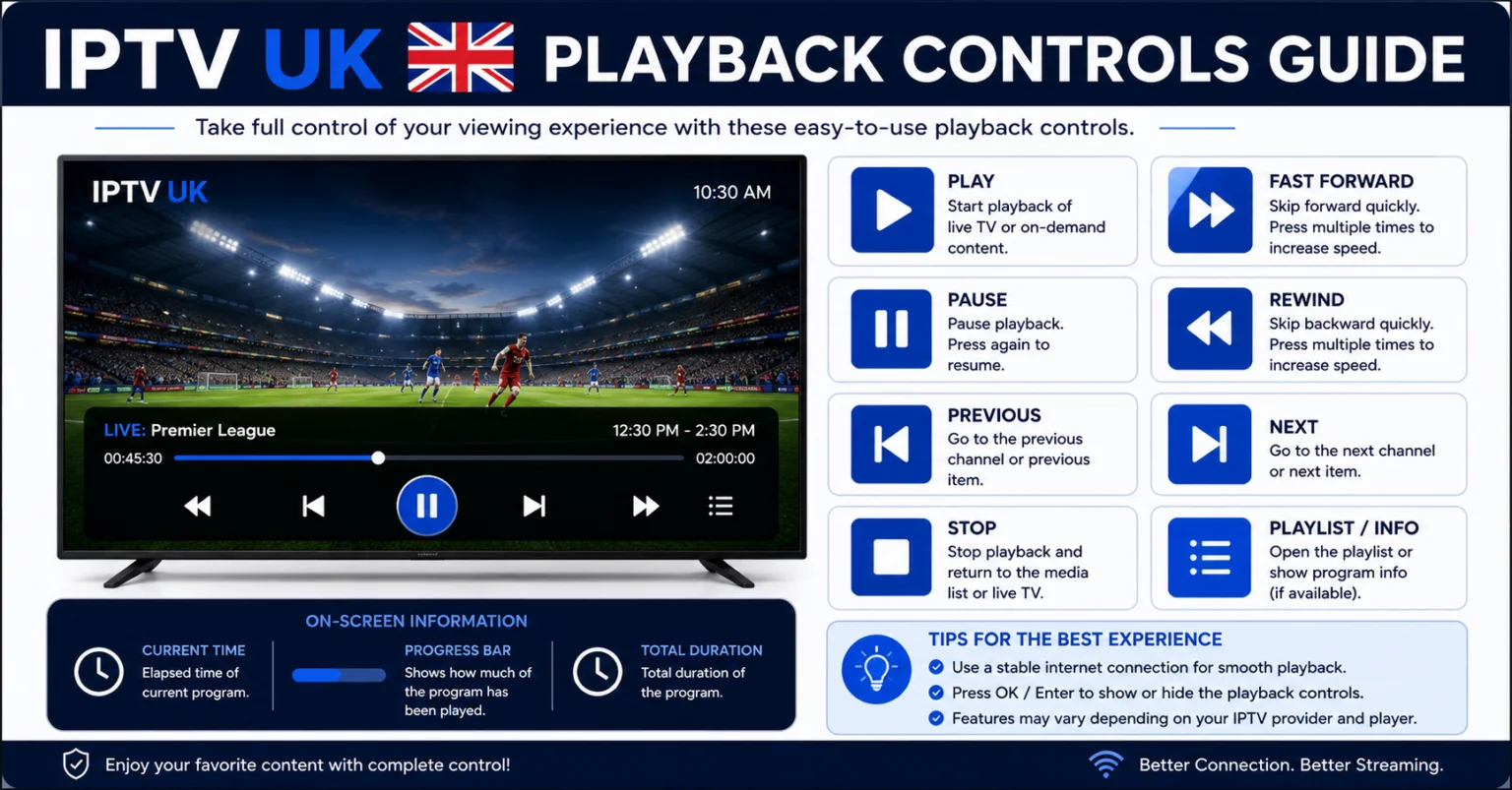
Iptv
Iptv
IPTV UK Lifestyle Channels: Your Complete Guide to Home, Travel & Entertainment
Television is no longer limited to news, movies, and sports. Lifestyle programming has become one of the fastest-growing entertainment categories, offering viewers inspiration, practical advice, and relaxing content for everyday life. Whether you enjoy home renovation shows, cooking competitions, travel adventures, gardening, fashion, or wellness programmes, IPTV makes it easier than ever to watch your favourite lifestyle channels whenever you want.
With a reliable IPTV UK service, you can access hundreds of lifestyle channels alongside movies, sports, documentaries, and children's entertainment. Modern IPTV platforms support HD and 4K streaming while working across multiple devices, allowing you to enjoy quality entertainment wherever you are.
What Is IPTV?
IPTV, or Internet Protocol Television, is a digital streaming technology that delivers television content using an internet connection instead of traditional satellite or cable networks.
Unlike conventional television services that rely on scheduled broadcasts, IPTV gives viewers the flexibility to watch live TV, catch-up programmes, and on-demand content from a wide variety of channels.
Many households are choosing IPTV because it combines convenience, flexibility, and extensive entertainment options into a single subscription.
Looking for an IPTV setup guide for Firestick?
If you want to install your IPTV service on an Amazon Fire TV Stick, check out our complete Firestick setup guide for step-by-step instructions.
Read the Firestick Guide →best-iptvuk.com
Why Lifestyle Channels Are So Popular
Lifestyle television appeals to viewers of all ages because it combines education with entertainment. Instead of simply watching fictional programmes, audiences can discover practical ideas they can apply in their own lives.
Popular lifestyle content includes:
- Home renovation projects
- Interior decorating ideas
- Travel adventures
- Celebrity cooking shows
- Healthy living programmes
- Gardening tips
- Fashion advice
- Beauty tutorials
- Reality TV
- Family entertainment
Whether you're planning your next holiday or searching for inspiration to redesign your home, lifestyle channels offer fresh ideas every day.
Benefits of Watching Lifestyle TV Through IPTV
Choosing IPTV provides several advantages over traditional television services.
More Channel Variety
Instead of being limited to a handful of channels, IPTV often includes hundreds of lifestyle and entertainment networks from different countries.
Better Picture Quality
Many IPTV providers offer:
- HD
- Full HD
- 4K Ultra HD
High-quality streaming creates a more enjoyable viewing experience, especially on larger televisions.
Watch on Multiple Devices
One subscription can often be used across different compatible devices, making it easy to continue watching while travelling or moving between rooms.
Faster Navigation
Modern IPTV applications include user-friendly interfaces with channel search, favourites, and electronic programme guides.
Need assistance with installation or technical support?
Our support team is here to help with setup questions, device compatibility, and general assistance.
Contact Us →best-iptvuk.com
Popular Lifestyle Categories
Home Improvement
Discover renovation ideas, decorating inspiration, DIY projects, and organisation tips from experts around the world.
Food & Cooking
Watch talented chefs prepare delicious meals, learn new recipes, explore international cuisine, and improve your own cooking skills.
Travel
Travel programmes allow viewers to explore beautiful destinations, local cultures, famous landmarks, and hidden attractions without leaving home.
Health & Wellness
Many lifestyle channels focus on healthy living, exercise routines, nutrition, mindfulness, and personal wellbeing.
Fashion & Beauty
Stay updated with the latest fashion trends, beauty advice, skincare routines, and style inspiration.
Devices That Support IPTV
One reason IPTV continues to grow in popularity is its excellent compatibility with modern streaming devices.
Popular supported devices include:
- Amazon Fire TV Stick
- Android TV
- Android TV Boxes
- Google TV
- Samsung Smart TVs
- LG Smart TVs
- Apple TV
- Android smartphones
- iPhone
- iPad
- Windows PCs
- Mac computers
This flexibility allows you to enjoy your favourite lifestyle programmes almost anywhere.
Choosing the Right IPTV Provider
Finding the right IPTV provider is important for a smooth viewing experience.
Look for services that offer:
- Stable streaming servers
- Large channel selection
- HD and 4K quality
- Fast channel loading
- Electronic Programme Guide (EPG)
- Responsive customer support
- Regular channel updates
- Multi-device compatibility
A dependable provider helps reduce buffering and ensures consistent performance.
Tips for Better Streaming
For the best experience:
- Use a reliable broadband connection.
- Connect using Ethernet when possible.
- Keep your IPTV app updated.
- Restart your streaming device occasionally.
- Clear cached data regularly.
These simple steps help improve streaming quality and reduce interruptions.
IPTV vs Traditional Television
Many households now prefer IPTV because it offers greater flexibility.
| IPTV | Traditional TV |
|---|---|
| Live TV & On-Demand | Mostly Scheduled Programmes |
| Multi-Device Support | Usually One Television |
| Quick Setup | Professional Installation Often Required |
| Flexible Subscription Plans | Long-Term Contracts |
| HD & 4K Support | Depends on Provider |
For viewers looking for convenience and value, IPTV offers an attractive alternative.
Frequently Asked Questions
Can I watch lifestyle channels on IPTV?
Yes. Many IPTV providers include dedicated lifestyle channels covering cooking, travel, fashion, home improvement, wellness, and reality television.
Which device is best for IPTV?
Amazon Fire TV Stick, Android TV Boxes, and Smart TVs are among the most popular choices due to their excellent performance and ease of use.
Does IPTV support 4K?
Many premium IPTV services provide HD, Full HD, and 4K streaming where available.
Can I watch on more than one device?
Many IPTV subscriptions support multiple devices, although the number of simultaneous streams depends on your chosen plan.
Want to Try Our Service Before Subscribing?
Experience the streaming quality and device compatibility by requesting a free trial before choosing a subscription.
Start Your Free Trial →best-iptvuk.com
Final Thoughts
Lifestyle television continues to inspire millions of viewers with creative ideas, exciting travel experiences, delicious recipes, and practical home improvement projects. IPTV makes accessing this content easier than ever by bringing together a wide range of lifestyle channels alongside sports, movies, documentaries, and family entertainment.
Choosing a reliable IPTV provider with stable streaming, broad device support, and high-quality picture ensures an enjoyable viewing experience. Whether you're watching on a Firestick, Smart TV, Android device, or computer, IPTV offers a flexible way to enjoy your favourite lifestyle programmes whenever you choose.
Iptv

Iptv
IPTV UK Olympics Streaming Guide 2026: Watch Every Olympic Event Live in HD & 4K
The Olympic Games bring together the world's greatest athletes to compete across dozens of sports, creating unforgettable moments for millions of fans. Whether you enjoy athletics, swimming, football, gymnastics, basketball, or cycling, you need a reliable streaming solution that keeps you connected to every event.
That's where IPTV UK comes in. Instead of depending on limited TV schedules or expensive cable packages, IPTV allows you to stream live Olympic coverage across multiple devices using your internet connection. With the best IPTV provider, you can enjoy HD and 4K broadcasts, quick channel switching, and access to international sports networks from almost anywhere.
In this guide, we'll explain how IPTV works, why it's ideal for Olympic fans, and what features to look for when choosing an IPTV service.
What Is IPTV?
Internet Protocol Television (IPTV) is a digital television service that delivers live channels and on-demand content through the internet instead of satellite or cable.
Unlike traditional television, IPTV gives you greater control over what you watch and when you watch it. Modern IPTV services combine live TV, sports channels, movies, TV series, documentaries, and catch-up features into one convenient platform.
With a compatible device and a stable internet connection, you can stream your favourite Olympic events in excellent picture quality without complicated installations.
Why IPTV Is Perfect for Olympic Fans
The Olympic Games often feature several competitions taking place at the same time. Traditional broadcasters usually focus on selected events, meaning viewers may miss competitions they want to watch.
A quality IPTV UK service gives you access to a wider range of sports channels, allowing you to switch between events whenever you like.
Some advantages include:
- Live Olympic coverage
- International sports channels
- HD, Full HD and 4K streaming
- Fast channel loading
- Minimal buffering
- Multi-device support
- Flexible viewing from home or while travelling
Whether you're following Team GB or cheering for athletes from around the world, IPTV makes it easier to stay connected throughout the games.
For free trial:best-iptvuk.com
Olympic Sports You Can Stream
Depending on your IPTV subscription and channel lineup, you may be able to watch coverage of:
- Athletics
- Swimming
- Diving
- Gymnastics
- Football
- Basketball
- Volleyball
- Rugby Sevens
- Tennis
- Cycling
- Boxing
- Wrestling
- Judo
- Archery
- Table Tennis
- Badminton
- Canoeing
- Rowing
- Sailing
- Triathlon
Many IPTV services also provide multiple sports channels, making it simple to switch between live events.
Looking for best iptv:best-iptvuk.com
Features to Look for in the Best IPTV Provider
Choosing the right IPTV provider is essential for an enjoyable viewing experience.
HD & 4K Streaming
A premium IPTV service should deliver crystal-clear picture quality with support for HD, Full HD, and 4K streams whenever available.
Large Sports Channel Selection
The best IPTV providers include local and international sports networks, giving you more viewing options during major tournaments.
Fast Streaming Performance
Reliable servers help reduce buffering while ensuring channels load quickly during busy sporting events.
Electronic Programme Guide (EPG)
An EPG helps you find upcoming Olympic events, match schedules, and live broadcasts without searching through hundreds of channels.
Multi-Device Compatibility
Modern IPTV subscriptions work across multiple devices, allowing you to watch from anywhere.
Best Devices for Olympic Streaming
One of IPTV's biggest advantages is flexibility.
Popular supported devices include:
- Amazon Fire TV Stick
- Android TV Boxes
- Google TV
- Samsung Smart TVs
- LG Smart TVs
- Apple TV
- Android Phones
- Android Tablets
- iPhone
- iPad
- Windows PCs
- Mac Computers
This means you can continue watching Olympic events whether you're relaxing in your living room or travelling.
Why Firestick Is a Popular Choice
Many IPTV users choose Amazon Fire TV Stick because it's affordable, easy to install, and supports many popular IPTV applications.
Benefits include:
- Simple setup
- Voice remote
- Smooth streaming
- Compact design
- Excellent app compatibility
- HD and 4K models
For sports fans, Firestick offers one of the easiest ways to enjoy IPTV on any television.
IPTV Tips & Tutorials:best-iptvuk.com
Improve Your Streaming Experience
To enjoy uninterrupted Olympic coverage, consider these simple tips:
- Use a broadband connection with at least 25 Mbps for HD.
- Choose 50 Mbps or faster for 4K streaming.
- Connect using Ethernet if available.
- Keep your IPTV application updated.
- Restart your streaming device occasionally.
- Close unnecessary background applications.
These small improvements can significantly reduce buffering.
IPTV vs Traditional TV
More viewers are replacing cable and satellite television with IPTV because of its flexibility.
| IPTV | Traditional TV |
|---|---|
| Live TV & On-Demand | Mostly Scheduled Channels |
| Works on Multiple Devices | Usually One TV |
| Easy Online Setup | Professional Installation |
| Flexible Plans | Long Contracts |
| HD & 4K Support | Depends on Provider |
For sports lovers, IPTV offers greater freedom and a broader choice of channels.
Frequently Asked Questions
Can I watch the Olympics with IPTV?
Yes. Many IPTV providers include sports channels broadcasting Olympic events, although available coverage depends on your subscription and regional broadcasting rights.
Which device is best?
Amazon Fire TV Stick, Android TV Boxes, and Smart TVs are among the most popular choices because they combine excellent performance with simple setup.
Is fast internet required?
A stable internet connection is recommended. Faster broadband provides smoother HD and 4K streaming with less buffering.
Can I use IPTV while travelling?
Yes. As long as you have a compatible device and internet connection, you can enjoy IPTV in many locations, subject to your provider's terms and any content restrictions.
Final Thoughts
The Olympic Games are among the biggest sporting events in the world, and a reliable IPTV service helps ensure you never miss the action. With access to multiple sports channels, high-quality streaming, flexible device support, and convenient viewing, IPTV has become a popular option for fans who want more control over their entertainment.
When selecting an IPTV provider, compare streaming quality, channel selection, device compatibility, customer support, and overall reliability. A dependable service paired with a good internet connection can deliver an enjoyable Olympic viewing experience from the opening ceremony to the final medal event.
Iptv
Live Cooking Channels IPTV UK: Watch the Best Food Shows Anytime
Food has become one of the most popular entertainment categories on television. From celebrity chef competitions to international street food adventures, cooking programmes inspire millions of viewers every day. With IPTV UK, you can enjoy live cooking channels, recipe shows, baking competitions, and food documentaries whenever you want without being limited by traditional TV schedules.
Whether you're an experienced home chef or simply enjoy watching creative recipes, IPTV offers access to a wide range of cooking and lifestyle channels on Smart TVs, Firestick, Android devices, iPhones, tablets, and computers.
Why Watch Cooking Channels with IPTV?
Traditional television only shows programmes at scheduled times, but IPTV gives you greater flexibility. You can explore live food channels, catch-up content, and on-demand cooking shows from one easy-to-use platform.
Benefits include:
Live cooking channels from around the world
HD and 4K streaming quality
Fast channel switching
Multi-device compatibility
User-friendly IPTV apps
Access to lifestyle and travel programmes
Popular Cooking Content Available
A quality IPTV service provides a wide variety of food-related entertainment, including:
Celebrity Chef Shows
Watch professional chefs share recipes, cooking techniques, and kitchen tips that help improve your own cooking skills.
Baking Competitions
Enjoy exciting baking contests featuring cakes, pastries, artisan bread, desserts, and creative challenges.
International Cuisine
Discover recipes and cooking traditions from countries including Italy, Japan, India, Mexico, France, Thailand, and many more.
Healthy Lifestyle Programmes
Learn about balanced diets, nutritious meals, and healthy cooking methods suitable for the whole family.
Street Food & Travel
Explore local cuisines, hidden restaurants, and popular street food destinations from around the world.
Best Devices for IPTV Streaming
Modern IPTV services work across many devices, making it easy to watch your favourite cooking programmes wherever you are.
Compatible devices include:
Amazon Fire TV Stick
Android TV Boxes
Google TV
Samsung Smart TVs
LG Smart TVs
Apple TV
Android smartphones
iPhone & iPad
Windows PCs
Mac computers
Discover Best IPTV UK:best-iptvuk.com
What Makes a Good IPTV Provider?
When choosing an IPTV provider, consider more than just the number of channels. A reliable service should offer:
Stable streaming servers
Fast channel loading
HD and 4K support
Electronic Programme Guide (EPG)
Responsive customer support
Regular channel updates
Broad device compatibility
These features help deliver a smooth viewing experience with minimal buffering.
Tips for Better Streaming
To enjoy uninterrupted cooking shows:
Use a reliable broadband connection.
Keep your IPTV app updated.
Restart your streaming device occasionally.
Connect via Ethernet if possible.
Clear your app cache regularly.
These simple steps can improve playback quality and reduce interruptions.
For free trial: best-iptvuk.com
More Than Just Cooking
Although cooking channels are a favourite for many viewers, IPTV also provides access to:
Live sports
Movies
TV series
News channels
Kids' entertainment
Music channels
Documentaries
International television
This makes IPTV a complete entertainment solution for the whole household.
Frequently Asked Questions
Can I watch cooking channels on IPTV?
Yes. Many IPTV services include dedicated cooking and lifestyle channels featuring recipes, competitions, baking, and international cuisine.
Which device is best for IPTV?
Fire TV Stick, Android TV Boxes, and modern Smart TVs are among the most popular options because they offer excellent performance and simple setup.
Does IPTV support HD and 4K?
Most quality IPTV providers support HD, Full HD, and 4K streaming where available.
Can I watch IPTV on multiple devices?
Many subscriptions support multiple devices, although the number of simultaneous streams depends on your plan.
Ready to Start Streaming: best-iptvuk.com
Final Thoughts
If you enjoy cooking, baking, or exploring cuisines from around the world, IPTV offers a convenient way to watch your favourite food programmes whenever you choose. Combined with live television, movies, documentaries, and entertainment, IPTV provides excellent value for households looking for flexible streaming across multiple devices.
Choosing a reliable IPTV provider with stable servers, quality picture, and broad device support ensures the best viewing experience for food lovers and the entire family.
Iptv

Kids TV Shows IPTV UK: The Best Family Entertainment Guide for 2026
Parents today want more than just a few children's channels. They want a streaming service that offers safe entertainment, educational programmes, popular cartoons, animated films, and family-friendly content that everyone can enjoy. IPTV has become one of the most popular ways for UK households to access thousands of live TV channels and on-demand programmes from a single subscription.
Whether your children enjoy classic cartoons, educational learning shows, nature documentaries, or the latest animated movies, a reliable IPTV service gives your family instant access to entertainment across Smart TVs, Firestick, Android devices, iPhones, tablets, and computers.
What Is IPTV?
Internet Protocol Television, commonly known as IPTV, delivers television channels and video content through an internet connection instead of satellite or cable. Unlike traditional television, IPTV allows users to stream live channels, watch catch-up programmes, and enjoy on-demand movies and TV series whenever they want.
This flexibility makes IPTV an excellent choice for modern families looking for convenient entertainment across multiple devices.
Ready to Start Streaming? best-iptvuk.com
Why Families Choose IPTV
IPTV offers much more than traditional television packages. Parents appreciate the convenience of accessing educational content alongside entertainment while children can enjoy their favourite cartoons without waiting for scheduled broadcasts.
Some of the biggest benefits include:
- Large selection of kids' channels
- Educational programmes
- Animated movies
- Family entertainment
- Nature and science documentaries
- HD and 4K streaming
- Multi-device compatibility
- Simple user interface
Best Kids Content Available
A quality IPTV service includes programming for children of all ages.
Educational Programmes
Learning becomes more enjoyable through interactive educational content covering:
- Alphabet
- Numbers
- Science
- Geography
- History
- Nature
- Languages
Cartoons
Children can enjoy classic and modern animated series from around the world with hundreds of episodes available on demand.
Family Movies
Animated adventures, comedy films, fantasy stories, and seasonal favourites make family movie nights easier than ever.
Documentary Channels
Wildlife, oceans, dinosaurs, space exploration, and science documentaries help children discover new interests while having fun.
Devices That Support IPTV
One advantage of IPTV is its compatibility with almost every modern streaming device.
Popular devices include:
- Amazon Fire TV Stick
- Android TV Boxes
- Google TV
- Smart TVs
- Android Phones
- Android Tablets
- iPhone
- iPad
- Windows PC
- Mac
- TV Boxes
This flexibility allows every member of the household to watch their preferred content.
Get Started with Best IPTV UK: best-iptvuk.com
Choosing the Right IPTV Provider
Not all IPTV services provide the same experience. Before subscribing, compare providers based on:
- Streaming quality
- Channel selection
- Device compatibility
- Customer support
- Video-on-demand library
- Electronic Programme Guide
- Stable servers
- Regular updates
A reliable provider should deliver smooth streaming with minimal buffering and an easy setup process.
Tips for Better Streaming
To get the best viewing experience:
- Use a fast broadband connection.
- Keep your IPTV application updated.
- Restart your streaming device regularly.
- Use Ethernet where possible.
- Keep your device software updated.
These simple steps can improve playback quality and reduce interruptions.
IPTV for the Whole Family
IPTV is not only for children's entertainment. A complete service also includes:
- Live sports
- Movies
- TV series
- News
- Music channels
- Lifestyle programmes
- International channels
- Documentaries
This makes IPTV an excellent all-in-one entertainment solution for every member of the family.
Frequently Asked Questions
Is IPTV suitable for children?
Yes. Many IPTV services include dedicated children's channels, educational programming, and family-friendly content suitable for different age groups.
Which device is best for IPTV?
Amazon Fire TV Stick, Android TV Boxes, and Smart TVs are among the most popular choices due to their performance and ease of use.
Can I watch IPTV on multiple devices?
Many providers support multiple devices, although the number of simultaneous streams depends on your subscription.
Learn More About Our Company: best-iptvuk.com
Do I need fast internet?
For HD streaming, at least 20–25 Mbps is recommended, while 4K streaming works best with 50 Mbps or faster.
Final Thoughts
IPTV has transformed the way families enjoy entertainment by bringing live television, educational content, cartoons, family movies, and on-demand programming together in one convenient platform. With support for a wide range of devices and flexible viewing options, IPTV continues to be a popular choice for households across the UK.
When choosing a provider, focus on reliability, picture quality, device compatibility, and customer support. A dependable IPTV service combined with a good streaming device will provide a smooth viewing experience for the entire family.
Iptv
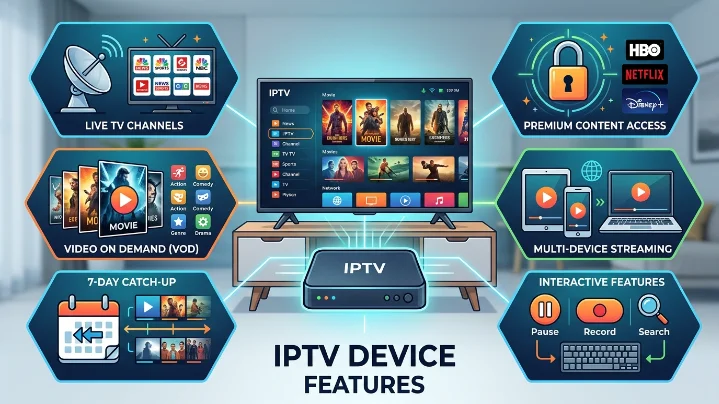
IPTV Device Features: How to Choose the Best IPTV Streaming Device in 2026
The quality of your IPTV experience depends on more than just your subscription. While a reliable IPTV provider is essential, the streaming device you use can make a significant difference in picture quality, loading speed, navigation, and overall performance. Whether you enjoy live sports, movies, TV series, documentaries, or international channels, the right device helps you stream smoothly with fewer interruptions.
Today's IPTV services are compatible with a wide range of devices, including Amazon Fire TV Stick, Android TV boxes, Smart TVs, smartphones, tablets, Windows PCs, and Mac computers. This flexibility allows you to enjoy your favourite content wherever you are without being tied to a single television.
In this guide, we'll explain the key features to look for in an IPTV device, compare the most popular options, and help you choose the right hardware for your streaming needs.
Visit Best IPTV UK:best-iptvuk.com
What Is IPTV?
Internet Protocol Television (IPTV) is a technology that delivers television content over an internet connection instead of using traditional satellite or cable networks. Instead of broadcasting every channel continuously, IPTV sends the content you request directly to your device.
This modern approach allows users to watch live television, catch-up programmes, movies, TV shows, and video-on-demand content whenever they want. With a stable internet connection, IPTV can deliver HD and 4K streaming across multiple compatible devices.
Unlike traditional television services, IPTV offers greater flexibility because viewers can switch between devices without needing additional satellite dishes or cable installations.
Why Your IPTV Device Matters
Many people focus only on choosing an IPTV provider, but the device you use plays an equally important role. A slow or outdated device may struggle with modern streaming apps, causing buffering, delayed channel switching, or poor video quality.
A quality streaming device offers:
Faster app loading
Smooth HD and 4K playback
Better wireless connectivity
Quick channel changes
Stable performance during long viewing sessions
Support for popular IPTV applications
Easy software updates
Improved user experience
Investing in a capable device helps you enjoy your subscription without unnecessary interruptions.
Features to Look for in an IPTV Streaming Device
Fast Processor
The processor is the heart of any streaming device. A powerful processor allows IPTV applications to launch quickly, load channels faster, and switch between menus without lag.
Modern quad-core and octa-core processors generally provide better streaming performance than older hardware.
Sufficient RAM
RAM affects how smoothly applications run. Devices with at least 2 GB of RAM perform well for most IPTV users, while premium devices with 4 GB or more provide even smoother multitasking.
4K Ultra HD Support
If you own a 4K television, choosing a device that supports Ultra HD resolution allows you to enjoy sharper images, improved colour accuracy, and greater picture detail whenever 4K content is available.
Reliable Internet Connectivity
A stable connection is essential for uninterrupted streaming.
Look for devices that support:
Dual-band Wi-Fi
Wi-Fi 5 or Wi-Fi 6
Ethernet connections where available
Using Ethernet often provides the most reliable streaming experience, especially for households with multiple connected devices.
Read More IPTV Guides:best-iptvuk.com
Storage Capacity
Some IPTV apps save programme guides, settings, thumbnails, and cache files on the device.
Having additional storage allows you to install multiple streaming applications without worrying about running out of space.
User-Friendly Interface
An easy-to-use operating system makes navigation much more enjoyable. Features such as voice search, organised menus, favourites lists, and quick settings help users find content faster.
Regular Software Updates
Manufacturers that regularly update their devices improve security, performance, and compatibility with newer IPTV applications. Choosing a well-supported device ensures better long-term reliability.
Best Devices for IPTV Streaming
Amazon Fire TV Stick
The Amazon Fire TV Stick remains one of the most popular IPTV devices because it combines affordability with excellent performance.
Key benefits include:
Compact design
Easy installation
Voice remote support
Excellent app availability
HD and 4K versions
Fast navigation
Its portability also makes it convenient for travelling, as it can be connected to almost any television with an HDMI port.
Android TV Boxes
Android TV boxes are ideal for users who stream IPTV regularly. They typically offer more processing power, additional storage, and greater customization than many streaming sticks.
Advantages include:
Powerful hardware
Expandable storage on many models
Support for numerous IPTV players
USB connectivity
Bluetooth accessories
Flexible operating system
These devices are suitable for households that watch television daily.
Smart TVs
Many modern Smart TVs include built-in app stores where compatible IPTV applications can be installed directly.
Benefits include:
No external streaming device required
Simple setup
Fewer cables
Clean interface
Convenient remote control operation
Smart TVs provide an excellent solution for users who prefer an all-in-one entertainment system.
Smartphones and Tablets
Mobile devices make IPTV available almost anywhere.
They are perfect for:
Travelling
Commuting
Watching in different rooms
Temporary viewing away from home
Both Android and iOS devices support various IPTV applications that deliver smooth streaming over Wi-Fi or mobile data.
Meet the Best IPTV UK Team:best-iptvuk.com
Windows and Mac Computers
Desktop and laptop computers also support IPTV through compatible applications and media players.
Using a computer provides:
Larger screens than mobile devices
Easy playlist management
Keyboard shortcuts
Stable wired internet connections
Convenient multitasking
Many users also connect laptops directly to televisions using HDMI cables.
Device Compatibility
One advantage of IPTV is that a single subscription often works across multiple supported devices.
Commonly compatible platforms include:
Amazon Fire TV Stick
Android TV
Google TV
Android phones
Android tablets
Smart TVs
iPhone
iPad
Windows PC
Mac
Streaming boxes
Always check how many simultaneous connections your subscription allows if you plan to stream on several devices.
Internet Speed Recommendations
Your internet connection affects streaming quality just as much as your device.
Recommended minimum speeds include:
SD Streaming: 10 Mbps
HD Streaming: 20 Mbps
Full HD Streaming: 25 Mbps
4K Streaming: 50 Mbps or higher
If multiple people use the internet at the same time, faster broadband provides a smoother experience.
Tips for Better IPTV Performance
You can improve streaming quality by following a few simple practices:
Keep your streaming device updated.
Restart the device occasionally.
Clear application cache regularly.
Use Ethernet whenever possible.
Place your Wi-Fi router in an open location.
Close unused applications running in the background.
Maintain a stable internet connection.
These small improvements often reduce buffering and improve overall performance.
IPTV vs Traditional Television
Many households are switching to IPTV because it offers greater flexibility than cable or satellite services.
Some key differences include:
| IPTV | Traditional TV |
|---|---|
| Internet-based streaming | Satellite or cable connection |
| Supports multiple devices | Usually limited to one television |
| Live TV and on-demand content | Mainly scheduled broadcasts |
| Flexible subscription options | Long-term contracts are common |
| Easy online setup | Installation appointments may be required |
For viewers who want more control over how and where they watch television, IPTV offers a modern alternative.
Frequently Asked Questions
Which device is best for IPTV?
The best choice depends on your budget and viewing habits. Fire TV Stick is ideal for most users, Android TV boxes suit power users, while Smart TVs provide the simplest setup.
Can I watch IPTV on more than one device?
Many IPTV providers support multiple devices, although the number of simultaneous streams depends on your subscription.
Is 4K required for IPTV?
No. IPTV works perfectly in HD and Full HD, but a 4K-compatible device provides the best picture quality when Ultra HD content is available.
Do I need a fast internet connection?
Yes. Stable broadband is essential for uninterrupted streaming, particularly if you watch HD or 4K channels.
Can Smart TVs run IPTV apps?
Most modern Smart TVs support IPTV applications through their built-in app stores, making setup quick and convenient.
Final Thoughts
Choosing the right IPTV streaming device is one of the best ways to improve your entertainment experience. While your IPTV provider supplies the content, the device determines how smoothly that content is delivered.
Whether you prefer the affordability of an Amazon Fire TV Stick, the power of an Android TV box, the convenience of a Smart TV, or the portability of a smartphone or tablet, selecting hardware that matches your viewing habits will provide faster navigation, better video quality, and more reliable streaming.
Before purchasing a new device, consider your internet speed, preferred screen size, streaming quality, and the applications you plan to use. A well-matched combination of a dependable IPTV service and a capable streaming device will ensure enjoyable viewing for years to come.
Explore More IPTV Solutions: best-iptvuk.com
Iptv
IPTV Setup Guide 2026: How to Find Your IPTV URL and Install IPTV on LG TV, Firestick & Zgemma H2S
Setting up IPTV for the first time doesn't have to be difficult. Whether you've just purchased an IPTV subscription or switched to a new streaming device, the process becomes simple once you know which steps to follow.
This guide explains everything you need to get started. You'll learn how to locate your IPTV playlist URL, install IPTV on an LG Smart TV, configure a Zgemma H2S receiver, and set up IPTV on an Amazon Firestick. We've also included practical troubleshooting tips to solve the most common setup problems.
By the end of this tutorial, you'll be ready to enjoy live television, sports, movies, and on-demand content on your preferred device.
What Is an IPTV URL?
An IPTV URL, commonly called an M3U playlist, is the link your IPTV player uses to load channels, electronic program guide (EPG) information, and video-on-demand content from your provider's server.
Most IPTV services provide login details in one of two formats:
M3U Playlist URL – A single web link containing your username and password.
Xtream Codes API – Three separate details:
Server URL
Username
Password
Many modern IPTV applications support both formats, although Xtream Codes generally offers quicker playlist loading and better EPG synchronization.
View IPTV Subscription Plans:best-iptvuk.com
How to Find Your IPTV Playlist URL
Follow these steps to access your IPTV credentials.
Step 1
Sign in to your IPTV provider's customer dashboard using the account details you received after purchasing your subscription.
Step 2
Open the section that contains your active subscription. Depending on the provider, this may be called:
My Account
My Services
Playlist
Devices
Active Subscription
Step 3
Locate your subscription and select the option to display your connection details.
Step 4
Copy either the complete M3U playlist link or your Xtream Codes credentials, depending on the IPTV player you plan to use.
Step 5
Save the information in a secure location such as:
Notes app
Password manager
Cloud document
Email draft
Keeping your credentials safe makes reinstalling IPTV much easier in the future.
Visit Best IPTV UK:best-iptuk.com
Helpful Tip
Always keep a backup of your IPTV credentials. If you replace your TV, reset your Firestick, or install IPTV on another device, you won't need to request the information again from your provider.
IPTV URL Problems and Solutions
Playlist Link Doesn't Work
Long IPTV URLs can easily become incomplete if they aren't copied correctly.
Before using the link:
Ensure it begins with http:// or https://
Confirm the entire URL was copied
Remove any spaces before or after the link
If the issue continues, request a fresh playlist from your IPTV provider.
Login Failed or Unauthorized Error
An authentication error usually means one of the following:
Incorrect username
Incorrect password
Subscription has expired
Playlist has been reset
Verify your login details inside your customer portal. If everything appears correct, contact your IPTV provider for updated credentials.
IPTV Works on One Device but Not Another
Some IPTV subscriptions limit the number of devices that can stream simultaneously.
If another device is already connected, additional devices may fail to load channels.
You can resolve this by:
Purchasing extra connections
Requesting separate playlists for each device
Disconnecting any devices that are currently streaming
IPTV on LG Smart TV: best-iptvuk.com
Iptv
Best UK Channel Streaming Subscription Picks
The way people watch television in the UK has changed dramatically over the past few years. More viewers are moving away from traditional cable and satellite services in favor of internet-based streaming that offers greater flexibility, better value, and a wider choice of entertainment. If you're looking for the best UK channel streaming subscription, understanding what to look for can help you choose a service that fits your viewing habits and budget.
Whether you enjoy live sports, blockbuster movies, family entertainment, or international programming, a reliable streaming subscription can provide everything in one place without the restrictions of traditional TV packages.
What Is a UK Channel Streaming Subscription?
A UK channel streaming subscription allows you to watch live television and on-demand content over an internet connection rather than through satellite or cable networks.
Instead of relying on fixed TV packages, users can stream content on multiple devices, including:
Smart TVs
Amazon Fire TV Stick
Android TV Boxes
Windows PCs
Mac computers
Smartphones
Tablets
With a stable internet connection, you can enjoy your favorite entertainment almost anywhere.
Why More UK Viewers Are Choosing Streaming
Internet television has become increasingly popular because it provides greater convenience and flexibility.
Some of the biggest advantages include:
Lower monthly costs
Flexible subscription plans
Access to live TV and on-demand content
No long-term contracts
Easy installation
Multi-device compatibility
Unlike traditional television providers, many streaming services allow users to watch content wherever they are without being tied to one television.
Features to Look for in a Streaming Subscription
Not every streaming service offers the same experience. Before choosing a provider, consider these important features.
Wide Channel Selection
A quality subscription should include a large selection of UK entertainment, news, documentaries, movies, kids' channels, and international programming.
Sports Coverage
Sports fans should look for services that include coverage of major competitions, football, rugby, cricket, boxing, Formula 1, tennis, and other live sporting events.
On-Demand Library
A strong Video on Demand (VOD) section adds extra value by providing access to popular films, complete TV series, and recently released content.
High Streaming Quality
Look for services that support:
HD streaming
Full HD
4K Ultra HD (where available)
Higher picture quality creates a more enjoyable viewing experience, especially on larger televisions.
Reliable Performance
Stable servers, quick channel loading, and minimal buffering are essential for uninterrupted entertainment.
Compatible Devices
One advantage of modern streaming subscriptions is compatibility across multiple platforms.
Popular supported devices include:
Amazon Fire TV Stick
Android TV
Google TV
Smart TVs
Apple TV
Windows laptops
Mac computers
Android phones
iPhone and iPad
This flexibility allows users to watch their favorite content at home or while traveling.
Choosing the Right Subscription Plan
Different households have different viewing needs. Selecting the right plan depends on how often you stream.
Monthly Plans
Ideal for new users who want to test the service before making a longer commitment.
Quarterly Plans
Offer a balance between flexibility and savings.
Six-Month Plans
Suitable for regular viewers looking for better overall value.
Annual Plans
Often provide the lowest monthly cost for users who stream throughout the year.
Streaming vs Traditional Television
Many households are comparing internet streaming with conventional television services.
| Feature | Streaming Subscription | Traditional TV |
|---|---|---|
| Internet-Based | Yes | No |
| Multi-Device Viewing | Yes | Limited |
| On-Demand Content | Yes | Limited |
| Flexible Plans | Yes | Often Contract-Based |
| Easy Setup | Yes | Installation Required |
| International Channels | Extensive | Limited |
For many viewers, streaming offers greater convenience and more control over what they watch.
Tips for Better Streaming Performance
A quality subscription performs even better when combined with a good home setup.
To improve streaming quality:
Use a fast broadband connection.
Connect through Ethernet when possible.
Keep your streaming device updated.
Restart your router regularly.
Close unnecessary background applications.
Clear cache from streaming apps periodically.
These simple steps can improve stability and reduce buffering.
Is a Streaming Subscription Worth It?
For many households, the answer is yes.
A modern streaming subscription combines live television, sports, movies, TV series, and on-demand entertainment into one convenient platform. It also eliminates many of the extra costs associated with traditional television services, such as installation fees, equipment rental, and long-term contracts.
Whether you're replacing cable TV completely or simply looking for more entertainment options, streaming offers a practical and flexible solution.
Frequently Asked Questions
What internet speed is recommended?
For HD streaming, a connection of at least 15 Mbps is recommended. For 4K streaming, faster speeds provide the best experience.
Can I watch on multiple devices?
Many providers allow multiple device connections, although this depends on the subscription plan.
Do I need special equipment?
No. Most users simply install a compatible streaming application on their existing device.
Is streaming suitable for sports fans?
Yes. Many subscriptions include extensive sports coverage, making them a popular choice for football, cricket, rugby, boxing, Formula 1, and other live events.
Can I watch while traveling?
Yes. As long as you have a compatible device and a reliable internet connection, you can enjoy streaming from different locations.
Final Thoughts
Choosing the best UK channel streaming subscription comes down to finding the right balance between content, performance, device compatibility, and value for money.
A high-quality service should offer a broad selection of live channels, an extensive on-demand library, smooth streaming, and flexible subscription options. By selecting a provider that prioritizes reliability and user experience, you can enjoy premium entertainment without the limitations of traditional television.
Take time to compare features, test compatibility with your devices, and choose a subscription that matches your viewing habits for the best long-term experience.
Iptv
7 Best Devices for IPTV Streaming
Choosing a reliable IPTV service is only part of the equation. The device you use plays an equally important role in your overall streaming experience. A powerful streaming device delivers faster performance, smoother playback, better picture quality, and fewer interruptions, allowing you to enjoy live TV, movies, sports, and on-demand content without frustration.
With so many streaming devices available, selecting the right one can feel overwhelming. This guide explores seven of the best devices for IPTV streaming, highlighting their features, strengths, and the type of user each device suits best.
What Makes a Good IPTV Streaming Device?
Not every streaming device performs the same way. A quality IPTV device should provide:
Fast processing speed
Stable internet connectivity
Smooth HD and 4K playback
Easy IPTV app installation
Responsive navigation
Good storage capacity
Reliable software updates
These features help create a more enjoyable viewing experience while reducing buffering and application crashes.
1. Amazon Fire TV Stick 4K
The Amazon Fire TV Stick 4K is one of the most popular IPTV devices thanks to its affordability, compact size, and user-friendly interface.
Key Features
Supports 4K Ultra HD
Dolby Vision and HDR support
Voice remote with Alexa
Wide IPTV app compatibility
Easy installation
Best For
Users looking for an affordable device that delivers excellent performance without requiring technical knowledge.
Pros
Excellent value
Quick setup
Reliable streaming
Compact design
Cons
Limited internal storage
Performance may slow with many installed applications
2. NVIDIA Shield TV
The NVIDIA Shield TV is widely regarded as one of the most powerful Android streaming devices available.
Its fast processor and premium hardware make it ideal for users who stream every day and demand top performance.
Key Features
AI-enhanced 4K upscaling
Dolby Vision and Dolby Atmos
Gigabit Ethernet
Powerful processor
Android TV operating system
Best For
Heavy IPTV users who want premium speed and long-term reliability.
Pros
Outstanding performance
Excellent picture quality
Smooth navigation
Supports gaming and media streaming
Cons
Higher price than most competitors
3. Formuler Z11 Pro Max
The Formuler Z11 Pro Max is designed specifically for IPTV users.
Its IPTV-focused interface makes channel navigation, Electronic Programme Guide (EPG) management, and playlist organization extremely convenient.
Key Features
MyTVOnline application
Gigabit Ethernet
4K UHD support
IPTV-focused interface
Fast hardware
Best For
Users who primarily watch IPTV and want a dedicated streaming experience.
Pros
Excellent IPTV features
Stable performance
User-friendly interface
Cons
More expensive than entry-level devices
4. Android TV Boxes
Android TV boxes remain one of the most flexible IPTV solutions available.
They are available in different price ranges, allowing users to choose a model that matches their budget and performance requirements.
Advantages
Large app selection
Expandable storage on many models
Supports multiple IPTV players
Wide range of price options
Best For
Users who want flexibility and customization.
Things to Consider
Avoid purchasing extremely low-cost generic devices, as they often have weaker hardware and limited software support.
5. Smart TVs
Many modern Smart TVs allow IPTV applications to be installed directly without requiring additional hardware.
Popular brands include:
Samsung
LG
Sony
TCL
Hisense
Benefits
No extra streaming device required
Fewer cables
Simple setup
Convenient remote control
Limitations
Application availability and performance vary between manufacturers.
6. Apple TV 4K
Apple TV 4K offers premium build quality and smooth performance for users already invested in the Apple ecosystem.
Key Features
Fast processor
4K HDR support
Dolby Vision
Excellent user interface
Strong app performance
Best For
Apple users looking for a polished streaming experience.
Pros
Smooth navigation
Excellent picture quality
Reliable software updates
Cons
Higher purchase price
More limited customization
7. MAG Boxes
MAG boxes have remained popular among IPTV users for many years because they offer a traditional television experience.
They are designed primarily for IPTV rather than general streaming.
Benefits
Simple interface
Stable IPTV performance
Easy navigation
Dedicated IPTV hardware
Best For
Users who prefer a classic set-top box experience.
Limitations
Less flexible than Android-based streaming devices.
Device Comparison
| Device | 4K Support | Ease of Use | Performance | Best For |
|---|---|---|---|---|
| Fire TV Stick 4K | Yes | Excellent | Very Good | Most users |
| NVIDIA Shield TV | Yes | Excellent | Outstanding | Power users |
| Formuler Z11 Pro Max | Yes | Very Good | Excellent | IPTV enthusiasts |
| Android TV Box | Varies | Good | Good to Excellent | Flexible setups |
| Smart TV | Usually | Excellent | Good | Simple streaming |
| Apple TV 4K | Yes | Excellent | Excellent | Apple ecosystem |
| MAG Box | Yes | Good | Very Good | Traditional IPTV users |
Choosing the Right Device
The best IPTV device depends on your individual needs.
Consider the following before purchasing:
Budget
Determine how much you want to spend before comparing devices.
Streaming Quality
If you plan to watch 4K content, choose hardware capable of handling Ultra HD playback.
Internet Connection
A fast internet connection is just as important as your streaming device.
Device Compatibility
Ensure your preferred IPTV application supports your chosen hardware.
Storage
More storage allows additional applications and smoother long-term performance.
Tips for Better IPTV Streaming
Regardless of the device you choose, these tips can improve performance:
Keep your device updated.
Use high-speed broadband.
Connect through Ethernet when possible.
Restart the device occasionally.
Clear application cache regularly.
Close unused background applications.
Install IPTV apps from trusted sources.
Following these recommendations helps reduce buffering and improves overall stability.
Frequently Asked Questions
Which device is best for IPTV beginners?
The Amazon Fire TV Stick 4K is one of the easiest devices for beginners because of its simple setup and excellent compatibility.
Which device offers the best performance?
The NVIDIA Shield TV provides some of the fastest performance currently available for IPTV streaming.
Can I watch IPTV directly on my Smart TV?
Yes. Many Smart TVs support IPTV applications without requiring additional hardware.
Is an Android TV box better than a Fire TV Stick?
It depends on your needs. Android TV boxes provide greater flexibility, while Fire TV Stick devices offer simpler installation and excellent value.
Do I need a 4K device?
If you plan to watch Ultra HD content and own a compatible television, a 4K-capable streaming device is recommended.
Final Thoughts
The device you choose has a major impact on your IPTV experience. Fast hardware, reliable internet connectivity, and good application support help deliver smoother streaming, quicker channel loading, and better picture quality.
For most users, the Amazon Fire TV Stick 4K offers the best combination of price, performance, and ease of use. Those looking for premium hardware may prefer the NVIDIA Shield TV, while dedicated IPTV users often appreciate the IPTV-focused features of the Formuler Z11 Pro Max.
Before purchasing, compare performance, compatibility, software support, and your own viewing habits to find the streaming device that best meets your needs.
Iptv
Instant Activation IPTV That Starts Fast
When you subscribe to an IPTV service, the last thing you want is to wait hours—or even days—before you can start watching. Whether you're eager to catch a live football match, enjoy the latest movie, or stream your favorite TV series, fast activation makes all the difference.
Instant activation IPTV is designed to get you connected quickly, allowing you to enjoy live TV and on-demand entertainment without unnecessary delays. In this guide, we'll explain what instant activation means, why it's important, and what you should look for when choosing an IPTV service.
What Is Instant Activation IPTV?
Instant activation IPTV refers to a service where your subscription is processed shortly after your order is confirmed. Instead of waiting for lengthy manual setup or installation appointments, you receive your account details promptly so you can begin streaming as soon as possible.
Most IPTV providers deliver access using one of the following methods:
Xtream Codes login
M3U playlist URL
Username and password
Portal login information
After entering these details into a compatible IPTV application, your channels and content become available.
Why Fast Activation Matters
Waiting for entertainment can be frustrating, especially when you've already completed your purchase.
Fast activation offers several advantages:
Start streaming sooner
No installation appointments
No complicated setup process
Quick access to live TV
Immediate entertainment for the whole family
Less waiting and more viewing
For viewers who want instant access to sports, movies, news, and television series, quick activation adds significant convenience.
How IPTV Differs from Traditional TV
Unlike cable or satellite television, IPTV delivers content over your internet connection.
Traditional television often requires:
Professional installation
Set-top boxes
Long-term contracts
Equipment rental
Waiting for activation
IPTV simplifies the process by allowing users to stream directly on compatible devices they already own.
Compatible Devices
One reason IPTV continues to grow in popularity is its flexibility.
Most IPTV services support:
Amazon Fire TV Stick
Fire TV Cube
Android TV
Google TV
Smart TVs
Windows PCs
Mac computers
Android smartphones
iPhone
iPad
Tablets
This allows users to enjoy their subscription across multiple devices at home or while travelling.
What Content Can You Watch?
A quality IPTV subscription typically includes a wide variety of entertainment.
Depending on your provider, available content may include:
Live television channels
Sports coverage
Movies
TV series
Children's programming
News channels
Music channels
International entertainment
Video on Demand (VOD)
Many services regularly update their content library to keep entertainment fresh.
Features to Look For
Not all IPTV services offer the same experience.
Before choosing a provider, consider whether they offer:
Fast account activation
Stable streaming servers
HD and 4K support
Electronic Programme Guide (EPG)
Multi-device compatibility
Regular playlist updates
Responsive customer support
Flexible subscription plans
These features contribute to a smoother streaming experience.
Simple Setup Process
Most IPTV services are designed to be easy to install.
The basic setup usually involves:
Step 1
Install a compatible IPTV player on your preferred device.
Step 2
Open the application.
Step 3
Enter the login information provided with your subscription.
Step 4
Allow your channels and content library to load.
Step 5
Start watching live television and on-demand entertainment.
Many users complete the entire process in just a few minutes.
Importance of a Stable Internet Connection
Although IPTV activation can be fast, streaming quality still depends on your internet connection.
Recommended speeds include:
| Streaming Quality | Recommended Speed |
|---|---|
| Standard Definition | 10 Mbps |
| HD Streaming | 20 Mbps |
| Full HD | 30 Mbps |
| 4K Ultra HD | 50 Mbps or higher |
Using a wired Ethernet connection can improve stability for live sports and high-quality streaming.
Common Activation Questions
How long does IPTV activation usually take?
Many providers activate subscriptions shortly after payment, although actual processing times may vary.
What happens after activation?
You'll receive login details that can be entered into your IPTV application to access available channels and content.
Do I need additional equipment?
Most IPTV services work with compatible devices that many households already own.
Is installation difficult?
No. Most IPTV players provide a simple setup process requiring only your subscription details.
Tips for Choosing the Right IPTV Service
Before purchasing a subscription, compare more than just price.
Consider:
Streaming quality
Server reliability
Customer reviews
Device compatibility
Customer support
Subscription flexibility
Available content
Overall reputation
A dependable service delivers consistent performance rather than simply promising fast activation.
Troubleshooting Common Issues
Login Not Working
Double-check your username, password, or playlist URL for typing errors.
Channels Not Loading
Refresh your playlist or restart the IPTV application.
Buffering
Test your internet speed and reduce other network activity during streaming.
Missing Content
Update your playlist to download the latest available channels.
Most common issues can be resolved with these simple troubleshooting steps.
Advantages of Instant Activation IPTV
Fast activation offers several practical benefits:
Immediate access after purchase
Convenient online setup
No technician visits
Flexible viewing across multiple devices
Wide content selection
Easy subscription management
Convenient streaming from almost anywhere
These advantages make IPTV an increasingly popular alternative to traditional television services.
Frequently Asked Questions
What is instant activation IPTV?
It is an IPTV service that provides account access shortly after your purchase, allowing you to begin streaming without lengthy delays.
Does instant activation guarantee immediate streaming?
Activation is usually fast, but setup time may vary depending on your device and internet connection.
Which devices support IPTV?
Most IPTV subscriptions work with Fire TV Stick, Smart TVs, Android TV, Windows PCs, Macs, smartphones, and tablets.
Do I need technical knowledge?
No. Most IPTV applications are designed to be simple to install and use.
Can I watch live sports?
Many IPTV subscriptions include access to live sports alongside movies, television series, news, and entertainment channels.
Final Thoughts
Instant activation IPTV makes it easier than ever to begin streaming without waiting for installation appointments or complicated setup procedures. Combined with flexible subscriptions, broad device compatibility, and extensive entertainment options, IPTV offers a convenient alternative to traditional television services.
Before choosing a provider, compare activation speed, streaming quality, customer support, and overall reliability. A well-managed IPTV service should provide quick access, stable performance, and an enjoyable viewing experience from the moment your subscription becomes active.
Iptv
UK Sports IPTV Guide for Smarter Streaming
Watching live sports should be exciting, not frustrating. Whether you're following football, boxing, Formula 1, cricket, rugby, or UFC, the last thing you want is buffering, poor picture quality, or complicated setup just before an important match begins.
Internet Protocol Television (IPTV) has become a popular alternative to traditional cable and satellite TV because it offers greater flexibility, wider sports coverage, and access across multiple devices. However, not every IPTV service delivers the same experience.
This guide explains how sports IPTV works, what features matter most, and how to choose a service that provides reliable streaming for UK sports fans.
What Is Sports IPTV?
Sports IPTV is a streaming service that delivers live sporting events over an internet connection rather than through traditional cable or satellite television.
Instead of relying on fixed television packages, viewers can access live sports using compatible devices such as Smart TVs, Fire TV Stick, Android TV, smartphones, tablets, laptops, and desktop computers.
Many IPTV services combine live sports with entertainment channels, movies, television series, and on-demand content within a single subscription.
Why More UK Viewers Are Choosing IPTV
The way people watch sport has changed significantly.
Traditional television subscriptions often require customers to purchase multiple premium packages to follow different competitions. This can become expensive, especially for households interested in football, motorsports, boxing, cricket, and other major events.
IPTV offers a more flexible alternative by bringing different types of content together under one subscription. Many viewers also appreciate the ability to watch across several devices without being limited to one television.
What to Look for in a Sports IPTV Service
Choosing the right IPTV provider involves more than comparing prices.
A quality sports streaming service should offer:
Stable live streaming
High-definition picture quality
Fast channel loading
Broad sports coverage
Multi-device compatibility
Simple installation
Responsive customer support
Regular content updates
A reliable service should perform consistently during busy sporting events when thousands of viewers are streaming simultaneously.
Live Sports Coverage
One of the biggest advantages of IPTV is access to a wide variety of sporting events from around the world.
Depending on your subscription, available content may include:
Premier League football
UEFA competitions
EFL matches
Rugby
Cricket
Formula 1
Tennis
Boxing
UFC and MMA
Golf
Motorsport
International sporting events
The exact channel lineup depends on the IPTV service you choose.
Streaming Quality Matters
Picture quality is important, but stability is even more important.
Many IPTV providers advertise Ultra HD or 4K streaming, but consistent HD playback without interruptions often provides a better viewing experience than higher resolution streams that frequently buffer.
When comparing services, consider:
HD streaming support
Full HD availability
4K compatibility
Anti-buffer technology
Reliable servers
Fast channel switching
A smooth stream during major live events is one of the best indicators of overall service quality.
Compatible Devices
Modern IPTV services are designed to work across multiple platforms.
Commonly supported devices include:
Amazon Fire TV Stick
Fire TV Cube
Android TV
Google TV
Smart TVs
Windows computers
Mac computers
Android phones
iPhone
iPad
Tablets
Being able to stream on several devices gives viewers greater flexibility both at home and while travelling.
Easy Installation
Many people assume IPTV requires technical knowledge, but setup is usually straightforward.
The typical installation process includes:
Install an IPTV player.
Enter your subscription details.
Load your playlist.
Allow channels to import.
Start streaming.
Most users can complete the setup within a few minutes.
Why Internet Speed Is Important
Since IPTV streams content online, your internet connection directly affects performance.
Recommended broadband speeds include:
| Streaming Quality | Recommended Speed |
|---|---|
| Standard Definition | 10 Mbps |
| HD Streaming | 20 Mbps |
| Full HD | 30 Mbps |
| 4K Streaming | 50 Mbps or higher |
Using a wired Ethernet connection instead of Wi-Fi can also improve stability.
Benefits of IPTV for Sports Fans
Sports enthusiasts often choose IPTV because it offers several practical advantages.
Some of the biggest benefits include:
Flexible subscription options
Live sporting events
Large channel selection
Multi-device viewing
On-demand entertainment
Quick activation
No satellite installation
Access while travelling
These advantages make IPTV an attractive solution for modern households.
Tips for Choosing the Right IPTV Service
Before subscribing, consider the following factors:
Test Performance
Whenever possible, try a trial period to evaluate stream quality and channel availability.
Check Device Compatibility
Make sure the service supports the devices you already own.
Compare Subscription Plans
Look beyond price and compare features such as channel selection, support, and streaming quality.
Read User Feedback
Customer reviews often provide valuable insight into long-term reliability.
Evaluate Customer Support
Fast technical assistance can make setup and troubleshooting much easier.
Common Streaming Problems
Even reliable IPTV services may occasionally experience issues.
Buffering
Often caused by slow internet speeds or network congestion.
Login Problems
Usually resolved by checking account information carefully.
Missing Channels
Refreshing the playlist often restores recently updated channels.
Application Crashes
Keeping your IPTV application updated helps prevent compatibility problems.
IPTV vs Traditional Sports Packages
| IPTV | Traditional TV |
|---|---|
| Internet streaming | Cable or satellite |
| Flexible subscriptions | Long-term contracts |
| Multi-device support | Limited devices |
| On-demand content | Usually additional cost |
| Wide sports selection | Often split into premium packages |
| Easy online setup | Professional installation |
For many sports fans, IPTV offers greater flexibility while reducing overall entertainment costs.
Frequently Asked Questions
Is IPTV suitable for watching live sports?
Yes. Many IPTV services provide access to football, boxing, cricket, rugby, Formula 1, UFC, tennis, and many other live sporting events.
Which device is best for sports IPTV?
Fire TV Stick, Android TV, and Smart TVs are among the most popular options because they combine good performance with simple setup.
Do I need high-speed internet?
A stable broadband connection is recommended to enjoy smooth HD and 4K streaming without interruptions.
Can I watch on more than one device?
Many IPTV services support multiple devices, although simultaneous connections depend on the subscription plan.
Is IPTV easy to install?
Most IPTV applications can be installed and configured within a few minutes using the login details provided by your IPTV service.
Final Thoughts
IPTV has become an increasingly popular way for UK sports fans to enjoy live events without relying on expensive traditional television packages. Its combination of flexible subscriptions, broad sports coverage, multi-device compatibility, and easy setup makes it an attractive option for viewers looking for greater value.
Before choosing any IPTV service, compare streaming quality, channel selection, device compatibility, customer support, and subscription options. A reliable provider that performs well during major sporting events will deliver a far better viewing experience than simply selecting the lowest-priced option.
With the right setup and a stable internet connection, IPTV can provide an enjoyable and convenient way to follow your favourite sports throughout the year.
Iptv
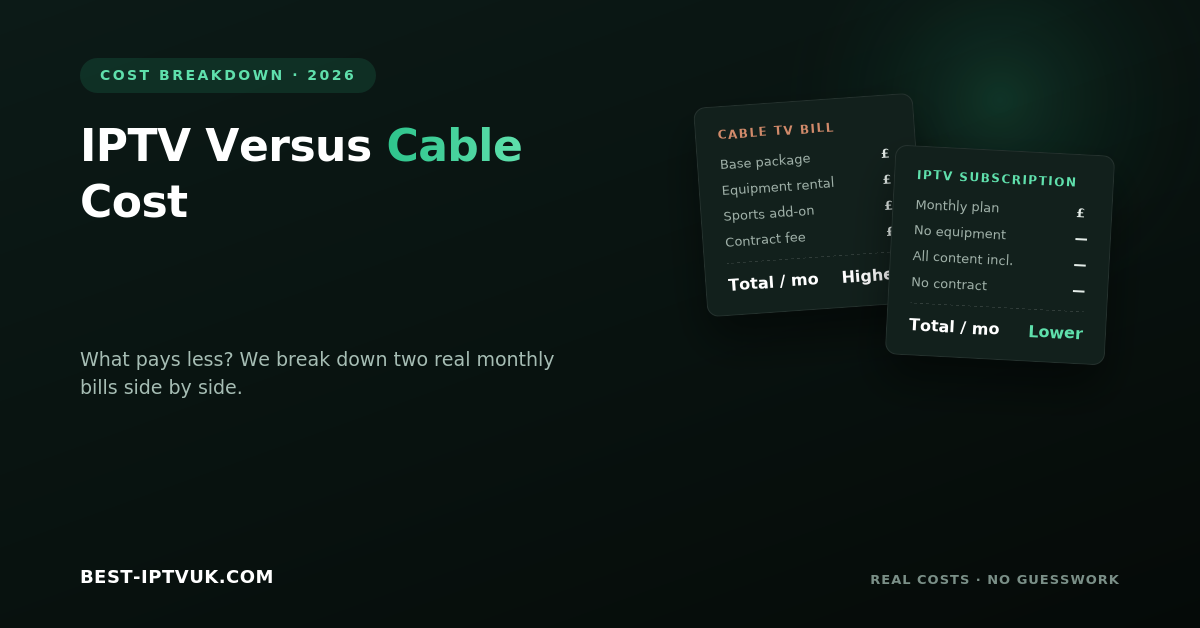
IPTV Versus Cable Cost: What Pays Less?
Television has changed dramatically over the past decade. While cable TV was once the standard choice for home entertainment, many households are now switching to IPTV because of its flexibility, wider content selection, and competitive pricing.
If you're comparing IPTV versus cable cost, the answer isn't just about the monthly bill. It's also about what you receive for your money, how much flexibility you have, and whether you're paying for channels you actually watch.
This guide compares IPTV and cable television, helping you understand which option offers better value for different types of viewers.
Understanding IPTV and Cable TV
Although both services provide access to television channels, they deliver content in different ways.
Cable TV uses a dedicated cable network installed by your provider. It often requires professional installation and equipment supplied by the company.
IPTV (Internet Protocol Television) streams television through your internet connection. Instead of relying on cable infrastructure, you can watch live TV and on-demand content using compatible devices such as Smart TVs, Fire TV Stick, Android TV, smartphones, tablets, and computers.
This difference in technology has a significant impact on cost, convenience, and flexibility.
Monthly Costs: Which Is More Affordable?
One of the biggest reasons people switch to IPTV is the potential to reduce monthly entertainment expenses.
Cable television plans often begin with an attractive introductory price. However, once promotional offers end, monthly costs may increase. Additional features such as premium sports, movie packages, high-definition channels, or extra receivers can further raise the total bill.
IPTV subscriptions are generally simpler. Most providers offer straightforward monthly, quarterly, or yearly plans without requiring separate hardware rental. This allows users to choose a subscription that fits both their viewing habits and budget.
For many households, IPTV delivers a larger selection of content for a lower monthly cost.
Equipment Costs
The equipment required for each service also affects overall expenses.
With cable television, providers may charge installation fees and monthly rental costs for set-top boxes. Additional televisions often require extra receivers, increasing long-term costs.
IPTV usually works with devices many people already own, including:
Smart TVs
Amazon Fire TV Stick
Android TV boxes
Google TV devices
Smartphones
Tablets
Windows PCs
Mac computers
Because existing devices can often be used, the initial setup cost is usually lower.
Content Selection
Content is another important factor when comparing overall value.
Traditional cable packages are commonly divided into different tiers. Sports channels, movie channels, and premium entertainment are often sold separately, meaning viewers may pay more to access everything they want.
Many IPTV services include a broad selection of live television together with movies, TV series, documentaries, children's programming, and international channels under one subscription.
For viewers with diverse interests, IPTV often provides greater variety without requiring multiple add-on packages.
Sports Coverage
Sports fans frequently compare IPTV and cable because live events are often the most expensive part of traditional television packages.
Cable providers generally require premium sports subscriptions for access to major competitions.
Depending on the IPTV service selected, sports content may already be included within the main subscription, making it a more economical option for people who regularly watch football, boxing, cricket, motorsports, or other live events.
As always, stream quality and reliability should be considered alongside price.
Installation and Setup
Getting started is another area where IPTV and cable differ.
Cable television usually requires an installation appointment, equipment setup, and activation by the service provider.
IPTV can often be configured within minutes by installing a compatible IPTV player, entering your subscription details, and connecting to the internet.
The simpler setup process makes IPTV attractive for users who prefer quick activation without waiting for appointments.
Device Flexibility
Modern viewers rarely watch television on only one screen.
Cable television is generally designed around the main television in the home, although additional receivers can be added at an extra cost.
IPTV offers much greater flexibility. Many services allow streaming across multiple compatible devices, making it possible to continue watching from different rooms or while travelling.
This flexibility is particularly useful for families with different viewing preferences.
Contract Flexibility
Contract terms can significantly affect long-term value.
Cable providers often require customers to commit to fixed contracts that may last 12 months or longer. Cancelling early can sometimes involve additional charges.
Many IPTV subscriptions offer shorter billing cycles, allowing users to choose monthly, quarterly, or annual plans based on their needs.
This flexibility gives customers greater control over their subscriptions.
Internet Requirements
Unlike cable television, IPTV depends entirely on a stable internet connection.
For smooth streaming, a reliable broadband connection is recommended.
General speed recommendations include:
| Streaming Quality | Recommended Speed |
|---|---|
| Standard Definition | 10 Mbps |
| HD | 20 Mbps |
| Full HD | 30 Mbps |
| 4K Ultra HD | 50 Mbps or higher |
If your internet connection is slow or unstable, cable television may offer more consistent performance.
Pros and Cons
IPTV
Advantages
Lower monthly costs for many users
Large content libraries
Multi-device support
Flexible subscription plans
Easy installation
On-demand viewing
Disadvantages
Requires reliable internet
Streaming quality depends on network performance
Cable TV
Advantages
Stable connection
Familiar user experience
No internet dependency for viewing
Disadvantages
Higher long-term costs
Equipment rental fees
Limited device flexibility
Long-term contracts
Additional charges for premium channels
Which Option Offers Better Value?
The answer depends on your viewing habits.
If you mainly watch a few local television channels and already receive discounted bundled services, cable television may continue to meet your needs.
However, if you enjoy live sports, movies, TV series, international entertainment, and the freedom to watch across multiple devices, IPTV often provides better value for the price.
Rather than comparing only the advertised monthly fee, consider the total cost of equipment, installation, premium channels, and contract commitments.
Frequently Asked Questions
Is IPTV cheaper than cable?
In many cases, IPTV subscriptions cost less than comparable cable television packages, especially when premium entertainment and sports content are included.
Does IPTV require additional equipment?
Most IPTV services work with devices that many households already own, reducing the need for additional hardware.
Which is easier to install?
IPTV generally offers a faster setup process because it only requires a compatible device, internet connection, and IPTV subscription.
Can IPTV replace cable television?
For many viewers, IPTV provides enough live channels and on-demand entertainment to replace traditional cable services, although individual viewing preferences vary.
Which is better for families?
Both options can work well, but IPTV's support for multiple devices and broader content libraries often makes it a popular choice for households with different entertainment preferences.
Final Thoughts
Comparing IPTV versus cable cost involves much more than looking at the monthly subscription price. Equipment fees, premium channel packages, contract commitments, installation costs, and device flexibility all contribute to the overall value of each service.
For many modern households, IPTV offers a cost-effective alternative that combines live television, movies, sports, and on-demand entertainment in a single, flexible subscription. Cable television still suits some viewers, particularly those who prefer a traditional setup, but internet-based streaming continues to grow because it offers greater convenience and better value for many users.
Before making your decision, compare your current television expenses with the features you actually use. Choosing the option that matches your viewing habits can help you save money while enjoying a more flexible entertainment experience.
Iptv
IPTV Playlist Management Guide
Managing your IPTV playlist effectively is one of the simplest ways to improve your streaming experience. Whether you enjoy live television, sports, movies, or international channels, a well-organized playlist helps you find content quickly and keeps your IPTV application running smoothly. Instead of scrolling through hundreds or even thousands of channels, you can arrange your playlist in a way that suits your viewing habits and makes navigation effortless.
This guide explains what IPTV playlists are, how they work, how to organize them efficiently, and the best practices for maintaining a fast and reliable streaming experience across all your devices.
What Is an IPTV Playlist?
An IPTV playlist is a collection of streaming links that your IPTV application uses to display live TV channels, movies, television series, and other available content. Rather than storing videos, a playlist simply tells your IPTV player where to find each stream.
Most IPTV services provide access through one of these methods:
M3U Playlist URL
Xtream Codes Login
Username and Password
Portal URL (supported by certain IPTV players)
Once the playlist is added to your IPTV application, your channels and entertainment library become available instantly.
Why Playlist Management Is Important
A typical IPTV subscription can include thousands of live channels along with an extensive library of movies and TV shows. Without proper organization, finding the content you actually watch can become frustrating.
Effective playlist management allows you to:
Find favourite channels quickly
Organize entertainment into categories
Remove unnecessary channel groups
Reduce clutter within your IPTV app
Improve navigation using your remote control
Keep playlists updated automatically
Create a better overall viewing experience
A few minutes spent organizing your playlist can save time every day.
Understanding Playlist Formats
Different IPTV providers support different connection methods. The most common formats include:
M3U Playlist
An M3U playlist is a file or URL containing links to streaming channels. It is compatible with most IPTV applications and is easy to import.
Xtream Codes
Xtream Codes allows users to log in using a server address, username, and password. This method automatically imports channels, movies, and programme information.
Portal Login
Some IPTV players connect through a portal address, making setup straightforward for supported devices.
Each format offers similar functionality, and your provider will let you know which method to use.
How to Organize Your IPTV Playlist
A well-structured playlist makes browsing much easier.
Create Favourite Lists
Save the channels you watch most often into a favourites section. This allows you to access them without searching through large channel lists.
For example, you can create groups for:
Sports
Movies
News
Kids
Entertainment
Documentaries
Music
Remove Unused Categories
Many IPTV apps allow you to hide categories you never watch. Removing unnecessary sections keeps the interface clean and easier to navigate.
Rename Custom Groups
If your IPTV application supports custom folders, give them meaningful names so you can quickly identify different playlists or content types.
Use the Search Function
Instead of scrolling through long channel lists, use the built-in search feature to find channels instantly.
Best IPTV Apps for Playlist Management
The IPTV player you choose plays a major role in how easily you can manage playlists.
Popular IPTV applications include:
IPTV Smarters Pro
TiviMate
XCIPTV Player
Perfect Player
VLC Media Player
These applications offer features such as favourite channels, playlist organization, Electronic Programme Guide (EPG) support, and multiple playlist management.
Supported Devices
Modern IPTV playlists work across a wide variety of devices, making it easy to stream wherever you are.
Compatible devices include:
Amazon Fire TV Stick
Fire TV Cube
Android TV
Google TV
Smart TVs
Android smartphones
iPhone and iPad
Windows PCs
Mac computers
Tablets
Many IPTV applications also allow playlists to be synchronized across multiple devices.
How to Add an IPTV Playlist
Setting up your playlist usually takes only a few minutes.
Step 1
Install a compatible IPTV player on your preferred device.
Step 2
Open the application and choose the login option provided by your IPTV service.
Step 3
Enter your playlist URL or login credentials.
Step 4
Wait for the application to import your channels and content library.
Step 5
Refresh the playlist if necessary to ensure you have the latest updates.
After setup, you can begin streaming immediately.
Using an Electronic Programme Guide (EPG)
An Electronic Programme Guide, commonly known as an EPG, displays information about current and upcoming television programmes.
Benefits include:
Programme schedules
Channel information
Now and next listings
Easier navigation
Better live TV experience
Many IPTV applications automatically load EPG data after your playlist has been imported.
Managing Multiple Playlists
Some users maintain more than one IPTV subscription. Modern IPTV applications often allow multiple playlists to be added and managed from a single interface.
If you use multiple playlists:
Give each playlist a clear name.
Remove expired subscriptions.
Update playlists regularly.
Back up settings if your application supports it.
Keeping playlists organized helps avoid duplicate channels and outdated information.
Tips for Better Playlist Performance
To enjoy smoother streaming, follow these recommendations:
Keep your IPTV application updated.
Refresh playlists regularly.
Delete inactive playlists.
Restart your streaming device occasionally.
Use a stable internet connection.
Clear the application cache when needed.
Use Ethernet instead of Wi-Fi where possible.
Organize favourites before major sporting events.
These simple steps help improve both speed and reliability.
Common IPTV Playlist Problems
Playlist Not Loading
Check your internet connection and verify that your login details are correct.
Missing Channels
Refresh your playlist or restart your IPTV application.
Duplicate Categories
Remove older playlists before importing updated versions.
Programme Guide Missing
Update the EPG and allow it time to download programme information.
Buffering During Live TV
Restart your router, close background downloads, and ensure your internet speed is suitable for streaming.
Most playlist issues can be solved with these basic troubleshooting steps.
IPTV Playlist Security Tips
Protecting your IPTV account is just as important as managing your playlists.
For better security:
Keep your login details private.
Download IPTV applications only from trusted sources.
Update your software regularly.
Avoid sharing subscription credentials.
Change passwords if you suspect unauthorized access.
Good security practices help keep your account safe.
Frequently Asked Questions
What is an IPTV playlist?
An IPTV playlist is a collection of streaming links that allows an IPTV application to display live television channels, movies, and other content.
Which playlist format is most common?
M3U playlists and Xtream Codes are currently the two most widely used connection methods.
Can I use multiple IPTV playlists?
Yes. Many IPTV applications allow users to manage multiple playlists at the same time.
Why are some channels missing?
Channels may be unavailable due to playlist updates or temporary maintenance. Refreshing your playlist often resolves the issue.
How often should I update my playlist?
Most IPTV applications update automatically, but manually refreshing your playlist every few days helps ensure you have the latest channel information.
Do playlists work on all devices?
Most IPTV playlists are compatible with Firestick, Smart TVs, Android devices, iPhones, tablets, Windows computers, and Mac systems when used with a supported IPTV player.
Final Thoughts
Proper playlist management can significantly improve your IPTV experience. A well-organized playlist makes it easier to find your favourite channels, reduces unnecessary clutter, and helps your IPTV application perform more efficiently. Whether you stream live television, sports, movies, or international content, taking a few minutes to organize your playlists will save time and make everyday viewing much more enjoyable.
By keeping your playlists updated, using favourites, maintaining a stable internet connection, and choosing a reliable IPTV player, you can enjoy a smoother and more organized streaming experience across all your devices.
Iptv
IPTV Setup Using IPTV Smarters Pro
Setting up IPTV doesn't have to be complicated. If you've chosen IPTV Smarters Pro as your streaming application, you're using one of the most popular IPTV players available today. Its clean interface, broad device compatibility, and simple setup process make it an excellent choice for beginners and experienced users alike.
This guide walks you through everything you need to know about installing IPTV Smarters Pro, adding your IPTV subscription, supported devices, troubleshooting common issues, and optimizing your streaming experience.
What Is IPTV Smarters Pro?
IPTV Smarters Pro is an IPTV player that allows users to access live TV channels, movies, TV series, and other streaming content provided by their IPTV service. It does not include channels or subscriptions itself. Instead, it works by connecting to an IPTV subscription using login credentials or a playlist supplied by your provider.
Its straightforward interface and powerful features have made it one of the most widely used IPTV applications.
Why Choose IPTV Smarters Pro?
Many IPTV users prefer IPTV Smarters Pro because it combines ease of use with advanced functionality.
Some of its key advantages include:
Simple and modern interface
Fast channel loading
Live TV streaming
Video on Demand (VOD) support
Electronic Programme Guide (EPG)
Multiple playlist support
Parental controls
External media player compatibility
HD, Full HD, and 4K playback support
These features help create a smooth and enjoyable streaming experience.
Devices Supported by IPTV Smarters Pro
One of the biggest strengths of IPTV Smarters Pro is its compatibility with a wide variety of devices.
You can install it on:
Amazon Fire TV Stick
Fire TV Cube
Android TV
Google TV
Android smartphones
Samsung Smart TVs
LG Smart TVs
Apple TV
iPhone
iPad
Windows PCs
Mac computers
This flexibility allows you to stream your favourite content almost anywhere.
How to Install IPTV Smarters Pro on Firestick
Firestick remains one of the most popular streaming devices because it's affordable and easy to use.
Step 1
Turn on your Firestick and connect it to the internet.
Step 2
Install IPTV Smarters Pro using the appropriate installation method for your device.
Step 3
Open the application after installation.
Step 4
Accept the terms and conditions if prompted.
Step 5
Choose your preferred login method.
Step 6
Enter the IPTV account information provided by your subscription service.
Step 7
Wait for the application to load your channels, movies, and TV series.
Once the setup is complete, you can begin streaming immediately.
Installing IPTV Smarters Pro on Android Devices
Android users can complete the setup in just a few minutes.
Install IPTV Smarters Pro on your device.
Launch the application.
Accept the user agreement.
Select your preferred login method.
Enter your IPTV account details.
Allow the app to load your content.
Start watching.
Setting Up IPTV Smarters Pro on Smart TVs
Many Smart TVs support IPTV Smarters Pro, making installation quick and straightforward.
After installing the app:
Open IPTV Smarters Pro.
Select your preferred login method.
Enter your IPTV credentials.
Allow the playlist to load.
Browse live TV and on-demand content.
The user interface is optimized for television remotes, making navigation simple.
Using IPTV Smarters Pro on iPhone and iPad
Apple users can also enjoy IPTV Smarters Pro on supported iOS devices.
Simply install the application, sign in using your IPTV account information, and allow the app to synchronize your subscription before streaming.
Adding Your IPTV Subscription
Most IPTV providers offer one of the following login methods:
Xtream Codes
M3U Playlist
Username and Password
Server URL
After entering the correct information, IPTV Smarters Pro automatically imports:
Live TV channels
Movies
TV series
Electronic Programme Guide
Video on Demand library
The loading process usually takes only a few moments.
What Can You Watch?
Depending on your IPTV subscription, you may have access to:
Live television
Sports channels
Movies
TV series
Children's entertainment
News channels
Documentary channels
Music channels
International programming
Catch-up TV where available
The available content depends entirely on your chosen IPTV service.
Tips for Better Streaming
To get the best performance from IPTV Smarters Pro:
Use a reliable broadband connection.
Keep the application updated.
Restart your streaming device occasionally.
Clear the application cache if performance slows down.
Close unnecessary background applications.
Use a wired Ethernet connection whenever possible.
These simple steps can help reduce buffering and improve playback quality.
Common Setup Problems
Login Failed
Double-check your username, password, and server information before trying again.
Channels Not Appearing
Refresh your playlist or restart the application after logging in.
Buffering
Test your internet connection and restart your router if necessary.
App Crashing
Update IPTV Smarters Pro to the latest version and clear the application cache.
Most setup issues can be resolved within a few minutes.
IPTV Smarters Pro vs Traditional Television
| IPTV Smarters Pro | Traditional TV |
|---|---|
| Internet-based streaming | Cable or satellite connection |
| Watch on multiple devices | Mainly television only |
| Video on Demand | Limited |
| Flexible viewing | Fixed schedules |
| Easy online setup | Professional installation often required |
For many households, IPTV offers greater convenience and flexibility.
Frequently Asked Questions
Is IPTV Smarters Pro free?
The application is generally available to download at no cost, but you need an active IPTV subscription to access streaming content.
Can I use IPTV Smarters Pro on Firestick?
Yes. Firestick is one of the most popular devices for IPTV Smarters Pro because of its excellent performance and straightforward setup.
Does IPTV Smarters Pro support 4K?
Yes. If your device, IPTV subscription, and internet connection support 4K streaming, compatible content can be viewed in Ultra HD.
Can I use the app on multiple devices?
Many IPTV subscriptions support multiple devices, although the number of simultaneous connections depends on your subscription plan.
Is IPTV Smarters Pro suitable for beginners?
Absolutely. Its intuitive interface makes it easy for first-time users to install and begin streaming.
Final Thoughts
IPTV Smarters Pro is one of the easiest ways to enjoy IPTV across a wide range of devices. Its simple interface, reliable performance, and support for modern streaming features make it an excellent choice for watching live television, movies, sports, and on-demand entertainment.
With a compatible IPTV subscription and a stable internet connection, you can complete the setup in just a few minutes and enjoy a flexible streaming experience from almost anywhere.
Iptv
Choosing the Right IPTV App for IPTV UK
A great IPTV service deserves an equally reliable IPTV app. While your subscription provides access to live TV, movies, sports, and on-demand content, the application you use determines how smooth and enjoyable your streaming experience will be. From channel loading speed to navigation and video quality, the right app can make a noticeable difference.
If you're new to IPTV or thinking about switching apps, this guide will help you understand what to look for, compare popular options, and choose an app that works best with your devices.
What Is an IPTV App?
An IPTV app is software that allows you to access and manage IPTV content on your device. It acts as the interface between your IPTV subscription and your screen, organizing live channels, movies, TV series, and electronic programme guides into a user-friendly layout.
Most IPTV apps support playlists or login credentials supplied by your provider, making it easy to start streaming within minutes.
Why Choosing the Right IPTV App Matters
Not every IPTV application offers the same features or performance. Some are designed for beginners, while others include advanced options for experienced users.
A quality IPTV app should provide:
Fast channel loading
Smooth HD and 4K playback
Easy navigation
Electronic Programme Guide (EPG) support
Favourite channel management
Multiple playlist support
Stable streaming performance
Regular software updates
Using the right application can improve both speed and overall viewing comfort.
Features to Look For
Before installing an IPTV app, compare the features it offers.
User-Friendly Interface
A clean layout makes it easier to browse channels, search for programmes, and access on-demand content.
Electronic Programme Guide
An EPG displays current and upcoming programmes, helping you plan your viewing schedule without switching channels.
Multi-Device Compatibility
The best IPTV apps work across Smart TVs, Firestick, Android devices, iPhones, tablets, and computers.
High-Quality Streaming
Choose an app that supports HD, Full HD, and 4K playback for the best picture quality.
Playlist Management
Managing favourites, categories, and multiple playlists makes navigation much faster.
Popular IPTV Apps
Several IPTV applications are widely used because of their reliability and feature set.
IPTV Smarters Pro
A popular choice for beginners thanks to its simple interface, support for live TV, movies, series, and Electronic Programme Guides.
TiviMate
Known for its modern interface and advanced TV guide features, making it a favourite among Android TV and Firestick users.
XCIPTV Player
A lightweight application that offers smooth playback, playlist support, and an easy-to-use design.
The best option depends on your preferred device and personal viewing habits.
Supported Devices
Modern IPTV apps are compatible with a wide range of streaming devices.
Commonly supported platforms include:
Amazon Fire TV Stick
Fire TV Cube
Android TV
Google TV
Samsung Smart TVs
LG Smart TVs
Android phones
iPhone and iPad
Windows PCs
Mac computers
Tablets
This flexibility allows you to watch your favourite content almost anywhere.
How to Set Up an IPTV App
Most IPTV apps follow a simple installation process.
Step 1
Download and install your preferred IPTV application.
Step 2
Open the app and choose the login method supported by your IPTV provider.
Step 3
Enter your account details or playlist information.
Step 4
Allow the application to load channels, movies, and TV series.
Step 5
Update the Electronic Programme Guide if available.
Step 6
Organise your favourite channels for quicker access.
After setup, you can begin streaming immediately.
IPTV App vs Traditional TV
| IPTV App | Traditional TV |
|---|---|
| Internet-based streaming | Cable or satellite connection |
| Watch on multiple devices | Mainly television only |
| On-demand content | Limited |
| Portable viewing | No |
| Flexible setup | Professional installation often required |
Modern IPTV apps provide greater flexibility and convenience compared to conventional television services.
Tips for Better Streaming
To enjoy a smoother viewing experience:
Use a stable broadband connection.
Keep your IPTV app updated.
Restart your streaming device occasionally.
Clear the application cache when needed.
Close background downloads while watching live TV.
Use an Ethernet connection where possible.
These small improvements can reduce buffering and improve playback quality.
Common IPTV App Problems
Channels Not Loading
Refresh your playlist or restart the application.
Buffering
Check your internet speed and restart your router if necessary.
Login Errors
Confirm that your subscription details have been entered correctly.
Electronic Programme Guide Not Updating
Refresh the guide and allow a few minutes for programme information to load.
Most issues can be resolved with these simple troubleshooting steps.
How to Choose the Best IPTV App
When comparing IPTV applications, consider:
Device compatibility
Ease of use
Playback performance
Electronic Programme Guide support
Update frequency
Playlist management features
Overall reliability
Selecting an application that matches your viewing preferences can significantly improve your IPTV experience.
Frequently Asked Questions
Which IPTV app is best for beginners?
Applications with simple interfaces and straightforward setup processes are usually the easiest for first-time users.
Can I use one IPTV app on different devices?
Many IPTV apps are available on multiple platforms, allowing you to stream on televisions, smartphones, tablets, and computers.
Do IPTV apps support 4K streaming?
Yes. Many modern IPTV apps support 4K playback when both your IPTV service and internet connection are capable.
Is an IPTV app free?
Some IPTV applications are free, while others offer premium versions with additional features such as recording, advanced playlist management, and cloud synchronisation.
Do I need technical knowledge?
No. Most IPTV applications are designed for quick installation and can be configured in just a few minutes.
Final Thoughts
Choosing the right IPTV app is one of the most important steps in creating a great streaming experience. A well-designed application makes it easier to browse channels, watch live television, enjoy on-demand content, and manage your playlists across different devices.
Before making your choice, compare features, compatibility, and ease of use to find an app that suits your viewing habits. Pairing a reliable IPTV service with a high-quality application will help you enjoy smoother streaming, better organisation, and a more enjoyable entertainment experience.
Iptv
Best IPTV on Firestick UK – Total Guide
Amazon Firestick has transformed the way people watch television in the UK. Instead of relying on traditional cable or satellite services, millions of viewers now stream live TV, sports, movies, and on-demand content through internet-based platforms. Its affordability, simple setup, and support for a wide range of streaming apps have made Firestick one of the most popular entertainment devices available.
If you're looking for the best IPTV on Firestick, this guide covers everything you need to know. You'll learn how IPTV works, why Firestick is a great choice, the features to look for, how to set it up, and tips for getting the best streaming experience.
What Is IPTV on Firestick?
IPTV (Internet Protocol Television) is a technology that delivers television channels and on-demand content over an internet connection instead of traditional cable or satellite networks.
When used with an Amazon Firestick, IPTV allows you to stream live television, sports, movies, documentaries, and TV series directly on your television. All you need is a stable internet connection, a compatible IPTV application, and an active subscription.
Because Firestick is compact, affordable, and easy to use, it has become one of the preferred streaming devices for IPTV users across the UK.
Why Firestick Is a Popular Choice for IPTV
Firestick combines portability with powerful streaming capabilities, making it suitable for both beginners and experienced users.
Some of its biggest advantages include:
Quick installation and simple navigation
Compact device that connects directly to your TV
Support for HD, Full HD, and 4K streaming
Access to a wide range of IPTV applications
Regular software updates
Voice control through Alexa-supported remotes
Portable enough to use while travelling
These features make Firestick an excellent option for anyone wanting a convenient IPTV setup.
Features to Look for in the Best IPTV on Firestick
Not all IPTV services provide the same experience. Choosing the right provider can significantly improve streaming quality and reliability.
A quality IPTV service should include:
Extensive live TV channel selection
HD, Full HD, and 4K streaming support
Video-on-demand library
Electronic Programme Guide (EPG)
Fast channel loading
Stable servers with minimal buffering
Regular content updates
Responsive customer support
Compatibility with multiple devices
These features contribute to a smoother and more enjoyable viewing experience.
How IPTV Works on Firestick
The setup process is straightforward and usually takes only a few minutes.
First, install a compatible IPTV player on your Firestick. Next, enter the login credentials or playlist provided by your IPTV service. Once the application loads your subscription, you'll have access to available channels, movies, and TV shows through an easy-to-use interface.
Everything is streamed over your internet connection, eliminating the need for satellite dishes or cable installations.
Benefits of Using IPTV on Firestick
More UK households are switching to IPTV because it offers greater flexibility than traditional television services.
Some key benefits include:
Watch live television from one device
Enjoy on-demand movies and TV shows
Stream from almost anywhere with internet access
Access international entertainment
No long-term cable contracts
Easy installation without professional assistance
Supports multiple streaming devices
For many viewers, IPTV provides better value while offering greater control over what they watch.
Watching Live Sports on Firestick
Firestick has become especially popular among sports fans because it delivers live events with excellent picture quality.
Depending on your subscription, you may be able to access coverage of:
Premier League football
UEFA competitions
Cricket tournaments
Rugby matches
Boxing events
UFC and MMA
Formula 1
Tennis tournaments
International sporting events
A reliable internet connection is essential for smooth live streaming, especially during major events.
How to Install IPTV on Firestick
Setting up IPTV on Firestick is simple.
Step 1
Connect your Firestick to your television and complete the initial device setup.
Step 2
Install an IPTV-compatible media player from a trusted source.
Step 3
Enter the login credentials or playlist supplied by your IPTV provider.
Step 4
Allow the application to synchronise your subscription.
Step 5
Browse the available categories and begin streaming your favourite content.
Most users can complete the process in under ten minutes.
Compatible Devices
Although Firestick is one of the most popular choices, many IPTV services also work across other platforms.
Supported devices often include:
Amazon Fire TV Stick
Smart TVs
Android TV boxes
Google TV
Android smartphones
iPhone and iPad
Windows PCs
Mac computers
Tablets
This flexibility allows users to enjoy their subscription across multiple devices.
Common IPTV Problems and How to Fix Them
Even high-quality IPTV services may occasionally experience minor issues.
Buffering
Restart your router, check your internet speed, or switch to a wired connection if possible.
Login Issues
Verify your account details and ensure your subscription is still active.
Application Freezing
Restart your Firestick, clear the application's cache, and install any available updates.
Channels Not Loading
Refresh the playlist or restart the IPTV application to reload the latest channel list.
Regular device maintenance often helps prevent these problems.
Tips for Better IPTV Performance
For the best viewing experience:
Use broadband with sufficient speed for HD or 4K streaming.
Keep your Firestick software updated.
Clear the IPTV app cache periodically.
Restart your Firestick occasionally.
Avoid large downloads while streaming.
Connect via Ethernet if supported.
These simple practices can improve streaming stability and reduce buffering.
Is IPTV Legal in the UK?
IPTV technology itself is legal and is widely used by legitimate streaming services and broadcasters.
However, legality depends on whether the content is distributed with the appropriate permissions. Always choose providers that operate within applicable copyright laws and have the necessary rights to distribute their content.
Frequently Asked Questions
Can beginners use IPTV on Firestick?
Yes. Firestick is designed for simple installation, and most IPTV services can be configured in just a few minutes.
What internet speed is recommended?
For HD streaming, at least 20 Mbps is generally recommended, while 4K content performs best with speeds of 50 Mbps or higher.
Can I use IPTV on more than one device?
Many providers offer multi-connection plans, although the number of simultaneous streams depends on your subscription.
Does Firestick support 4K IPTV?
Yes. Firestick 4K models support Ultra HD streaming when both the IPTV service and your internet connection meet the necessary requirements.
Do I need technical knowledge?
No. Most IPTV applications provide a straightforward setup process suitable for beginners.
Final Thoughts
Firestick has become one of the best devices for IPTV streaming thanks to its affordability, ease of use, and broad compatibility with modern streaming applications. Combined with a reliable IPTV service and a stable internet connection, it offers an excellent way to enjoy live television, movies, sports, and on-demand entertainment.
Before choosing a provider, compare channel selection, streaming quality, customer support, and device compatibility. Taking the time to select the right service will help you enjoy a smoother and more reliable viewing experience for years to come.
Iptv
IPTV UK: A Complete Beginner’s Guide to Getting Started (2026)
If you’re thinking about switching from traditional TV to internet-based streaming, IPTV UK services are one of the easiest and most flexible ways to watch live television, movies, sports, and on-demand content. Instead of relying on satellite dishes or cable connections, IPTV streams television through your internet connection — giving households across the United Kingdom more control over what they watch and when they watch it.
This guide explains everything beginners need to know about getting an IPTV subscription in the UK, including how it works, what equipment you need, how to choose a reliable provider, and how to enjoy a smooth viewing experience from day one.
What Is IPTV?
IPTV (Internet Protocol Television) is a technology that delivers television content over the internet instead of through traditional cable or satellite networks.
Unlike conventional TV services that broadcast every channel at once, IPTV streams only the content you choose. This allows viewers across the United Kingdom to enjoy live TV, movies, TV series, and catch-up content on demand across multiple devices — all through a single IPTV subscription.
Whether you’re watching on a Smart TV, Firestick, Android TV, smartphone, tablet, or computer, IPTV gives you the flexibility to stream wherever you have a reliable internet connection.
looking for best iptv: best-iptvuk.com
How IPTV Works
IPTV uses your broadband connection to transmit video content from secure servers to your device.
The process is straightforward:
1. You subscribe to an IPTV service.
2. Your provider supplies login credentials or a playlist.
3. You install a compatible IPTV player.
4. After logging in, the player loads the available channels and content.
5. You select what you want to watch and start streaming instantly.
Everything happens over the internet, eliminating the need for satellite dishes or coaxial cables — one of the main reasons IPTV in the United Kingdom has grown so quickly in popularity.
Types of IPTV Services
Most IPTV platforms offer three primary types of content.
Live TV
Watch television channels in real time, including news, entertainment, sports, documentaries, and children’s programming.
Video on Demand (VOD)
Choose from an extensive library of movies and TV shows whenever you want without waiting for scheduled broadcasts.
Catch-Up TV
Missed a programme? Catch-up features allow you to watch recently aired content at a time that suits you.
Benefits of an IPTV Subscription in the UK
Many UK viewers are choosing an IPTV subscription because it offers several advantages over traditional television.
Wide Content Selection
Access live channels, international programming, movies, sports, documentaries, and TV series from one platform.
Watch on Multiple Devices
Many IPTV UK services support Smart TVs, Android TV boxes, Firestick, smartphones, tablets, laptops, and desktop computers.
On-Demand Viewing
You are no longer limited by television schedules. Watch your favourite content whenever it’s convenient.
User-Friendly Experience
Modern IPTV apps include search functions, electronic programme guides (EPGs), favourites, parental controls, and personalised viewing options.
Cost-Effective
Compared with many traditional television packages, an IPTV subscription often provides more viewing options at competitive prices — a big part of why so many households across the United Kingdom are making the switch.
looking for free trial: best-iptvuk.com
Are There Any Disadvantages?
Although IPTV offers many benefits, there are a few things to keep in mind.
• Streaming quality depends on your internet connection.
• Slow networks may cause buffering during high-demand periods.
• Some services may have temporary server maintenance.
• Device compatibility varies between providers.
• Always verify that the content you access is properly licensed in your region.
Free vs Paid IPTV Subscriptions
Free IPTV
Free IPTV platforms generally provide limited channels and fewer features. They may also experience interruptions, lower video quality, or inconsistent availability.
Paid IPTV Subscription
A paid IPTV subscription usually includes:
• Larger channel libraries
• HD, Full HD, and 4K streaming
• Video-on-demand collections
• Electronic Programme Guide (EPG)
• Better uptime
• Technical support
• Regular updates
For viewers who watch television regularly, a paid IPTV subscription generally offers a more consistent experience than free alternatives.
How to Choose an IPTV Provider in the United Kingdom
Before purchasing an IPTV subscription, compare providers carefully.
Consider:
• Channel selection
• Video quality
• Device compatibility
• Free trial availability
• Customer support
• Server reliability
• Electronic Programme Guide (EPG)
• Video-on-demand library
• Multi-device support
• Subscription pricing
Reading recent customer reviews can also help you understand the overall quality of an IPTV UK provider before you commit to a subscription.
Devices That Support IPTV
One of IPTV’s biggest advantages is its compatibility across many devices.
Popular options include:
• Smart TVs
• Amazon Fire TV Stick
• Android TV Boxes
• Google TV devices
• Android smartphones
• iPhones and iPads
• Windows PCs
• Mac computers
• Tablets
Many IPTV UK providers also support multiple operating systems with the same subscription, so you’re not locked into a single device.
Popular IPTV Apps
To watch IPTV, you’ll need a compatible media player or IPTV application.
Some widely used options include:
• IPTV Smarters Pro
• TiviMate
• XCIPTV Player
• Perfect Player
• VLC Media Player
• GSE Smart IPTV
• SmartOne IPTV
The exact app you use depends on your device and the format supported by your IPTV subscription provider.
How to Set Up IPTV
Getting started usually takes only a few minutes.
Step 1: Install an IPTV Player
Download an IPTV-compatible application on your preferred device.
Step 2: Receive Your Login Details
Your IPTV provider may supply:
• Username and password
• Xtream Codes login
• M3U playlist URL
Step 3: Add Your Subscription
Enter the credentials inside the IPTV application.
Step 4: Load the Content
After verification, the app downloads the available channels and on-demand library.
Step 5: Start Streaming
Browse categories, search for content, and enjoy your favourite programmes.
iptv setup guide: best-iptvuk.com
Recommended Internet Speed
Your internet connection plays a major role in streaming quality.
General recommendations are:
Streaming Quality | Recommended Speed |
SD | 10 Mbps |
HD | 20 Mbps |
Full HD | 30 Mbps |
4K Ultra HD | 50 Mbps or higher |
A wired Ethernet connection generally provides the most stable experience, and most broadband packages available across the United Kingdom comfortably support HD or 4K IPTV streaming.
Tips for Better IPTV Performance
For smoother streaming:
• Restart your router occasionally.
• Close unnecessary background downloads.
• Use a wired connection when possible.
• Keep your IPTV app updated.
• Ensure your device has enough available storage.
• Reboot your streaming device periodically.
These simple steps can significantly reduce buffering.
Is IPTV Legal in the UK?
IPTV technology itself is completely legal. Many broadcasters and streaming companies deliver television using IPTV infrastructure.
However, legality depends on the source of the content. Always use an IPTV subscription provider that has the appropriate rights or licences to distribute the channels and programmes they offer. Accessing copyrighted content without permission may violate UK law.
IPTV vs Traditional TV
Feature | IPTV | Traditional TV |
Internet Required | Yes | No |
Live TV | Yes | Yes |
Movies & Series | Yes | Limited |
On-Demand Content | Yes | Limited |
Device Flexibility | High | Mostly Television |
Multiple Device Support | Usually Yes | Limited |
Installation | Quick | Often Requires Equipment |
Frequently Asked Questions
Can I use IPTV on more than one device?
Many IPTV UK providers offer multi-connection plans, although the number of simultaneous streams depends on your subscription.
Do I need a Smart TV?
No. IPTV also works on Firestick, Android TV boxes, smartphones, tablets, laptops, and desktop computers.
Does IPTV work with Wi-Fi?
Yes. A stable broadband connection is usually sufficient, although Ethernet often provides the best performance.
Can I watch IPTV while travelling?
In most cases, yes. As long as you have internet access and a compatible device, you can stream from many locations, subject to your provider’s terms and any applicable regional licensing restrictions.
Do I need technical knowledge?
Not at all. Most IPTV subscription services can be set up in just a few minutes using simple login details provided after signing up.
Final Thoughts
IPTV has become a popular choice for viewers across the United Kingdom who want greater flexibility, a wider variety of content, and the convenience of watching television across multiple devices. Whether you’re interested in live channels, sports, movies, or catch-up programming, getting started with an IPTV subscription is easier than ever.
Before choosing a provider, compare features, device compatibility, support, and overall reliability. Selecting a trusted IPTV UK provider and maintaining a stable internet connection will help ensure a smooth and enjoyable streaming experience.
Iptv
Best IPTV Subscription UK (2026): Everything You Need to Know Before You Subscribe
The demand for IPTV services in the UK continues to grow as more households look for flexible and affordable alternatives to traditional television. With access to live TV, premium sports, movies, TV series, and international entertainment, IPTV has become a popular choice for viewers who want more control over how and where they watch.
However, choosing the right IPTV provider is just as important as choosing the right subscription. A quality service should deliver reliable streaming, excellent picture quality, responsive customer support, and compatibility with all your favourite devices.
At Best IPTV UK, we focus on providing a smooth streaming experience backed by dependable service and simple setup. Visit our website to learn more:
What Is IPTV?
IPTV (Internet Protocol Television) is a technology that delivers television content through an internet connection instead of satellite or traditional cable.
Instead of relying on scheduled broadcasts, IPTV lets you stream live channels and on-demand content whenever you want using compatible apps and devices.
A modern IPTV subscription typically includes:
Live UK TV channels
International entertainment
Sports channels
Movies
TV series
Kids' programming
News
Video-on-Demand (VOD)
Why More UK Viewers Are Choosing IPTV in 2026
The way people consume entertainment has changed dramatically.
Rather than paying for multiple TV packages, many viewers now prefer IPTV because it offers greater flexibility, wider content selection, and support for multiple devices.
Some of the biggest advantages include:
Thousands of live TV channels
Extensive movie and series libraries
HD, Full HD and 4K streaming
Watch on multiple devices
Easy installation
Flexible subscription options
Regular content updates
Whether you're watching football on the weekend or catching up on your favorite TV series after work, IPTV offers entertainment that fits around your schedule.
Features to Look for in an IPTV Provider
Not all IPTV services offer the same level of quality.
Before subscribing, consider these important features.
Reliable Streaming
Stable servers help reduce buffering and deliver smooth playback during busy viewing periods.
High-Quality Picture
Choose a provider that supports:
HD
Full HD
4K Ultra HD (where available)
Wide Device Compatibility
A quality IPTV subscription should work across multiple devices, including:
Amazon Firestick
Samsung Smart TV
LG Smart TV
Android TV
Apple TV
Android phones
iPhone & iPad
Windows PC
Mac
This flexibility allows you to watch wherever it's most convenient.
Large Entertainment Library
An ideal IPTV package should provide access to a broad selection of:
Live TV
Sports
Movies
TV shows
Children's content
International channels
Documentaries
News
Simple Installation for Every Device
Getting started with IPTV is easier than many people think.
Most users can complete the setup in just a few minutes using popular IPTV applications compatible with their device.
If you're looking for more setup tips and IPTV guides, explore our latest articles:
Try Before You Subscribe
Choosing a new streaming service is easier when you can experience it first.
That's why we offer a trial so you can check compatibility, streaming quality, and overall performance before selecting a subscription.
Request your trial here:
Why Choose Best IPTV UK?
At Best IPTV UK, we aim to provide a reliable and enjoyable streaming experience for every customer.
Our service is designed with:
Stable streaming
High-quality video
Simple activation
Responsive customer support
Flexible subscription plans
Regular updates
Compatibility with today's most popular streaming devices
Whether you're new to IPTV or already familiar with streaming platforms, our goal is to make the experience straightforward from day one.
Tips for Better IPTV Performance
To enjoy the best possible streaming experience:
Use a fast and stable internet connection.
Connect via Ethernet whenever possible.
Restart your streaming device occasionally.
Keep your IPTV app updated.
Close unnecessary background applications.
Use compatible streaming hardware for HD or 4K playback.
These simple steps can help improve picture quality and reduce buffering.
Frequently Asked Questions
What internet speed is recommended for IPTV?
For HD streaming, at least 20 Mbps is recommended. If you plan to watch 4K content or stream on multiple devices, a faster connection will provide a better experience.
Can I use IPTV on Firestick?
Yes. Firestick is one of the most popular devices for IPTV because it offers excellent performance and easy installation.
Is IPTV available on Smart TVs?
Absolutely. Many Samsung, LG, Android TV, and Google TV models support IPTV applications.
Can I watch on more than one device?
Depending on your subscription, IPTV can be used across multiple compatible devices. Check your chosen plan for simultaneous viewing options.
Start Streaming with Best IPTV UK
If you're looking for reliable streaming, flexible subscription options, and an easy setup process, Best IPTV UK is here to help.
Explore our services and discover the subscription that best matches your viewing needs.
Homepage: best-iptvuk.com
Free Trial: best-iptvuk.com/trial
IPTV Blog: best-iptvuk.com
Final Thoughts
IPTV continues to redefine home entertainment by giving viewers more freedom, more content, and greater flexibility than traditional television services.
Choosing a trusted provider means enjoying stable streaming, broad device compatibility, high-quality playback, and dependable customer support.
Whether you're interested in live TV, premium sports, blockbuster movies, or family entertainment, Best IPTV UK is committed to delivering a reliable streaming experience that you can enjoy every day.
Visit Best IPTV UK today to learn more, request your free trial, and discover how easy it is to start streaming.
Iptv
IPTV Subscription UK (2026): How to Choose a Reliable Service That Offers Great Value
Finding the right IPTV subscription UK can completely transform the way you watch television. Instead of being tied to expensive cable packages, IPTV lets you stream live TV, sports, movies, and on-demand entertainment over the internet at a fraction of the cost.
However, not every IPTV provider offers the same level of quality. Some deliver smooth, buffer-free streaming with thousands of channels, while others struggle with poor performance and unreliable servers.
In this guide, we'll explain what makes a reliable IPTV subscription, the features you should look for, and how to choose a service that offers excellent value for money.
What Is an IPTV Subscription?
An IPTV (Internet Protocol Television) subscription allows you to stream television content using your internet connection instead of traditional satellite or cable services.
With a quality IPTV service, you can enjoy:
Live TV channels
Sports events
Movies
TV series
News channels
Children's entertainment
International content
Video-on-demand (VOD)
All of this can be accessed from a wide range of compatible devices, giving you the flexibility to watch wherever and whenever you want.
Need help choosing the right IPTV plan?
Compare the available subscription options and find the package that best suits your viewing habits.
View IPTV Plans :best-iptvuk.com
Why Reliability Matters When Choosing an IPTV Subscription UK
A large channel list means very little if the service constantly buffers or goes offline.
Reliability is one of the most important factors when selecting an IPTV provider because it directly affects your viewing experience.
A dependable IPTV service should offer:
Stable servers with high uptime
Fast channel loading
Smooth playback during peak hours
Minimal buffering
Consistent picture quality
Reliable customer support
When your provider invests in quality infrastructure, you can enjoy uninterrupted entertainment without worrying about frequent outages.
Request your trial here:
Features to Look for in the Best IPTV Subscription UK
Choosing the right IPTV provider involves more than comparing prices. Here are the features that truly matter.
Extensive Channel Selection
A premium IPTV subscription should include a wide variety of content suitable for every member of the household.
Look for services offering:
UK entertainment channels
Sports networks
Kids' channels
News channels
Documentary channels
International TV
Movie channels
Music channels
Many providers also include thousands of Video-on-Demand titles, including the latest films and popular TV series.
High-Quality Streaming
Picture quality is essential for an enjoyable viewing experience.
A reliable IPTV subscription should support:
HD streaming
Full HD (1080p)
4K Ultra HD (where available)
Combined with stable servers, these resolutions provide sharp images and smooth playback.
Wide Device Compatibility
One of IPTV's biggest advantages is flexibility.
The best IPTV services work on a variety of devices, including:
Smart TVs
Amazon Fire TV Stick
Android TV
Android phones and tablets
iPhone and iPad
Windows PCs
Mac computers
TV boxes
MAG devices
Enigma2 receivers
This allows you to switch between devices without changing your subscription.
Fast and Simple Setup
A quality IPTV service shouldn't require technical expertise.
Most providers offer simple installation guides that help users complete setup within a few minutes.
Whether you're using a Smart TV or Firestick, the process is usually quick and beginner-friendly.
Responsive Customer Support
Even the best services occasionally require assistance.
Choose a provider that offers responsive customer support through channels such as:
Live chat
Email
WhatsApp
Telegram
Fast support can save a lot of time if you need help with installation, playlist setup, or troubleshooting.
Flexible Subscription Plans
Different users have different needs.
Most IPTV providers offer several subscription options, including:
Monthly plans
Three-month plans
Six-month plans
Annual subscriptions
Longer plans often provide better overall value while allowing you to save compared to monthly payments.
Free Trial Availability
A free trial is one of the easiest ways to evaluate an IPTV service before making a purchase.
During the trial, you can check:
Streaming quality
Channel availability
Loading speed
User interface
Overall stability
Testing the service first helps you make a more confident decision.
Why More UK Viewers Are Choosing IPTV
Traditional television packages continue to become more expensive while offering less flexibility.
IPTV has become a popular alternative because it provides:
More channels
Greater viewing flexibility
Lower monthly costs
Access across multiple devices
Large Video-on-Demand libraries
Easy installation
Worldwide entertainment
Whether you're interested in live Premier League matches, blockbuster movies, documentaries, or international channels, IPTV brings everything together in one convenient platform.
Signs of a Reliable IPTV Provider
Before subscribing, take time to evaluate the provider carefully.
A trustworthy IPTV service will usually offer:
High server uptime
Stable streaming performance
Clear pricing
Multiple subscription options
Secure payment methods
Positive customer reviews
Fast technical support
Regular service updates
Providers that openly explain their services and support options generally inspire greater confidence than those with limited information.
Getting the Best Value for Your Money
The cheapest IPTV subscription isn't always the best choice.
Instead, focus on overall value by comparing:
Channel selection
Streaming quality
Server reliability
Customer support
Device compatibility
Trial availability
Subscription flexibility
A slightly higher-priced subscription often delivers a significantly better viewing experience and fewer technical issues over time.
Frequently Asked Questions
Is IPTV legal in the UK?
The legality depends on the content being streamed and whether the provider has the appropriate rights to distribute it. Users should ensure they choose services that comply with applicable laws.
What internet speed is recommended for IPTV?
For stable viewing, a minimum of 20 Mbps is recommended for HD streaming, while faster connections are beneficial for 4K content and multiple devices.
Can I watch IPTV on multiple devices?
Many providers support multiple devices, although the number of simultaneous streams depends on your subscription plan.
Does IPTV require a satellite dish?
No. IPTV uses your internet connection, so no satellite dish or cable installation is required.
Final Thoughts
Choosing the right IPTV subscription UK is about much more than finding the lowest price. A reliable provider delivers smooth streaming, excellent picture quality, broad device compatibility, responsive customer support, and flexible subscription plans that suit your viewing habits.
By comparing features, testing services through available trials, and selecting a provider with a strong reputation, you can enjoy a modern television experience that offers convenience, flexibility, and outstanding value.
Whether you're watching live sports, catching up on your favourite TV series, or exploring an extensive library of on-demand content, a quality IPTV subscription can provide reliable entertainment for the whole family.
Iptv
Why More UK Households Are Switching to IPTV in 2026
The way people watch television has changed dramatically over the past few years. More UK households are moving away from expensive cable and satellite services in favour of IPTV because it offers greater flexibility, more content, and excellent value.
Whether you're interested in live sports, blockbuster movies, TV series, documentaries, or international channels, IPTV makes it easy to enjoy everything from one subscription on multiple devices.
If you're searching for a reliable IPTV provider, explore our Home Page:
https://best-iptvuk.com/
What Is IPTV?
IPTV (Internet Protocol Television) is a technology that delivers television over the internet instead of traditional satellite or cable networks.
Instead of waiting for scheduled broadcasts, IPTV allows you to stream live TV and on-demand content whenever you want using your internet connection.
With a quality IPTV subscription, you can enjoy:
Live UK TV channels
International entertainment
Live football and sports
Movies and TV series
Kids' channels
News and documentaries
Video-on-Demand (VOD)
Why IPTV Is Growing in Popularity
Traditional TV packages continue to become more expensive while offering fewer viewing options.
IPTV gives users greater freedom by allowing them to watch content on multiple devices without long-term contracts.
Some of the biggest advantages include:
Thousands of live channels
Massive movie and TV series libraries
HD, Full HD and 4K streaming
Affordable subscription plans
Watch from almost anywhere with an internet connection
Simple installation
Features of a Premium IPTV Service
When comparing IPTV providers, don't focus only on the number of channels.
A quality IPTV service should offer:
Reliable Streaming
A dependable provider delivers smooth playback with minimal buffering, even during busy viewing hours.
Extensive Content Library
Choose a provider that offers:
UK entertainment
International channels
Sports
Movies
TV shows
Kids' programming
Documentaries
Multiple Device Support
Premium IPTV services work across:
Firestick
Android TV
Smart TVs
Apple TV
Android phones
iPhone & iPad
Windows PC
Mac
Easy Installation
Modern IPTV apps are designed for beginners and can usually be installed within a few minutes.
If you're new to IPTV, visit our Blog for setup guides and helpful tutorials:
Why a Free Trial Is Worth Trying
Before purchasing a subscription, it's always a good idea to test the service.
A free trial lets you evaluate:
Streaming quality
Channel availability
Device compatibility
Loading speed
User experience
You can request your trial here:
Choosing the Right IPTV Subscription
Not every viewer has the same needs.
Some people only watch football on weekends, while others stream movies every day.
That's why flexible subscription plans are important.
Whether you're looking for a short-term plan or a long-term subscription, choosing a provider with transparent pricing and reliable support will give you the best experience.
Browse our available IPTV packages here:
Tips for the Best Streaming Experience
To enjoy the highest quality streaming:
Use a stable internet connection.
Connect via Ethernet whenever possible.
Keep your IPTV application updated.
Restart your streaming device occasionally.
Use compatible IPTV players.
Ensure your device supports HD or 4K playback.
These simple steps can greatly improve streaming performance.
Frequently Asked Questions
Is IPTV compatible with Smart TVs?
Yes. Most IPTV services work with Samsung, LG, Android TV, Google TV, and many other Smart TVs.
Can I watch IPTV on Firestick?
Absolutely. Firestick remains one of the most popular devices for IPTV because of its ease of use and excellent performance.
Does IPTV include sports?
Many IPTV subscriptions include live football, cricket, rugby, Formula 1, UFC, boxing, tennis, and many other sports.
Can I watch on multiple devices?
Most providers support multiple devices, although simultaneous streams depend on your subscription plan.
Why Choose Best IPTV UK?
At Best IPTV UK, our goal is to provide a reliable and user-friendly streaming experience with responsive customer support and flexible subscription options.
Whether you're new to IPTV or an experienced user, we're here to help you get started quickly.
You can also learn more about our team:
https://best-iptvuk.com/about-us
Final Thoughts
IPTV has become one of the most convenient ways to enjoy television in 2026. With access to thousands of live channels, premium sports, movies, TV series, and on-demand entertainment, it's easy to see why more people are making the switch.
Choosing a trusted provider ensures reliable streaming, simple setup, and ongoing support, giving you an enjoyable viewing experience from day one.
Ready to start streaming?
Visit https://best-iptvuk.com
Explore our subscription plans: https://best-iptvuk.com
Try our free IPTV trial: best-iptvuk.com/trial
Iptv
How to Activate IBO Player in 5 Easy Steps (2026 Complete Beginner's Guide)
If you've recently installed IBO Player and aren't sure how to set it up, you're in the right place. Whether you're using a Samsung Smart TV, LG TV, Android TV, or Firestick, activating IBO Player is quick once you know the correct process.
In this guide, you'll learn exactly what IBO Player is, how to activate it, how to add your IPTV playlist, and what to do if something doesn't work. By the end, you'll be ready to start streaming your favorite live TV channels, movies, and sports without any confusion.
What Is IBO Player?
IBO Player is a premium IPTV media player designed to play IPTV playlists from your service provider. It does not include TV channels, movies, or subscriptions. Instead, it allows you to load your own IPTV playlist using either an M3U URL or Xtream Codes API.
Its clean interface, reliable playback, and compatibility with multiple devices have made it one of the most popular IPTV players available today.
Why Do People Choose IBO Player?
IBO Player continues to grow in popularity because it focuses on performance and ease of use. Unlike many free IPTV players, it provides a polished streaming experience with smooth navigation and excellent playback quality.
Key Benefits
Fast and stable streaming
Supports HD, Full HD, and 4K content
Modern and easy-to-use interface
Quick channel loading
Multi-language support
Playlist management tools
Compatible with multiple IPTV formats
Works on Smart TVs, Android devices, and Firestick
Regular software updates
Many new users also appreciate the free trial period, allowing them to test the app before purchasing a lifetime activation.
Before You Activate IBO Player
Before starting the activation process, make sure you have everything ready.
You'll Need
A stable internet connection
A compatible Smart TV or streaming device
An active IPTV subscription
Your IPTV playlist (M3U URL or Xtream Codes)
The IBO Player app installed
Your Device ID and Device Key
Remember that IBO Player is only a media player. You'll need an IPTV subscription from a provider to watch live TV and other content.
Devices Supported by IBO Player
You can install IBO Player on a variety of streaming devices, including:
Samsung Smart TVs
LG Smart TVs
Android TV
Android TV Boxes
Amazon Fire TV Stick
Google TV devices
Support for additional platforms may vary depending on future updates.
How to Activate IBO Player
Activating IBO Player only takes a few minutes if you follow these steps carefully.
Step 1: Install the App
Download and install IBO Player from your device's official app store.
Depending on your device, you'll find it in:
Samsung App Store
LG Content Store
Google Play Store
Amazon Appstore
After installation, launch the application.
Step 2: Find Your Device ID and Device Key
When you open the app for the first time, you'll see two unique codes:
Device ID
Device Key
These identify your device and are required to upload your IPTV playlist.
Take a screenshot or write them down before moving to the next step.

Step 3: Open the Playlist Manager
Using your computer or smartphone, visit the official IBO Player playlist management page.
Enter:
Device ID
Device Key
Once verified, you'll access your personal playlist dashboard.
Step 4: Upload Your IPTV Playlist
Now enter the IPTV information provided by your IPTV provider.
Most services support one of these options.
Option 1 – M3U Playlist
Paste your M3U playlist URL into the required field.
Option 2 – Xtream Codes
Enter:
Server URL
Username
Password
You can also assign a custom name to the playlist to make it easier to identify later.
Save the information and wait while the playlist uploads.

Step 5: Restart the Application
Return to your TV and completely close the app.
Open IBO Player again.
Within a few moments, your channels, movies, TV series, and other available content should appear automatically.
You're now ready to start streaming.
Features That Make IBO Player Stand Out
IBO Player includes several premium features designed to improve the IPTV viewing experience.
High-Quality Streaming
Supports HD, Full HD, and 4K playback for compatible content.
Fast Channel Loading
Optimized servers help reduce buffering and improve loading speed.
Playlist Management
Easily add, update, or remove IPTV playlists whenever needed.
Multiple Language Support
The interface is available in several languages for users worldwide.
Built-in Media Support
Compatible with many common video and audio formats.
Attractive Interface
Movie posters, TV artwork, and organized categories create a modern streaming experience.
Local Media Playback
Play videos stored directly on your device alongside IPTV content.
Common Activation Problems
Occasionally, users may run into setup issues. Fortunately, most are easy to resolve.
Common problems include:
Playlist not loading
Invalid M3U link
Incorrect Xtream Codes
Black screen
Buffering
Internet connection errors
Expired IPTV subscription
App freezing
How to Fix IBO Player Not Working
If your playlist doesn't appear after activation, try these solutions.
Restart the application.
Restart your TV or streaming device.
Verify your internet connection.
Double-check your IPTV credentials.
Remove and upload the playlist again.
Update the app to the latest version.
Clear the application cache if supported.
Confirm your IPTV subscription is still active.
In many situations, simply restarting the app after uploading the playlist solves the problem.
Is IBO Player Safe?
Yes. IBO Player itself is considered safe because it functions only as an IPTV player.
For the best experience:
Download the app from official sources.
Never share your Device Key with others.
Use a trusted IPTV provider.
Keep the application updated.
Avoid unofficial websites that claim to offer modified versions of the app.
Advantages of IBO Player
Users continue choosing IBO Player because it offers:
Quick installation
Easy activation
Stable streaming
Modern interface
Excellent playlist support
Reliable performance
Compatibility with multiple devices
Smooth navigation
Whether you're new to IPTV or an experienced user, IBO Player provides a straightforward and enjoyable streaming experience.
Frequently Asked Questions
Does IBO Player include TV channels?
No. IBO Player is only a media player. You need an IPTV subscription from a provider to watch channels and on-demand content.
Is IBO Player free?
The app typically offers a free trial for new users. After the trial ends, a one-time activation fee is usually required.
Which playlist formats are supported?
IBO Player supports both M3U Playlist URLs and Xtream Codes API.
Can I use IBO Player on Firestick?
Yes. IBO Player is compatible with Amazon Fire TV Stick and many other Android-based streaming devices.
Why aren't my channels showing?
This is usually caused by incorrect IPTV credentials, an expired subscription, or a playlist that hasn't synced yet. Restarting the app after uploading your playlist often resolves the issue.
Final Thoughts
IBO Player remains one of the most reliable IPTV players for users who want a fast, stable, and user-friendly streaming experience. Once you've installed the app and added your IPTV playlist, activation only takes a few minutes.
Remember that the application does not provide channels or subscriptions on its own. To start streaming, you'll need a valid IPTV service from a trusted provider.
Following the steps in this guide will help you complete the setup correctly and avoid the most common activation issues, allowing you to enjoy live TV, movies, sports, and entertainment with minimal effort.
Iptv
IPTV vs Cable Cost: Which One Saves You More Money?
If your monthly TV bill keeps increasing while you still
scroll through dozens of channels you never watch, you're probably wondering
whether there's a more affordable option. The debate over IPTV vs cable cost
has become more relevant as more people switch from traditional television to
internet-based streaming.
While cable TV has been a household standard for years, IPTV
offers a modern alternative with lower costs, greater flexibility, and access
to a much larger range of content. But is IPTV always the cheaper option? Let's
compare both services to see which provides better value for your money.
What Is the Main Difference Between IPTV and Cable?
The biggest difference lies in how the content is delivered.
- Cable
TV uses coaxial cable infrastructure and usually requires
provider-installed equipment.
- IPTV
(Internet Protocol Television) streams TV channels and on-demand
content over your internet connection.
Because IPTV doesn't rely on expensive cable infrastructure
or rented hardware, it often comes with significantly lower monthly costs while
offering more flexibility.
IPTV vs Cable Cost Comparison
When comparing IPTV and cable, it's important to look beyond
the advertised monthly price.
Typical Cable Expenses
Most cable subscriptions include:
- Monthly
subscription fee
- Equipment
or set-top box rental
- Installation
charges
- Premium
sports packages
- Movie
channel add-ons
- DVR or
recording service fees
- Extra
charges for additional TVs
- Long-term
contracts with possible cancellation fees
Although promotional pricing may seem attractive at first,
many customers experience higher bills after the introductory period ends.
Typical IPTV Expenses
With IPTV, pricing is generally much simpler.
A standard IPTV subscription usually includes:
- Live
TV channels
- Sports
coverage
- Movies
and TV series
- Video-on-demand
(VOD)
- Multi-device
compatibility
- No
equipment rental
- No
installation appointments
- Flexible
monthly or yearly plans
For many households, IPTV delivers far more entertainment
without the extra charges commonly associated with cable TV.
Why IPTV Offers Better Value
Saving money isn't only about paying a lower monthly fee.
It's also about getting more for what you spend.
Many IPTV services provide:
- Thousands
of live TV channels
- Extensive
movie and TV show libraries
- Sports
channels included in the subscription
- International
entertainment
- HD,
Full HD, and 4K streaming
- Compatibility
with Smart TVs, Firestick, Android, iPhone, tablets, and PCs
Instead of paying separately for sports, movies, children's
channels, and international content, IPTV often combines everything into one
affordable package.
Sports Fans Save More with IPTV
Sports packages are often one of the biggest reasons cable
bills become expensive.
Many cable providers require customers to:
- Purchase
a base TV package
- Add
premium sports subscriptions
- Pay
extra for special sporting events
- Upgrade
for HD or 4K broadcasts
IPTV services frequently include major sports channels
within the same subscription, allowing viewers to watch football, UFC, boxing,
cricket, motorsports, basketball, and many other events without multiple
additional subscriptions.
For sports enthusiasts, this can lead to significant yearly
savings.
No Expensive Equipment Required
Another major cost difference comes from hardware.
Cable providers often require:
- Cable
boxes
- Professional
installation
- Additional
equipment for every TV
IPTV works on devices many people already own, including:
- Smart
TVs
- Amazon
Firestick
- Android
TV Boxes
- Android
smartphones
- iPhones
and iPads
- Windows
PCs
- Mac
computers
Since there's usually no need to rent hardware, IPTV reduces
both upfront and ongoing costs.
Flexible Plans Without Long Contracts
One advantage many viewers appreciate is flexibility.
Cable providers often lock customers into contracts that may
last 12 to 24 months. Ending the service early can result in cancellation
charges.
Most IPTV subscriptions offer:
- Monthly
plans
- Quarterly
plans
- Semi-annual
plans
- Annual
plans
This allows users to choose a plan that fits their budget
without committing to lengthy contracts.
When Cable May Still Be a Better Choice
Although IPTV is usually the more affordable option, cable
may still suit certain users.
Cable could be a better fit if you:
- Have
unreliable internet service
- Prefer
professional installation
- Want
TV, internet, and phone bundled together
- Only
watch a small selection of local channels
- Prefer
a traditional television setup
For these households, cable's convenience may outweigh the higher monthly cost.
How to Compare the Real Cost
When deciding between IPTV and cable, compare your actual
monthly expenses—not just the advertised prices.
Include:
- Monthly
subscription fees
- Sports
packages
- Movie
channels
- Equipment
rental
- Installation
fees
- DVR
services
- Additional
TV box charges
- Contract
cancellation fees
Then compare those costs with an IPTV subscription that
includes the channels and entertainment you actually watch.
In many cases, IPTV provides substantially more content
while reducing your monthly expenses.
Which Option Gives Better Value?
For most viewers, IPTV delivers a stronger balance of
affordability, flexibility, and entertainment.
With one subscription, users can often enjoy:
- Live
television
- Sports
channels
- Movies
- TV
series
- Kids'
programming
- International
channels
- Video-on-demand
content
- Streaming
on multiple supported devices
Instead of paying separately for different channel packages,
everything is typically included under one plan.
Final Verdict: IPTV vs Cable Cost
If your goal is to reduce your entertainment expenses without
sacrificing content, IPTV is generally the better value.
Compared to traditional cable, IPTV typically offers:
- Lower
monthly costs
- No
equipment rental fees
- No
expensive installation
- Flexible
subscription options
- More
channels and on-demand content
- Multi-device
compatibility
- Better
overall value for modern streaming households
However, choosing a reliable IPTV provider is essential. A
stable service with fast activation, quality streams, and responsive customer
support will provide a much better experience than simply selecting the
cheapest option available.
If you're looking for an affordable way to enjoy live TV,
sports, movies, and entertainment without paying rising cable bills, IPTV is
worth considering as a cost-effective alternative.
Iptv
Best IPTV Apps for Apple TV (2026)
Apple TV is one of the best streaming devices for enjoying
IPTV services. IPTV, or Internet Protocol Television, delivers live TV
channels, movies, sports, and on-demand content through an internet connection
instead of traditional cable or satellite services.
Choosing the right IPTV app can significantly improve your
viewing experience. A high-quality IPTV service should provide reliable
servers, smooth streaming, minimal buffering, an extensive content library, and
useful features such as Electronic Program Guide (EPG), Catch-Up TV, and
multi-device support.
After carefully researching popular IPTV services, comparing
features, testing performance, and reviewing user feedback, I selected the
following IPTV providers for Apple TV users. This guide highlights their key
features, pricing, advantages, and limitations to help you choose the option
that best suits your entertainment needs.
1. Solix IPTV
Best for Premium Apple TV Streaming
Solix IPTV is a premium IPTV service designed to deliver a
smooth and reliable streaming experience on Apple TV. It offers access to live
television, sports, movies, international channels, and a large video-on-demand
library. During testing, the service provided stable HD and 4K playback with an
easy-to-use interface that worked well on Apple TV. Installation was
straightforward, and customer support was available whenever assistance was
needed.
Key Features
Extensive Sports Coverage
Sports fans can enjoy access to major competitions,
including UEFA Nations League, La Liga, EFL, SPFL, and many other international
sporting events.
Pay-Per-View (PPV) Events
The service includes popular PPV events such as UFC, boxing,
and other premium sporting competitions without requiring separate
subscriptions.
Large Video-on-Demand Library
Subscribers can access more than 150,000 on-demand
movies, TV series, documentaries, and exclusive content.
Catch-Up TV
Catch-Up TV allows users to watch previously aired programs,
making it easy to stay updated even with a busy schedule.
Electronic Program Guide (EPG)
The built-in EPG helps users browse schedules, discover
upcoming programs, and quickly locate their favorite channels.
VPN Compatibility and No IP Lock
Users can stream from different locations without IP
restrictions while maintaining privacy through VPN support.
Advanced Streaming Technology
H.264 compression and anti-freeze technology help reduce
buffering and deliver smooth playback, even during live broadcasts.
24/7 Customer Support
Customer assistance is available around the clock through
WhatsApp and email.
Pricing
|
Plan |
Price |
|
3 Months |
€29.99 |
|
6 Months |
€39.99 |
|
12 Months |
€59.99 |
|
24 Months |
€99.99 |
Free Trial: A 24-hour free trial is available by
contacting customer support.
2. WorthyStream
Best for Premium TV Channels
WorthyStream is a feature-rich IPTV service that provides
access to premium television channels, live sports, movies, and TV shows across
multiple devices. It focuses on delivering stable performance with minimal
buffering while maintaining high streaming quality. The platform supports UHD,
Full HD, HD, and SD playback, making it suitable for users with different
internet speeds.
Key Features
Extensive Channel Selection
Subscribers receive access to more than 15,000 live TV
channels, over 20,000 movies, and 20,000 TV series. Adult
content is optional and can be excluded during subscription.
Comprehensive Sports Coverage
The service includes sports channels covering football,
basketball, baseball, hockey, racing, wrestling, and other major events through
networks such as ESPN, CBS Sports, MLB Network, NBA TV, BeIN Sports, NFL
Network, and more.
Large VOD Library
Its on-demand collection includes thousands of movies and
television shows across multiple genres, allowing viewers to watch content
whenever they prefer.
Reliable Performance
The provider advertises 99.99% uptime, helping reduce
interruptions during streaming. Buffer reduction, anti-freeze technology, and
fast channel switching contribute to a smoother viewing experience.
Quick Setup
Installation is simple and typically takes only a few
minutes, making it suitable for both beginners and experienced IPTV users.
Wide Geographic Availability
The service is available in numerous regions, including
North America, Europe, Asia, Africa, and Australia.
Multi-Device Compatibility
WorthyStream works with Apple TV, iPhone, Android devices,
Amazon Fire TV Stick, Samsung Smart TVs, LG Smart TVs, Linux systems, and many
other compatible streaming devices.
Pricing
|
Plan |
Price |
|
1 Month |
$15 |
|
3 Months |
$35 |
|
6 Months |
$55 |
Free Trial: A 24-hour free trial is available with
access to premium features.
Final Thoughts
Both Solix IPTV and WorthyStream offer solid
IPTV experiences for Apple TV users. Solix IPTV stands out for its extensive
VOD library, sports coverage, and advanced streaming technology, while
WorthyStream offers a large selection of channels, reliable performance, and
broad device compatibility.
Before purchasing any IPTV subscription, consider factors
such as channel availability, streaming quality, customer support, device
compatibility, and pricing. Testing the free trial is also recommended to
ensure the service meets your expectations and works well with your internet
connection.
Iptv
M3U Playlist IPTV: The Complete Guide
What Is an M3U Playlist in IPTV?
How to Create an M3U Playlist: 3 Simple Methods
1. Choose Where Your Streams Come From
- A licensed IPTV provider that supports M3U-based access
- Publicly available M3U links — keep in mind that not all of these are legitimate or stable
- Your own streams, such as a personal media server or home-hosted content
2. Build the Playlist File
- Open a plain-text editor — Notepad on Windows or TextEdit on Mac.
- For each stream you want to include, add an entry like this:
#EXTM3U#EXTINF:-1,Channel Namehttp://link-to-stream.com
#EXTM3U#EXTINF:-1,BBC Onehttp://bbc-one-stream.com#EXTINF:-1,ITVhttp://itv-stream.com
- Save the file with a .m3u extension (for example, my_playlist.m3u), and choose “All Files” in the save dialog so it doesn’t get saved as a .txt file by mistake.
3. Test, Then Share the Playlist
Best IPTV Players for M3U Playlists
| App | Highlights | Devices | Price |
Perfect Player | Simple interface, M3U + EPG support | Android, Firestick, Smart TVs | Free, with a paid Pro tier |
GSE Smart IPTV | Multi-language support, EPG, M3U + JSON playlists | iOS, Android, Firestick | Free, with a paid Pro tier |
IPTV Smarters Pro | Live TV, VOD, multi-screen support | Android, Firestick, Smart TVs | Free, with premium add-ons |
TiViMate | Polished interface, strong EPG support | Android, Firestick | Free, with an optional Pro upgrade |
VLC Media Player | Reliable streaming, plays almost any format | Nearly all platforms, including Firestick | Free |
Kodi | Open-source, deep IPTV add-on ecosystem | PC, Android, Firestick | Free |
Converting an M3U File to MP3
Using a Dedicated Video Converter
- Install and open the converter, then choose the conversion tool from the main menu.
- Import your M3U file(s) by dragging them in or using an “Add Files” option.
- Set the output format to MP3 under the audio options.
- If you’re converting multiple files, look for a “merge into one file” option if you want a single combined output; then run the conversion.
Using Notepad (Windows Only)
- Right-click the M3U file, choose Open With, and select Notepad.
- With the file open, go to File > Save As and choose MP3 as the file type before saving.
Using VLC Media Player
- Open VLC, go to Media > Open Network Stream, then select Open Media.
- Under the Network tab, load your M3U file and hit Open.
- Set the output format to MP3, then start the conversion.
Why People Use M3U Subscriptions
- Wide content variety — live channels, movies, series, and sports, often grouped into bundles you can mix and match.
- Cross-device flexibility — the same subscription typically works across smart TVs, streaming boxes, computers, phones, and tablets.
- Access to international content — including channels that wouldn’t normally be available through local cable or satellite.
- On-demand and catch-up options — many services let you watch content on your own schedule or catch up on episodes you missed.
- Ongoing updates — providers regularly add channels and refine their service as streaming technology evolves.
- Multi-device use at home — several people in the same household can often stream different content at once.
- Community knowledge-sharing — user forums are a common place to find setup tips and troubleshooting help.
Where M3U Subscriptions Are Headed
Final Thoughts
Iptv
IPTV Providers UK: Your Ultimate Guide to Top Services
IPTV subscriptions in the UK are increasing, providing people with a cheap and flexible way to watch live TV, films, sports, and on-demand material online. Choosing the best IPTV service can be tough because there are many options. This guide shows the best IPTV service providers in the UK, whether you want UK channels, international options, or premium sports coverage.
How to Pick the Best IPTV Provider in the UK
Different types of content (sports, movies, TV shows, etc.)
When picking an IPTV service, check the range of material they offer. The best companies have many channels that show everything from popular sports events to new films and TV shows. You need a service that provides access to international stations, news, documentaries, and a variety of shows tailored to your preferences. A varied library means you'll have something to watch no matter what you're in the mood for. For a wide range of material, visit IPTVUK, which has a fantastic selection of foreign channels.
Streaming quality (HD, UHD, and 4K support
Streaming quality is important for IPTV viewing. Make sure the provider offers HD streaming and supports UHD (4K). This greatly improves the watching experience, especially on big screens. Find companies that offer smooth, uninterrupted streaming and support the latest video formats so you can enjoy watching sports or films. At IPTVUK, we provide high-quality HD and 4K viewing for a smooth, seamless experience.
Device Compatibility (Smart TVs, Firestick, Mobile, etc.)When choosing an IPTV service, it's important to think about
whether your devices will work with it. Make sure the service works on
different platforms like Smart TVs, Firesticks, Android TV boxes, tablets,
phones, and computers. Using more devices makes IPTV video viewing easier at
home and on the go. At IPTVUK, you can use our service on a variety of
devices, so you can watch your favorite content whenever you want.
Reliability
and Customer Support
Reliability is a key factor to consider when selecting an
IPTV service. The service needs reliable computers that stay up and running,
particularly during busy times when more people are using it. Find companies
that have a history of reliable, continuous service. Good customer service is
really important. Select service companies that offer quick help via live chat,
email, or phone so you can easily get assistance when you have problems. We
take pride in offering dependable service and outstanding customer support,
ready to help you whenever you need it.
Top
IPTV providers in the UK
Are you looking for the best IPTV subscription in Britain?
Here is the updated list of the best and most trusted IPTV subscriptions
available in the United Kingdom:
IPTVUK—Great
for Premium International Channels
IPTVUK is a trustworthy IPTV service that offers a
large selection of live TV programs and on-demand material from around the
world. It is very popular because it offers a strong selection of international
and premium channels in HD and UHD, along with reliable servers for smooth
streaming.
Key
Features:
● More than 30k live TV stations from different places.
● Streaming in UHD and Full HD is available for certain
stations.
● Allows watching on multiple screens.
● A regularly updated video-on-demand library.
● Customer support is provided 24/7.
● High-speed servers for buffer-free streaming.
● Easy access
Compatible Devices:
● Smart TVs like Samsung and LG.
● Android and iOS phones and computers.
● Firestick, Roku, PCs, and Macs.
● 1-Month Plan: £15
● 3-Month Plan: £25
● 6-Month Plan: £35
● 12-month plan: £50
**IPTVZI: Best for cutting-edge IPTV service**
IPTVZI is renowned for its dependability and innovative IPTV
services. With 99.9% uptime and a responsive customer support team, it’s
perfect for users who prioritise hassle-free IPTV experience.
● Over 12,000 live TV channels and 10,000+ VOD titles.
● Supports HD and Full HD streaming.
● Catch-up TV for up to 7 days.
● 99.9% uptime for uninterrupted viewing.
● The dedicated app facilitates easy setup and management.
● Android TV, Firestick, iOS, Roku, and PCs.
Pricing:
● Monthly Plan: £16
● 6-Month Plan: £60
● Annual Plan: £110
BENIO FLIX: Watch all TV channels around the world
Benio Flix is a budget-friendly IPTV service with a good selection of live TV channels and on-demand content. It's perfect for budget-conscious users who want excellent quality without breaking the bank.
Compatible Devices:
● Smart TVs, Android/iOS devices, and Firesticks.
● Monthly Plan: £20
● 6-Month Plan: £60
● Annual Plan: £105
Key Features:
● 8,000+ live channels with HD streaming.
● Affordable subscription plans.
● Includes a selection of movies and TV shows.
● Unlimited Live Sports Streaming
● Simple setup with no extra configuration needed.
● Multi-device compatibility.
● Smart TVs, Android/iOS devices, and Firesticks.
Pricing:
● Monthly Plan: £20
● 6-Month Plan: £60
● Annual Plan: £105
Setting up an IPTV service in the UK is easy, but it requires the right preparation. You'll need a reliable IPTV provider, a stable internet connection, and compatible devices to enjoy smooth streaming. Follow a few simple steps to get started with the service: choose a provider, subscribe to a plan, and set up your devices. Ensure you also have access to the necessary apps or software to stream the content you want to watch.
Choosing the right IPTV subscription
Consider the available channels, video quality (e.g., HD or 4K), and compatibility with your devices. Different services have different deals, so it's important to choose one that matches what you like to watch. If you like foreign material or specific sports and films, find providers that focus on those topics. Make sure to check whether the membership includes extra benefits such as catch-up TV or video-on-demand (VOD) services, which can enhance your viewing experience.
Installing IPTV on smart devices
To set up IPTV on your smart device (like a smart TV, Android TV Box, Firestick, or phone), follow these simple steps: Register for an IPTV service (like IPTVUK ), and you will receive your password information. Get the app: Many IPTV companies offer their own apps in app stores, but you may also need to use other apps, such as STB Emulator or Perfect Player. Download and open the app on your device, then sign in with the given login details. To set up the app, enter your IPTV provider’s stream URL (usually an M3U URL) or your login details.
Here are some FAQs about IPTV in the UK
Can I Use IPTV Without a VPN?
Popular IPTV apps for users in the UK are Perfect Player, IPTV Smarters, and GSE Smart IPTV.
Are Free IPTV Services Safe?
Free IPTV services can be unsafe and are usually illegal. They might have viruses, security issues, and unstable connections. Paid services like IPTVUK are better and more trustworthy.
Conclusion
When choosing the best UK IPTV service, consider the number of shows, streaming quality, device compatibility, and reliability. IPTVUK.site is a top IPTV service that offers a fantastic watching experience. It has many stations, lets you watch in HD and 4K, and provides excellent customer support. You can use IPTV without a VPN, but using one makes it safer and protects your privacy. Free IPTV services are usually neither safe nor dependable, so getting a paid subscription is the best way to enjoy smooth, legal streaming. Choose a reliable IPTV provider, set up your service properly, and use a dependable app for a smooth IPTV experience in the UK.
Iptv
Is Streaming via IPTV legal In 2026
The short answer is Yes .Streaming via IPTV is legal if the provider has proper licensing; otherwise, it is illegal. Watching shows and movies online has become super popular, making it easy for people to enjoy entertainment from all over the world. Many wonder if streaming through specific platforms is legal. In this article, we'll break down the rules about online streaming in South Africa in simple terms so you can watch your favorite content without worry.
Is IPTV Legal?
IPTV itself is not illegal, but its legality depends on how it is used. Here we discussed both legal and illegal.
Legal IPTV Services
Legal IPTV companies have the necessary permits and licenses to show content. These services are similar to popular streaming platforms and offer shows and films that are legally available. Legal IPTV companies have the necessary permits and licenses to show content. These services are similar to popular streaming platforms and offer shows and films that are legally available.
Licensed IPTV services are legal websites that allow you to stream TV channels and other material online. These services obtain streaming rights from content providers to properly show TV shows, films, sports, and more. Licensed IPTV providers obey copyright laws, so users can be sure they are accessing legal material. This is not the same as illegal IPTV services that provide stolen material.
Licensed IPTV services are safe and legal options for streaming material. They provide many different shows as long as they have the proper licenses. People prefer approved IPTV services over illegal ones because they offer several advantages.
Examples of Legal IPTV Services
- Netflix
- Amazon Prime video
- Sky TV
- Hulu
Illegal IPTV Services
Unlicensed IPTV companies display content without permission. They offer TV stations and on-demand content at a lower cost because they don't pay for broadcasting rights.
You can watch movies, TV shows, or live TV on these sites without needing special licenses. They usually provide free or low-cost services, but what they’re doing is illegal because they bypass copyright rules.
Unlicensed IPTV services are websites that allow you to watch TV shows, films, and programs online without the legal rights to do so.
Legal Effects
Selling or advertising illegal IPTV services is illegal in many countries, including the UK. Governments and internet service providers are trying to shut down illegal IPTV services. If a company is caught offering unauthorized material, it may face big fines or legal issues. People who watch illegal IPTV usually don't get in trouble, but authorities are trying harder to close these sites. Some countries are now penalizing users, making it risky to use illegal IPTV in the future.
Security Concerns
Illegal IPTV companies do not have the same security measures as legal ones. Using an illegal IPTV service can put you at risk in several ways, including:
● Viruses and Malware: Many illegal IPTV apps and websites contain dangerous software that can infect your device and steal your personal information
● Scams and Fraud: Some services charge you money but stop working after a few weeks, and you can't get your money back.
● Hacking Risks: Illegal IPTV companies don't follow any rules, so your personal information, like your email and payment details, could be at risk of being stolen and misused.
Service Reliability
Issues Illegal IPTV services might function for some time, but they can be shut down by the officials at any moment. This means that your favorite programs or movies might go away at any moment.
- It often buffers and stops, making it annoying to watch anything.
- There's no customer help available if you have problems.
- Choose a Safe and Legal IPTV Service
instead of taking risks with illegal IPTV, the best option is to choose a reliable and legal provider like iptvuk subscription.
Should You Use a VPN for IPTV?
While a VPN is not mandatory for IPTV, it is highly recommended for added privacy and security.
Benefits of Using a VPN for IPTV?
- Protects Your Data: Keeps your browsing and streaming activities private.
- Bypasses ISP Restrictions: Some internet providers block IPTV servers, and a VPN helps bypass these blocks.
- Improves Streaming Experience: Reduces buffering and throttling caused by ISPs.
By choosing a legal IPTV service and using a VPN wisely, you can enjoy seamless and secure streaming without legal risks.
Why iptvuk.site is the Best Choice?
✅ 100% Legal Service – We provide approved IPTV services, so you can use them legally.
✅ High-Quality Streaming –Watch HD and 4K video smoothly and without pauses.
✅ Secure and Safe – No risks of malware, scams, or losing your money.
✅ Reliable Customer Support – Get help whenever you need it.
By choosing iptvuk.site, you can enjoy your favorite TV shows, movies, and sports worry-free!
Frequently asked questions
Is IPTV safe to use?
IPTV is safe if you use legal services. Avoid illegal ones to stay secure.
Is IPTV is legal in UK?
Yes it is legal in UK if the provider has proper licenses. Using unlicensed TV services is illegal.
Is IPTV safe to use?
Yes it is safe if you use legal and licensed providers.
Conclusion
Finally, it is legal to stream material over IPTV as long as you use licensed services that are allowed to do so. Using a TV service without a license is against the law and can lead to poor quality, security risks, and legal problems. In order to watch safe, high-quality material, it's better to use legal IPTV services like Netflix. To stay out of trouble, always make sure the service company has the right licenses. Using licensed services will make your viewing experience better and safer.IPTVUK
Iptv
IPTV free trials. Complete Guide to Features & Providers
Have you ever wanted to try IPTV but didn't know which service to pick? That's where free trials of IPTV are helpful! You can try out different IPTV companies for free before deciding to pay for a subscription. If you enjoy live sports, movies, or stations from around the world, a free trial lets you explore and discover what you like without any cost.
Why Try an IPTV Free Trial?
A free trial of IPTV lets you try the service before paying for it. This helps you check the station options, viewing quality, how easy it is to use, and if it works with your devices—all without spending any money.
Important reasons to try an IPTV free trial:
Assess the different types of channels: Make sure the service provides a variety of outlets in different categories that match your hobbies.
Check the quality of the stream: Check the video and audio quality, looking at the clarity, how long it takes to load, and how steady the stream is.
Look at the user experience: It's simple to use the service, find the stations you want, and watch material whenever you like.
Device compatibility: Make sure the service works well on your favorites such as smart TVs, streaming sticks, and mobile phones.
Compare different providers: Try out various free trials to check the features, prices, and program options of different IPTV companies.
Key things to keep in mind when using a free sample of IPTV:
Limited features: Free trials may not allow access to all stations or features that come with a full membership.
Trial duration: Make sure to note how long the trial lasts so you have enough time to fully test the service.
How to Get an IPTV Free Trial?
It's simple to get a free trial of IPTV, and it's a beneficial way to try the service before deciding to buy it. Here's how to do it:
Look for a reliable IPTV service provider:
Check for trustworthy companies like https://iptvuk.site/ that have free trial options.
Register:
Please give your email address and, occasionally, your payment information. You won't pay anything until the trial is over.
Get it ready!
Download the app or install it on your computer. Enter the login information you received from the service.
Check the service:
Make sure to check the video quality, choose your station, and see if it works on your devices.
Make a decision:
If you enjoy the service, sign up! If you don't want to continue, stop before the trial ends to avoid any fees. For checking a subscription, get a free trial now!
What can you watch on IPTV?
Live TV
You can watch live shows just like regular TV. This includes: News channels sports (football, basketball, tennis, etc.). Music Channels
Talk Shows
There are reality TV shows and live events such as concerts and award shows.
On-demand TV shows and movies
IPTV lets you watch TV shows and movies anytime you want, just like streaming services like Netflix and Hulu. You can reach:
Popular TV shows (dramas, comedies, crime shows, etc.)
Movies (new movies, old hits, etc.)
Documentaries Content for Kids
Sports Events
One of the best things about IPTV is that it lets you watch live sports events like
Football (like the Premier League, La Liga, and the World Cup) Basketball (NBA, NCAA)
There are tennis Grand Slam events.
Boxing and MMA
Golf Cricket
Formula-1 Rugby
Pay-Per-View Events
Some IPTV providers allow you to pay for individual events such as:
Boxing Fights
Wrestling (WWE) Concerts
Special Sports Matches (like title games)
International Channels
You can watch stations from all over the world, such as:
News from Other Countries: TV Shows from Around the World
Movies in various languages
Cultural and regional content 6. Video on Demand (VOD) With VOD, you can watch movies, shows, or videos anytime you want. You can also watch shows you missed with catch-up TV.
Special Features of IPTV
Interactive TV lets you pause, stop, or fast-forward live TV. Cloud DVR: Record shows and save them to watch later. HD/4K Streaming: Watch videos in high-definition or ultra-high-definition quality.
What are the features of the IPTV service and its benefits?
Features of IPTV
Variety of Content
● The service provides a wide range of channels, such as live TV, on-demand shows, and the ability to pay for special events.
● Watch international channels and unique content not usually found on regular cable.
Interactive Features
● Pause, rewind, and fast-forward live TV.
● Watch videos anytime with Video on Demand (VOD), catch up on missed shows, and use live program guides.
It works on all devices
● The product is available on smart TVs, smartphones, tablets, and computers.
● It's easy to stream content wherever you are with streaming apps.
Streaming in HD and 4K
● Enjoy high-quality video with HD and ultra-clear 4K resolution.
Personalization
● Create your own channel list and get recommendations based on what you like to watch. Cloud Storage
● Some IPTV services let you record shows and save them in the cloud to watch later.
Integration with other services
● Bundling internet and phone services can often result in cost savings.
● May connect with other streaming apps and websites.
Advantages of IPTV:
Cost-Effective
● It's more affordable than traditional cable, particularly when you combine services.
● No installation or equipment rental fees.
It is both flexible and easy to use
● Watch shows whenever you want, without a set schedule.
● Switch between different devices and systems easily.
Better Viewing Experience
● Enjoy fun features and high-quality streams for a more enjoyable experience.
● Access more content and different genres.
● Watch content from anywhere, no matter where you are.
Regular Updates
● IPTV providers can add new channels, shows, and features easily, with no need for updates on your end.
Easy Interface
● Most IPTV services have simple, user-friendly interfaces that help you find what you want to watch quickly.
Real-World Applications of IPTV
Many real-world applications use IPTV (Internet Protocol Television).
Key real-world applications of IPTV:
Home Entertainment: Many people use IPTV services like Netflix, Hulu, or YouTube TV to watch movies, TV shows, and live sports on their smart TVs, smartphones, or computers at home. They like being able to pause, rewind, and watch whatever they want whenever they choose.
Corporate Training:
Companies can use IPTV to share training videos and presentations with employees in different places. This makes it easy for workers to access the latest training materials and participate in planned learning sessions.
Digital signs:
In public places like airports and train stops, use IPTV to show important information such as flight times, departure announcements, and news on screens. In hospitals, medical staff can view patient information, training movies, and live surgery broadcasts using IPTV systems, making communication and learning easier. In the hospitality industry, hotels and resorts offer guests entertainment in their rooms. This includes TV stations, on-demand movies, and hotel information through IPTV systems.
Remote Monitoring Systems:
IPTV can send live video from faraway places like building sites, oil rigs, or security cameras. This enables real-time monitoring and management in these areas.
FAQs About IPTV Free Trials
What are the limitations of IPTV?
Limitations: Loss of data packets and delays can impact IPTV. An IPTV channel has a minimum bandwidth limit. Some systems can adjust to slower internet speeds by lowering the picture quality.
What is the policy of IPTV?
The document outlines the rules and instructions for providing TV material over the internet.
What is the disadvantage of IPTV?
It requires a stable and rapid internet connection.
Conclusion
Free samples of IPTV services are a wonderful way to try them out before you decide to sign up. You can try out features like viewing quality, station choices, and gadget support for free and risk-free. A free sample lets you try out live TV, sports, and on-demand shows for yourself. iptvukUsing free samples lets you find the IPTV service that works best for you, helps you save money, and lets you enjoy great material on your own schedule. Why not give it a go and start watching TV your way today?
Iptv
Your Complete Guide to Installing IPTV on Smart TVs: Step-by-Step
IPTV on a smart TV makes streaming more convenient by doing away with the need for extra
devices like set-top boxes. If you have an IPTV app that works with your TV, you can watch
thousands of channels, films, and live sports. You can install and optimize IPTV on many smart TV brands with the help of this tutorial.
Choosing the Right IPTV Service
Choosing the best IPTV provider is essential for a smooth and excellent viewing experience.Take into account the following elements while weighing your options:
Key Features
Channel Variety: Make sure the service provides a variety of channels, such as specialty,sports, and international programming.
Video Quality: For better viewing, choose providers that offer HD, Full HD, or 4K resolution material.
Device Compatibility: A range of devices, including Android boxes, Fire Sticks, Smart TVs, and mobile platforms, should be supported by the service.
Customer service: Reliable, round-the-clock assistance is available to help with setup and problems.
http://best-iptvuk.com/ highlights
One notable premium IPTV provider is Best iptv UK, which provides
Broad Channel Selection: More than 25,000 live TV channels from more than 65 countries are available.
Huge On-Demand Collection: Take advantage of more than 150,000 films and TV shows,including the newest releases.
High-quality video streaming: You can watch movies in HD, 4K, and Ultra HD.
Device Flexibility: It works with Smart TVs, Android and iOS phones and tablets, Fire Sticks, and more.
User-Friendly Setup: With thorough instructions and prompt customer service, installation is quick and simple.
Money-Back Guarantee: You have seven days to get your money back if you're not happy with the service.
Go to best-iptvuk.com to subscribe or for additional information.
To set up IPTV on Samsung Smart TVs:
Installing IPTV on Samsung Smart TV:https://best-iptvuk.com/
use IPTV apps available in the Samsung App Store, compatible with the Tizen OS
Steps:best-iptvuk.com
● Turn on your Samsung Smart TV and connect it to the internet.
● Open the Samsung App Store.
● Just check out some apps that work with IPTV, like IPTV Smarters or Smart IPTV.
● Wait for the app to download after clicking Install.
● Launch the application and input your IPTV service provider's login information (Xtream
Codes API or M3U playlist URL).
● Start streaming your favorite channels.
Installing IPTV on LG Smart TV:
LG Smart TVs use WebOS, which also has IPTV apps available in the LG Content Store.
Steps:
● Just go to your home screen and find the LG Content Store.
● Search for Smart IPTV or SS IPTV.
● Install the app and launch it.
● Just go ahead and paste the URL for the M3U playlist that your IPTV provider shared with you.
● In order for the channels to load, save the settings and restart the application.
Installing IPTV on Sony Smart TV:
Sony Smart TVs run on Android TV OS, making it easy to install IPTV apps via the Google Play Store.
Steps:
● On your Sony Smart TV, just fire up the Google Play Store.
● Then, search for GSE Smart IPTV, TiviMate, or IPTV Smarters Pro.
● Install the app and open it.
● Just put in your IPTV subscription details here, like your login info for the Xtream API or your M3U playlist.
● Enjoy seamless IPTV streaming.
How to Sideload IPTV Apps on Smart TVs?
The official app store for your TV might not have all IPTV apps. Here’s how to side load them:
Side loading IPTV Apps on Samsung and LG TVs:
● Samsung: Install a third-party APK by enabling Developer Mode and using a USB drive.
● LG: Download the APK using your browser and then install it through the file manager.
● Side loading IPTV Apps on Sony Android TV:
● Just grab a browser and download the APK, and then you can install it using your file manager.
● Don’t forget to allow Unknown Sources first by going to Settings > Security & Restrictions.
● Make sure to download the IPTV app APK from a reliable source.
● You can easily transfer it to your TV using a USB stick or through cloud storage like Google Drive or Dropbox.
● Then, use a file manager app to get the APK installed.
● Open the app and enter IPTV credentials.Advice for Enhancing Smart TV IPTV Streaming:
● Use a wired connection (Ethernet) for a stable internet connection.
● Ensure your Smart TV firmware is up to date.
● If your internet provider slows down your IPTV services, try using a VPN.
● It might help. Also, check the buffer settings in your IPTV app to avoid any lag.
● And don’t forget to clear the cache and close any background apps to boost performance!
Advantages of Utilizing IPTV on a Smart TV:
● No additional devices are required—everything runs directly on your smart TV.
● If you want to enjoy high-definition streaming, you just need a good IPTV service and the right internet speed.
● Convenience—switch between regular TV and IPTV with ease.
● Access to international channels and on-demand content
FAQS about IPTV on Smart TV
Does my smart TV call for an IPTV box?
WiFi-enabled smart or connected TVs can connect to IPTV boxes without additional hardware.
What is the process for adding additional channels to my smart TV?
Find the channel tuning or antenna configuration area in your smart TV's settings. Choose channel scanning or antenna connection.
How to use a smart TV without cable?
You can use an over-the-air (OTA) digital antenna or sign up for streaming services like Hulu + Live TV or YouTube TV.
Conclusion
Setting up IPTV on your smart TV is a simple way to get to a lot of live channels and videos that you can watch whenever you want. If you pick the right IPTV app, enter your subscription information properly, and make sure your internet connection is stable, you can stream in high quality without having to pay for cable. Your smart TV can become a powerful entertainment hub with just a few easy steps.
Iptv
5 Top IPTV Players for Windows PC in
2025
Online TV streaming has changed every way we watch TV. You don't need satellite or cable to
watch TV anymore. You can watch live TV, movies, and shows over the internet with IPTV.
Getting the right IPTV player for your Windows PC can make a big difference in how well it
works and how much fun it is.
You can find a player that fits your needs, whether you want something simple or an app that
has everything you could want. These are the five best Windows IPTV players in 2025. There
are pros and cons to each one.
1. TiviMate IPTV Player
Best for: Easy use and quick setup
TiviMate is a clean IPTV player made just for Windows that is easy to use. You can get it from
the Microsoft Store, which makes activation quick and safe.
Key Points:
● Quickly installs from the Microsoft Store
● Easy-to-use design
● Multiple IPTV types are supported.
● It lets you make and control your channel playlists.
● Updates often to keep things running smoothly
Pros:
● Made to work with Windows
● You don't need simulators or a complicated setup.
● It's safe to get apps from the official shop.
Cons:
● There is no Mac or tablet version; it is only available on Windows.
TiviMate is great if you just want to set it up and start watching right away.
2. IPTV Smarters
Best for: Power users and customization.
One of the best-known IPTV apps is IPTV Smarters, and for good reason. It has a lot of tools
and now works with Windows perfectly.
Key Points:
● Help for multiple screens
● TV guide built-in
● Child safety features
● Options for recording
● Interface that can be changed
Pros:
● Power users will love this set of features.
● Most IPTV companies can use it.
● Actively kept up and improved.
Cons:
● can initially be a little difficult to understand.
● Sometimes, bugs are fixed in updates.
If you want to be in charge of everything about your IPTV, IPTV Smarters is the best choice.
3. BlueStacks/NoxPlayer (Android Emulators)
Best for: Using a PC to run an Android IPTV app.
Many great IPTV apps only work on Android, but that doesn't mean Windows users can't get
them. Any Android IPTV app can be used on your PC with an emulator like Bluestacks or
NoxPlayer.
Key Points:
● Use tools for Android, such as TiviMate or GSE Smart IPTV
● Layout you know if you've used IPTV on your phone
● Some emulators let you record your screen and open multiple windows at once.
Pros:
● For Android only, it lets you use IPTV apps
● You should get this app if your IPTV company suggests it.
Cons:
● It takes up a lot of machine resources.
● It is not as fast as apps that are built for Windows
● There may be problems with compatibility.
If you really like an IPTV app for Android that doesn't work on Windows, this is a good way to
get around that problem.
4. VLC Media Player:
Best for Using a PC to run Android IPTV apps
Many great IPTV apps only work on Android, but that doesn't mean Windows users can't get
them. Any Android IPTV app can be used on your PC with an emulator like Bluestacks or
NoxPlayer.
Key Points:
● Use tools for Android, such as TiviMate or GSE Smart IPTV
● Layout you know if you've used IPTV on your phone
● Some emulators let you record your screen and open multiple windows at once.
Pros:
● For Android only, it lets you use IPTV apps
● You should get this app if your IPTV company suggests it.
Cons:
● It takes up a lot of machine resources.
● It is not as fast as apps that are built for Windows
● There may be problems with compatibility.
If you really like an IPTV app for Android that doesn't work on Windows, this is aIPTV Smarters good way to get around that problem.
5. IBO Player
Best for: Using a PC to run Android IPTV appsMany great IPTV apps only work on Android, but that doesn't mean Windows users can't get
them. Any Android IPTV app can be used on your PC with an emulator like Bluestacks or
NoxPlayer.
Key Points:
● Use tools for Android, such as TiviMate or GSE Smart IPTV
● Layout you know if you've used IPTV on your phone
● Some emulators let you record your screen and open multiple windows at once.
Pros:
● For Android only, it lets you use IPTV apps
● You should get this app if your IPTV company suggests it.
Cons:
● It takes up a lot of machine resources.
● It's not as fast as apps built for Windows.
● There may be problems with compatibility.
If you really like an IPTV app for Android that doesn't work on Windows, this is a good way to
get around that problem.
Iptv
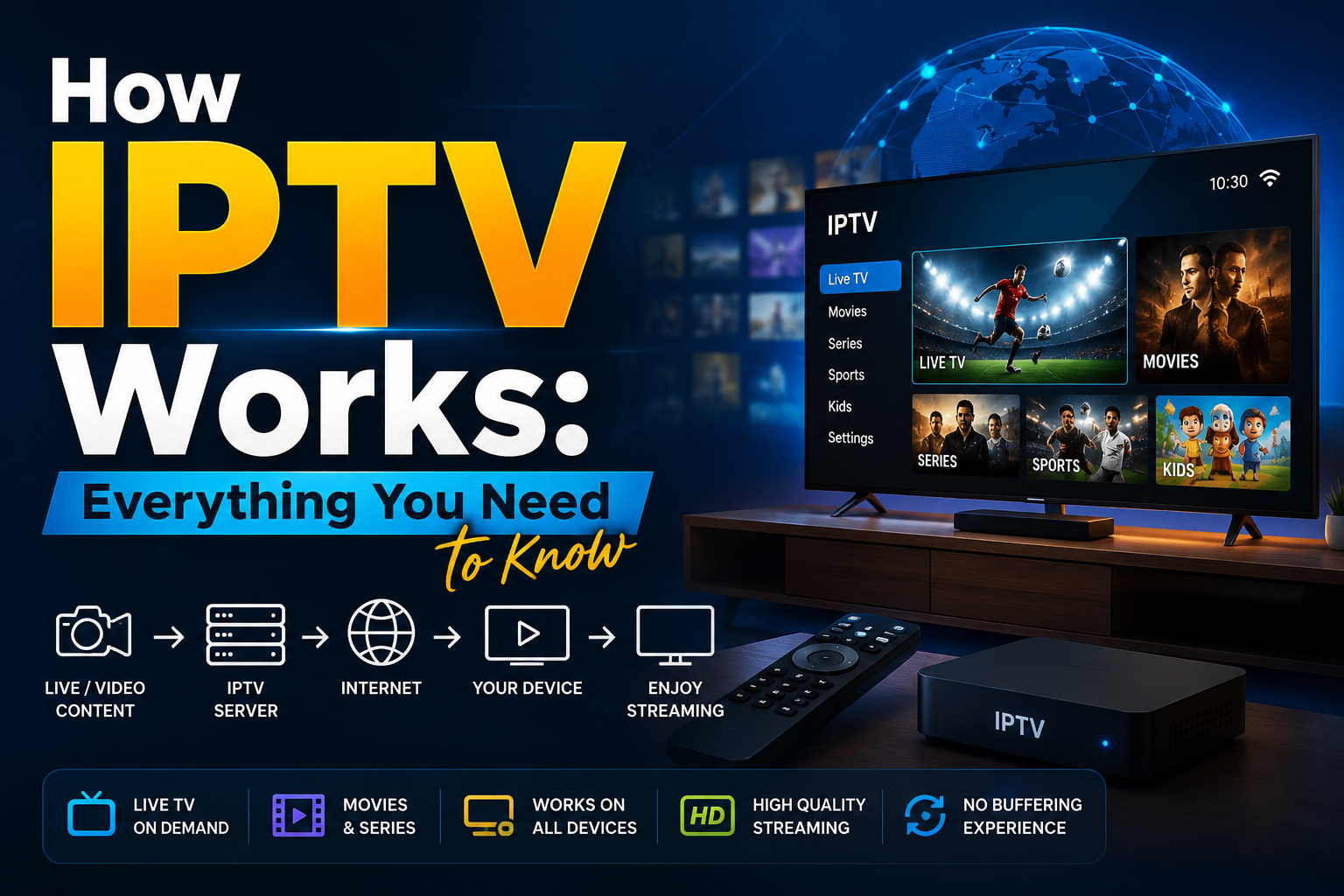
How IPTV Works: Everything You Need to know
Cable TV is no longer the only way people watch their favorite channels. Today, millions of
viewers simply open an app, choose a channel or movie, and start streaming instantly
through their internet connection. This shift has made IPTV one of the fastest-growing ways
to watch television.
If you've ever wondered how IPTV actually works, you're in the right place. Understanding
the technology behind IPTV will help you choose the right service, troubleshoot common
issues, and understand why so many people are moving away from traditional cable and
satellite TV.
What Is IPTV?
IPTV stands for Internet Protocol Television. Instead of delivering television through
satellite signals, antennas, or cable lines, IPTV uses the internet to stream TV channels,
movies, and other content directly to your device.
In simple terms, IPTV sends television content over the same internet connection you use to
browse websites, watch YouTube videos, or send emails. As long as you have a stable
internet connection and a compatible device, you can enjoy your favorite content without
needing a satellite dish or cable box.
How Does IPTV Work?
Although IPTV may seem complicated, the process is actually quite straightforward.
1. Content Is Captured and Encoded
Everything begins with the original content. Whether it's a live sports event, a news
broadcast, or a movie, the video is first captured in its original format.
Because raw video files are extremely large, they must be compressed before they can be
streamed efficiently. Providers use modern video codecs such as H.264 (AVC) or H.265
(HEVC) to reduce file sizes while maintaining excellent picture quality.
This compression makes it possible to stream HD and even 4K content without requiring
enormous amounts of bandwidth.
2. The Video Is Divided into Data Packets
After the content has been encoded, it is broken into thousands of small pieces known as
data packets.
These packets travel across the provider's network or through the public internet until they
reach your device.
For live television, many IPTV providers use multicast streaming, which allows one stream
to be delivered to many viewers simultaneously. This approach reduces bandwidth usage
and helps deliver smoother live broadcasts.
3. Your Device Requests the Stream
When you select a channel or click on a movie, your IPTV app sends a request to the
provider's server.
The server immediately begins sending the required data packets back to your device.
Unlike traditional television broadcasting, IPTV only sends content that you specifically
request. This makes streaming far more efficient and allows you to choose exactly what you
want to watch.
4. Your Device Decodes and Plays the Video
Once your device receives the data packets, the IPTV player or streaming app reassembles
and decodes them into video and audio.
Within a few seconds, the content begins playing on your screen with minimal delay.
This entire process happens almost instantly, creating a smooth viewing experience similar
to traditional television.
The Core Components Behind Every IPTV Service
Several important components work together to deliver IPTV successfully.
Content Source
This includes television networks, movie studios, sports broadcasters, and other licensed
content providers that supply the original programming.
Encoding Servers
Encoding servers compress raw video into streaming-friendly formats that can be delivered
efficiently over the internet.
Middleware
Middleware is the software that manages customer accounts, subscriptions, electronic
program guides (EPGs), authentication, billing, and other backend services.
Content Delivery Network (CDN)
A CDN consists of servers located in different regions around the world. Instead of sending
every stream from a single location, the CDN delivers content from the server closest to the
viewer.
This reduces buffering, lowers latency, and improves streaming quality.
IPTV Player or Streaming Device
Finally, the viewer uses an IPTV app or streaming device to receive, decode, and display the
content.
Popular IPTV devices include:
● Smart TVs
● Amazon Fire TV Stick
● Android TV boxes
● Apple TV
● Smartphones
● Tablets
● Windows and Mac computers
IPTV Architecture: Centralized vs. Distributed
Different IPTV providers use different network structures to deliver content.
Centralized Architecture
A centralized IPTV system stores and streams content from a single primary server.
This setup is easier to manage and less expensive to build, making it suitable for smaller IPTV providers.
However, because everything passes through one location, heavy traffic can cause
slowdowns or buffering during peak viewing times.
Distributed Architecture
A distributed IPTV system uses multiple servers located in different regions.
When you request a stream, the system automatically delivers content from the server nearest to your location.
Although this infrastructure costs more to maintain, it provides better performance, faster
loading times, and greater reliability for large numbers of users.
Types of IPTV Services
Most IPTV platforms offer content through three primary service models, each designed for a
different viewing experience.
Live IPTV
Live IPTV works much like traditional television.
Programs are broadcast in real time, allowing you to watch live news, sports, entertainment,
and other channels exactly as they air.
Video on Demand (VOD)
Video on Demand gives users access to a large library of movies, TV shows, and documentaries.
Unlike live television, you can start watching whenever you want and pause, rewind, or fast-forward whenever needed.
Time-Shifted or Catch-Up TV
Catch-up TV allows viewers to watch programs after they have already aired.
Most providers keep recently broadcast content available for several days, making it easy to
watch shows you may have missed.
IPTV vs. OTT vs. Cable TV
These terms are often confused, but they are not exactly the same.
IPTV is commonly delivered over a managed network operated by an internet service
provider or telecommunications company.
Because the provider controls the network, IPTV often delivers more stable performance and
consistent video quality.
OTT (Over-the-Top)
OTT services like Netflix, YouTube, and Disney+ stream content over the public internet.
Is IPTV Legal?
Yes, IPTV technology itself is completely legal.
Many major telecommunications companies, internet service providers, and television
broadcasters use IPTV to deliver content to their customers.
However, legality depends on whether the provider has the proper licensing agreements to
distribute the content.
Licensed IPTV providers obtain permission from content owners before offering channels or
on-demand libraries.
On the other hand, services that stream copyrighted content without authorization may
violate copyright laws.
Before subscribing, it's always wise to choose a provider that is transparent about its
licensing, customer support, and terms of service.
Final Thoughts
IPTV has transformed the way people watch television by replacing traditional broadcasting
methods with internet-based streaming. Instead of relying on cable lines or satellite dishes,
IPTV delivers content directly to your device through a stable internet connection, giving you
greater flexibility and control over what you watch.
Whether you're enjoying live TV, exploring an extensive Video on Demand library, or
catching up on programs you missed, IPTV offers a modern and convenient viewing
experience across a wide range of devices.
As the technology continues to improve, IPTV is set to play an even bigger role in the future
of digital entertainment. When choosing a provider, always look for one that is licensed,
transparent, and committed to delivering reliable streaming and quality customer suppor
Simple, Transparent Pricing
Choose the plan that works best for you. All plans include our 30-Day Money-Back Guarantee.
Limited Time Flash Sale!
Prices will return to normal after the timer ends.
Monthly
Perfect for trying out our service
-
28,000+ Live TV Channels
-
Full HD & 4K Quality
-
7-Day Catch Up
-
VOD Library (Movies & Series)
-
Use on 1 Device
-
24/7 Support via WhatsApp
3 Months
Great value for short term
-
28,000+ Live TV Channels
-
Full HD & 4K Quality
-
7-Day Catch Up
-
VOD Library (Movies & Series)
-
Use on 2 Devices Simultaneously
-
24/7 Support via WhatsApp
-
Save over 20% vs Monthly
Annual
Best value for loyal customers
12 Months + 2 Months FREE
-
28,000+ Live TV Channels
-
Full HD & 4K Quality
-
7-Day Catch Up & Recording
-
Premium VOD Library (Updated Daily)
-
Use on 3 Devices Simultaneously
-
VIP 24/7 Support
-
Save over 60% vs Monthly
-
Free Setup Assistance
Quarterly
Popular choice for commitment
-
28,000+ Live TV Channels
-
Full HD & 4K Quality
-
7-Day Catch Up & Recording
-
Extensive VOD Library
-
Use on 2 Devices Simultaneously
-
Priority 24/7 Support
-
Early access to new features
Secure Payment Options
We accept various secure payment methods for your convenience.
Ready for a Longer Test Drive?
Experience the full power of lightsteelblue-mallard-181895.hostingersite.com IPTV with our exclusive 24-hour free trial. Access all 28,000+ channels, VOD, and premium features with no obligation. It's the perfect way to see why we're the UK's favourite IPTV provider!
Contact Us
Have questions or need assistance? We're here to help!
Get in Touch
Email Us
contact@best-iptvuk.com
Available 24/7
Call Us
+447404860675
Available 24/7
Live Chat
Available on our website
Response time: Under 5 minutes
Our Hours
Customer Support: 24/7
Sales Department: Mon-Fri, 9am-6pm GMT
Technical Support: 24/7
