How IPTV Works: Everything You Need to Know
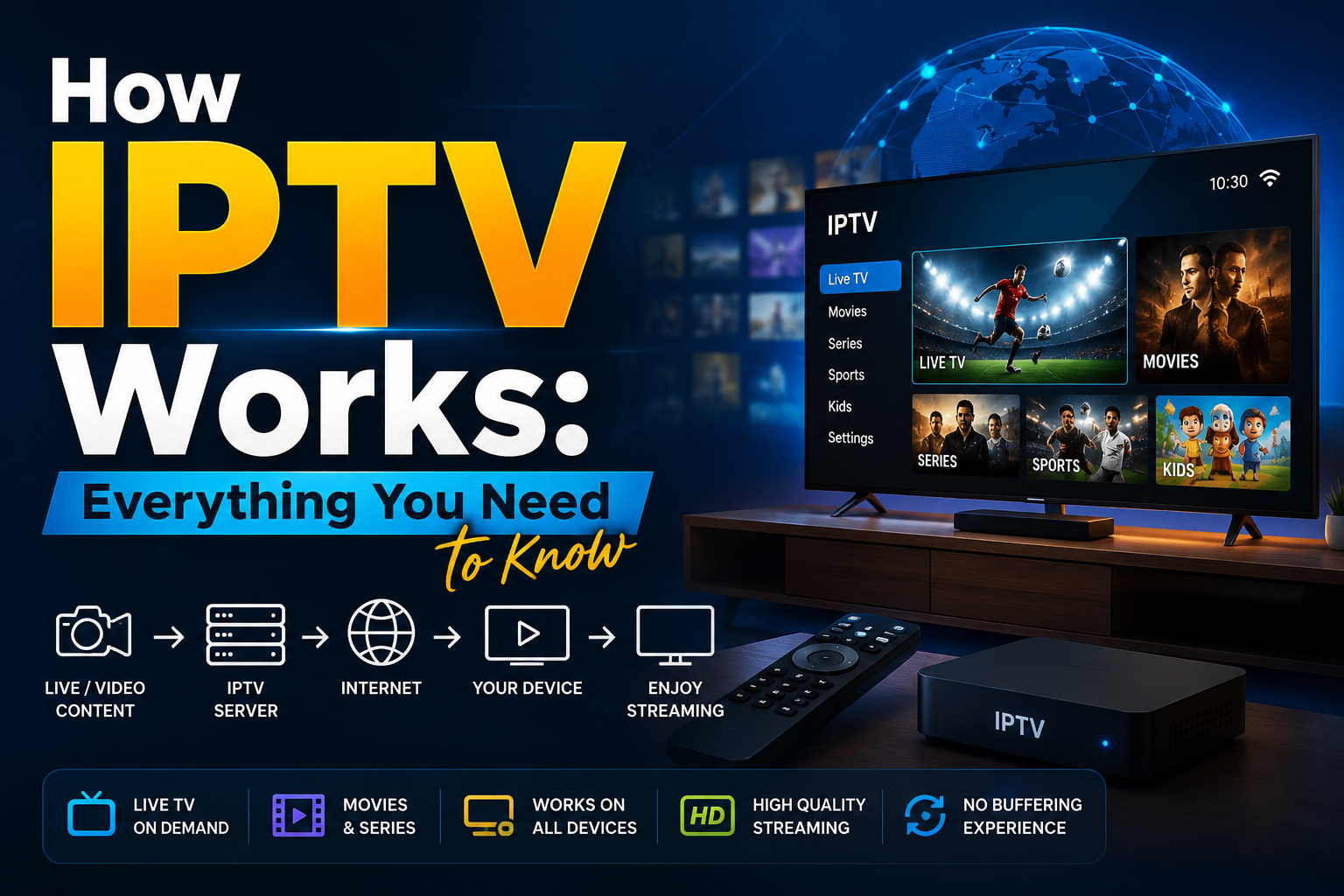
How IPTV Works: Everything You Need to know
Cable TV is no longer the only way people watch their favorite channels. Today, millions of
viewers simply open an app, choose a channel or movie, and start streaming instantly
through their internet connection. This shift has made IPTV one of the fastest-growing ways
to watch television.
If you've ever wondered how IPTV actually works, you're in the right place. Understanding
the technology behind IPTV will help you choose the right service, troubleshoot common
issues, and understand why so many people are moving away from traditional cable and
satellite TV.
What Is IPTV?
IPTV stands for Internet Protocol Television. Instead of delivering television through
satellite signals, antennas, or cable lines, IPTV uses the internet to stream TV channels,
movies, and other content directly to your device.
In simple terms, IPTV sends television content over the same internet connection you use to
browse websites, watch YouTube videos, or send emails. As long as you have a stable
internet connection and a compatible device, you can enjoy your favorite content without
needing a satellite dish or cable box.
How Does IPTV Work?
Although IPTV may seem complicated, the process is actually quite straightforward.
1. Content Is Captured and Encoded
Everything begins with the original content. Whether it's a live sports event, a news
broadcast, or a movie, the video is first captured in its original format.
Because raw video files are extremely large, they must be compressed before they can be
streamed efficiently. Providers use modern video codecs such as H.264 (AVC) or H.265
(HEVC) to reduce file sizes while maintaining excellent picture quality.
This compression makes it possible to stream HD and even 4K content without requiring
enormous amounts of bandwidth.
2. The Video Is Divided into Data Packets
After the content has been encoded, it is broken into thousands of small pieces known as
data packets.
These packets travel across the provider's network or through the public internet until they
reach your device.
For live television, many IPTV providers use multicast streaming, which allows one stream
to be delivered to many viewers simultaneously. This approach reduces bandwidth usage
and helps deliver smoother live broadcasts.
3. Your Device Requests the Stream
When you select a channel or click on a movie, your IPTV app sends a request to the
provider's server.
The server immediately begins sending the required data packets back to your device.
Unlike traditional television broadcasting, IPTV only sends content that you specifically
request. This makes streaming far more efficient and allows you to choose exactly what you
want to watch.
4. Your Device Decodes and Plays the Video
Once your device receives the data packets, the IPTV player or streaming app reassembles
and decodes them into video and audio.
Within a few seconds, the content begins playing on your screen with minimal delay.
This entire process happens almost instantly, creating a smooth viewing experience similar
to traditional television.
The Core Components Behind Every IPTV Service
Several important components work together to deliver IPTV successfully.
Content Source
This includes television networks, movie studios, sports broadcasters, and other licensed
content providers that supply the original programming.
Encoding Servers
Encoding servers compress raw video into streaming-friendly formats that can be delivered
efficiently over the internet.
Middleware
Middleware is the software that manages customer accounts, subscriptions, electronic
program guides (EPGs), authentication, billing, and other backend services.
Content Delivery Network (CDN)
A CDN consists of servers located in different regions around the world. Instead of sending
every stream from a single location, the CDN delivers content from the server closest to the
viewer.
This reduces buffering, lowers latency, and improves streaming quality.
IPTV Player or Streaming Device
Finally, the viewer uses an IPTV app or streaming device to receive, decode, and display the
content.
Popular IPTV devices include:
● Smart TVs
● Amazon Fire TV Stick
● Android TV boxes
● Apple TV
● Smartphones
● Tablets
● Windows and Mac computers
IPTV Architecture: Centralized vs. Distributed
Different IPTV providers use different network structures to deliver content.
Centralized Architecture
A centralized IPTV system stores and streams content from a single primary server.
This setup is easier to manage and less expensive to build, making it suitable for smaller IPTV providers.
However, because everything passes through one location, heavy traffic can cause
slowdowns or buffering during peak viewing times.
Distributed Architecture
A distributed IPTV system uses multiple servers located in different regions.
When you request a stream, the system automatically delivers content from the server nearest to your location.
Although this infrastructure costs more to maintain, it provides better performance, faster
loading times, and greater reliability for large numbers of users.
Types of IPTV Services
Most IPTV platforms offer content through three primary service models, each designed for a
different viewing experience.
Live IPTV
Live IPTV works much like traditional television.
Programs are broadcast in real time, allowing you to watch live news, sports, entertainment,
and other channels exactly as they air.
Video on Demand (VOD)
Video on Demand gives users access to a large library of movies, TV shows, and documentaries.
Unlike live television, you can start watching whenever you want and pause, rewind, or fast-forward whenever needed.
Time-Shifted or Catch-Up TV
Catch-up TV allows viewers to watch programs after they have already aired.
Most providers keep recently broadcast content available for several days, making it easy to
watch shows you may have missed.
IPTV vs. OTT vs. Cable TV
These terms are often confused, but they are not exactly the same.
IPTV is commonly delivered over a managed network operated by an internet service
provider or telecommunications company.
Because the provider controls the network, IPTV often delivers more stable performance and
consistent video quality.
OTT (Over-the-Top)
OTT services like Netflix, YouTube, and Disney+ stream content over the public internet.
Is IPTV Legal?
Yes, IPTV technology itself is completely legal.
Many major telecommunications companies, internet service providers, and television
broadcasters use IPTV to deliver content to their customers.
However, legality depends on whether the provider has the proper licensing agreements to
distribute the content.
Licensed IPTV providers obtain permission from content owners before offering channels or
on-demand libraries.
On the other hand, services that stream copyrighted content without authorization may
violate copyright laws.
Before subscribing, it's always wise to choose a provider that is transparent about its
licensing, customer support, and terms of service.
Final Thoughts
IPTV has transformed the way people watch television by replacing traditional broadcasting
methods with internet-based streaming. Instead of relying on cable lines or satellite dishes,
IPTV delivers content directly to your device through a stable internet connection, giving you
greater flexibility and control over what you watch.
Whether you're enjoying live TV, exploring an extensive Video on Demand library, or
catching up on programs you missed, IPTV offers a modern and convenient viewing
experience across a wide range of devices.
As the technology continues to improve, IPTV is set to play an even bigger role in the future
of digital entertainment. When choosing a provider, always look for one that is licensed,
transparent, and committed to delivering reliable streaming and quality customer suppor
Conclusion
To conclude, How IPTV Works: Everything You Need to Know provides valuable insights into improving your IPTV experience on any device.
By following the steps in this guide, you can enjoy smooth and high-quality streaming with ease.
Always rely on a trusted IPTV provider, keep your app updated, and maintain a stable internet connection for the best performance.
For reliable IPTV services in the UK, visit
lightsteelblue-mallard-181895.hostingersite.com —
your go-to destination for premium IPTV UK subscriptions.
Contact Us
Have questions or need assistance? We're here to help!
Get in Touch
Email Us
contact@best-iptvuk.com
Available 24/7
Call Us
+447404860675
Available 24/7
Live Chat
Available on our website
Response time: Under 5 minutes
Our Hours
Customer Support: 24/7
Sales Department: Mon-Fri, 9am-6pm GMT
Technical Support: 24/7
